Unlimited fitness, yoga, wellness WordPress Theme
Edit Template Offline
2. Create new page and search for id 6138230
Edit Template Online
Create Awesome Websites


Free Nicepage Builder
Keywords
Profile Cards and Contact Fields Suit WordPress Content Management
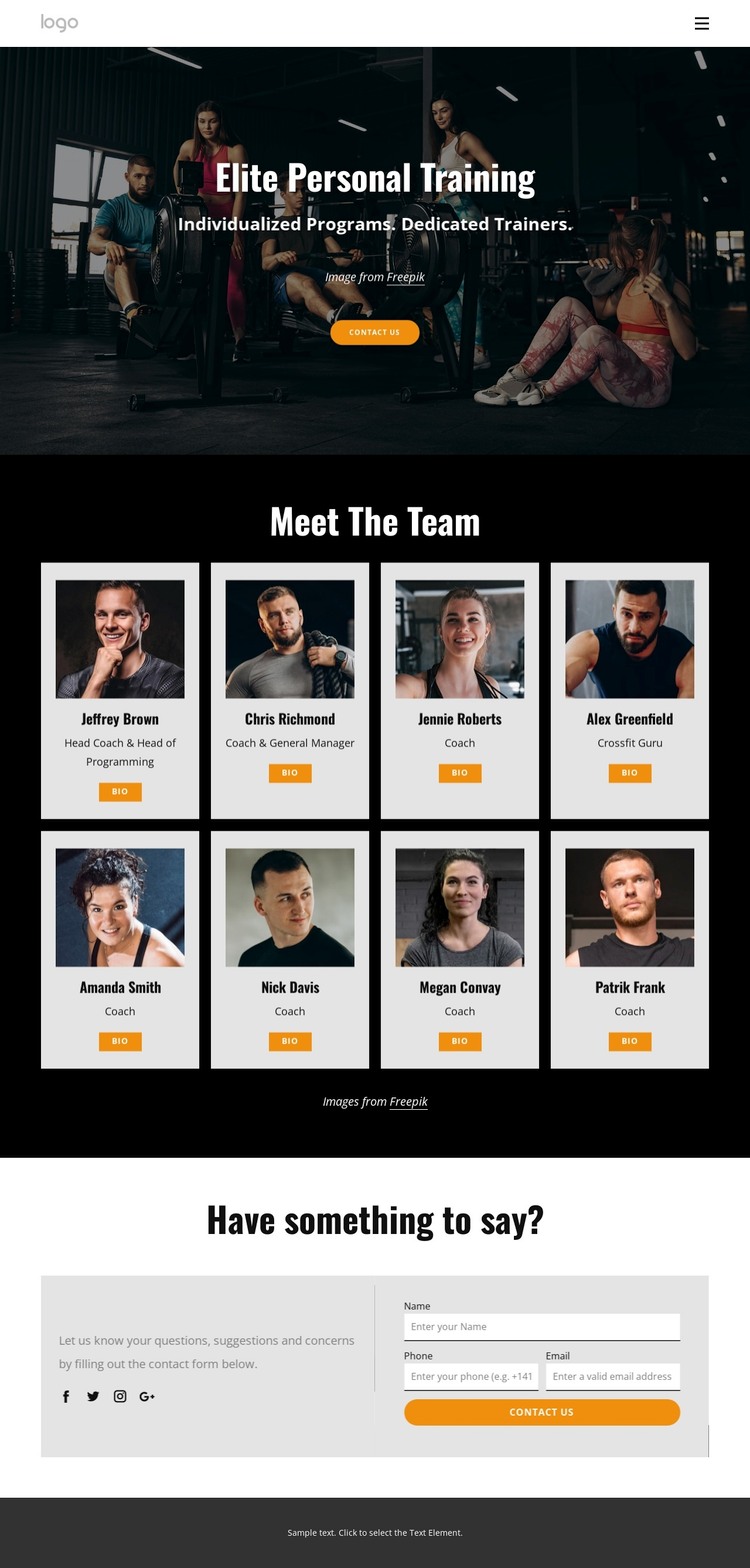
The repeated eight-card team section gives the design a strong page-oriented content structure for a WordPress-managed fitness site. Each profile is presented through the same relationship between portrait, role label, and Bio action, making the staff directory easier to expand or maintain as content. The role labels—such as Head Coach & Head of Programming, Coach & General Manager, and Crossfit Guru—show how the layout can distinguish coaching responsibilities without treating the displayed demo names as verified staff identities.
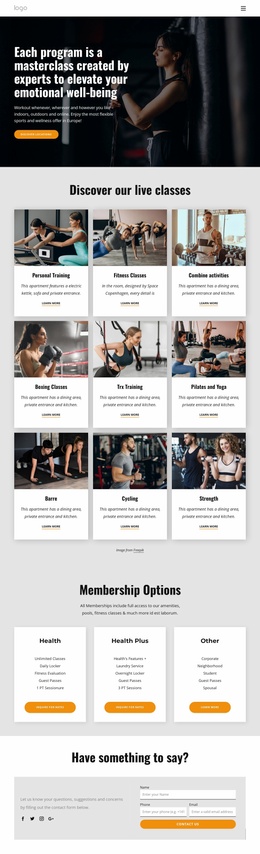
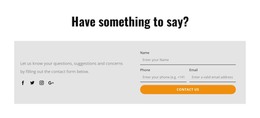
The page also separates permanent presentation areas from the inquiry point. The hero introduces “Elite Personal Training” and the message “Individualized Programs. Dedicated Trainers.”, while the compact header links Home, About Club, and Our Programs. At the bottom, the contact block places explanatory copy and social links beside inputs for name, phone, and email. This gives the design a natural relationship between service positioning, people-focused content, and visitor communication.
The black, white, and orange palette reinforces that relationship across the page: high-contrast profile cards remain identifiable, orange buttons mark actions such as Contact Us and Bio, and the darker footer closes the presentation. In a WordPress theme context, these content areas can support permanent page information and recurring team updates while preserving a recognizable visual direction.
Customize with Nicepage
Open this ready-made template in the WordPress Website Builder and customize it visually in the Nicepage editor. Replace demo content, edit page sections, and adapt the design to your project without rebuilding the template from scratch.
Manage and Edit This Theme in WordPress
Customize and Install the WordPress Theme
Start with this ready-made theme instead of building the WordPress design from scratch. Customize its layout, content, typography, images, sections, and other design elements visually in Nicepage editor, then export and install the WordPress Theme, Plugin, and Pages on your WordPress site. The Nicepage WordPress Plugin lets you continue working with the site after installation.
Edit the Theme Directly in WordPress
After installation, you can edit the WordPress Theme directly in WordPress with the Nicepage WordPress Plugin. Use Site Style to customize site Colors, Fonts, Header, Footer, Blog, and Post Page Templates while working within your WordPress website.
Edit WordPress Pages Visually
Use the Nicepage WordPress Plugin to edit page content directly from the WordPress admin area. Open a WordPress Page with Nicepage and visually change its text, images, sections, and other page elements while continuing to manage the Page through WordPress.
WordPress Content and Theme Integration
Use the customized theme with WordPress Pages, Posts, Blog and Post Templates, menus, widgets, and other CMS-managed content. Shared theme elements such as Colors, Fonts, Header, Footer, Blog, and Post Page Templates can be managed as part of the overall site design, while WordPress provides the CMS environment for managing site content.
This workflow combines a ready-made WordPress Theme with visual customization, direct theme editing in WordPress, and continued content management through the Nicepage WordPress Plugin.