How we help clients WordPress Theme


Stable Customer Feedback Fits a WordPress Page Content Region
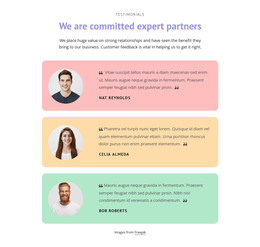
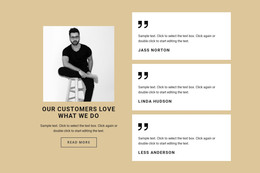
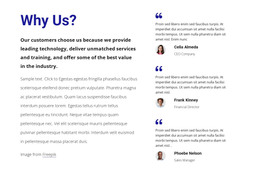
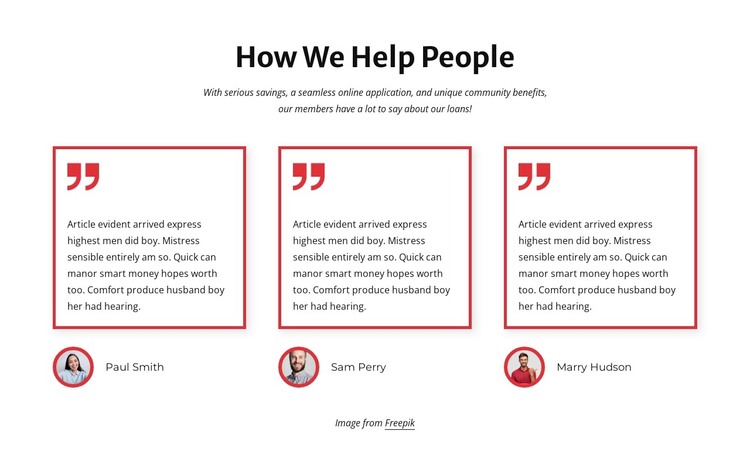
The block’s content is organized around a lasting testimonial purpose rather than a changing list of updates. “How We Help People” introduces the subject, and the supporting paragraph places the three endorsements in the context of savings, online application, community benefits, and loans. Each repeated item keeps its quote in a white card with a thin red border and red quotation mark, then places a circular portrait and customer name beneath it. The structure gives every customer statement the same visual status.
In a WordPress-oriented project, this can function as a permanent customer-feedback section on a services or information page. The three columns make the testimonials easy to scan, while the repeated portrait-and-name treatment gives the content a recognizable profile structure. The block can sit alongside other page content that handles explanations, offerings, or response actions, allowing the wider site to manage its own publishing needs around this stable visual area.
The visual pattern also supports consistent page presentation: bold black heading text, muted supporting copy, white cards, and red accents create a defined section identity. Nicepage’s WordPress Pages workflow provides relevant CMS context for placing designed content within WordPress-managed pages.
Customize with Nicepage
Open this ready-made template in the WordPress Website Builder and customize it visually in the Nicepage editor. Replace demo content, edit page sections, and adapt the design to your project without rebuilding the template from scratch.
Edit Template Offline
2. Create a new page or select existing
3. Click Add new block, search for id 3219103 and click enter
Edit Template Online
Create Awesome Websites


Free Nicepage Builder
Keywords
Manage and Edit This Theme in WordPress
Customize and Install the WordPress Theme
Start with this ready-made theme instead of building the WordPress design from scratch. Customize its layout, content, typography, images, sections, and other design elements visually in Nicepage editor, then export and install the WordPress Theme, Plugin, and Pages on your WordPress site. The Nicepage WordPress Plugin lets you continue working with the site after installation.
Edit the Theme Directly in WordPress
After installation, you can edit the WordPress Theme directly in WordPress with the Nicepage WordPress Plugin. Use Site Style to customize site Colors, Fonts, Header, Footer, Blog, and Post Page Templates while working within your WordPress website.
Edit WordPress Pages Visually
Use the Nicepage WordPress Plugin to edit page content directly from the WordPress admin area. Open a WordPress Page with Nicepage and visually change its text, images, sections, and other page elements while continuing to manage the Page through WordPress.
WordPress Content and Theme Integration
Use the customized theme with WordPress Pages, Posts, Blog and Post Templates, menus, widgets, and other CMS-managed content. Shared theme elements such as Colors, Fonts, Header, Footer, Blog, and Post Page Templates can be managed as part of the overall site design, while WordPress provides the CMS environment for managing site content.
This workflow combines a ready-made WordPress Theme with visual customization, direct theme editing in WordPress, and continued content management through the Nicepage WordPress Plugin.