Multifunctional sport club WordPress Theme



Edit Template Offline
2. Create new page and search for id 1775043
Edit Template Online
Create Awesome Websites


Free Nicepage Builder
Keywords
Fitness Categories and Class Content Translate Into Clear WordPress Pages
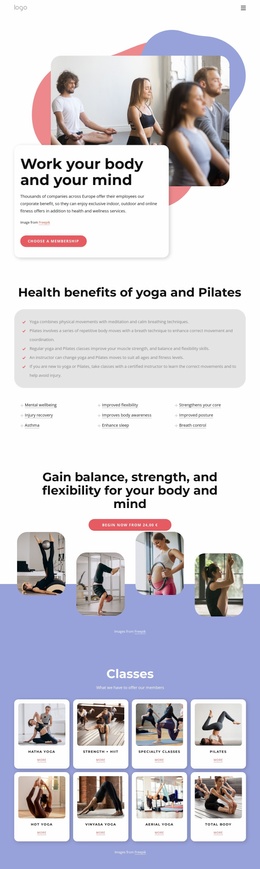
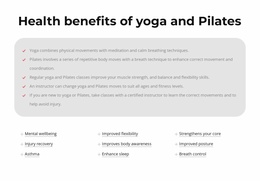
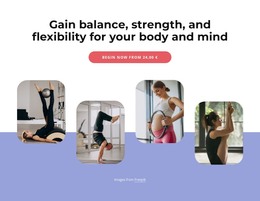
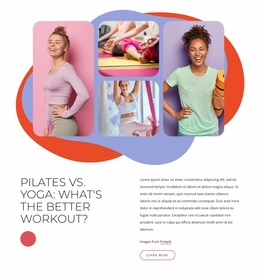
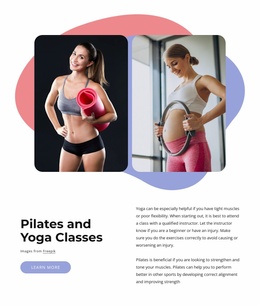
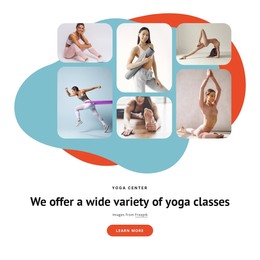
The three activity cards give the design a natural starting point for permanent page content. Fitness, Pilates, and Gym are separated into recognizable units, while the later Pilates-and-yoga comparison adds a more editorial form of information with supporting imagery. The dedicated class-promotion block and the yoga-focused collage then provide additional content areas for explaining activities, presenting imagery, or updating class-related material within the same visual direction.
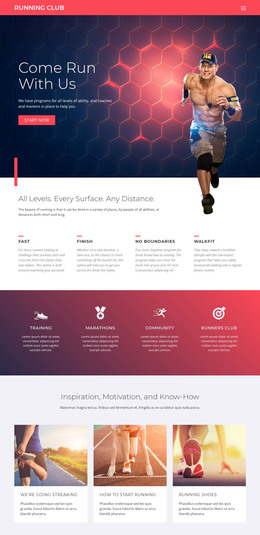
The wider activity overview is useful because it connects the initial categories with a broader club offer that includes swimming, bouldering, and dancing. In a WordPress-managed project, these different areas could be interpreted as page-oriented content and expanded as the club’s information changes. The template analysis does not verify WordPress Posts, categories, or blog structures, so those should not be treated as existing components. The verified value is the clear separation between activity, class, explanatory, and contact content.
The exercise collages and repeated rounded panels help recurring content remain visually coordinated. A permanent activity page, an updated class description, or a new promotional section could follow the same relationship between photography, centered headings, and colored backgrounds. The final contact form provides a distinct inquiry area rather than blending the response into the introductory content. This gives the theme a practical content structure for a WordPress site while preserving the original fitness-focused character.
Customize with Nicepage
Open this ready-made template in the WordPress Website Builder and customize it visually in the Nicepage editor. Replace demo content, edit page sections, and adapt the design to your project without rebuilding the template from scratch.
Manage and Edit This Theme in WordPress
Customize and Install the WordPress Theme
Start with this ready-made theme instead of building the WordPress design from scratch. Customize its layout, content, typography, images, sections, and other design elements visually in Nicepage editor, then export and install the WordPress Theme, Plugin, and Pages on your WordPress site. The Nicepage WordPress Plugin lets you continue working with the site after installation.
Edit the Theme Directly in WordPress
After installation, you can edit the WordPress Theme directly in WordPress with the Nicepage WordPress Plugin. Use Site Style to customize site Colors, Fonts, Header, Footer, Blog, and Post Page Templates while working within your WordPress website.
Edit WordPress Pages Visually
Use the Nicepage WordPress Plugin to edit page content directly from the WordPress admin area. Open a WordPress Page with Nicepage and visually change its text, images, sections, and other page elements while continuing to manage the Page through WordPress.
WordPress Content and Theme Integration
Use the customized theme with WordPress Pages, Posts, Blog and Post Templates, menus, widgets, and other CMS-managed content. Shared theme elements such as Colors, Fonts, Header, Footer, Blog, and Post Page Templates can be managed as part of the overall site design, while WordPress provides the CMS environment for managing site content.
This workflow combines a ready-made WordPress Theme with visual customization, direct theme editing in WordPress, and continued content management through the Nicepage WordPress Plugin.