Health and fitness club WordPress Theme



Edit Template Offline
2. Create new page and search for id 2646275
Edit Template Online
Create Awesome Websites


Free Nicepage Builder
Keywords
Page content for services, plans, facilities, and trainers
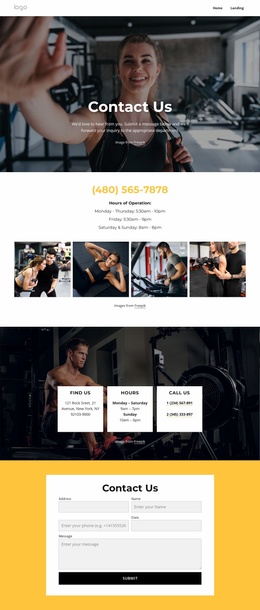
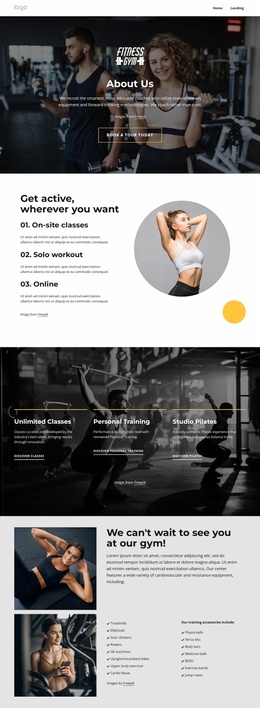
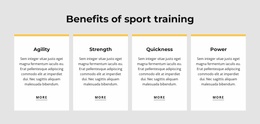
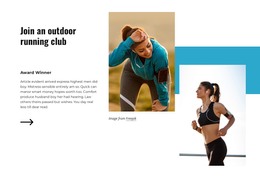
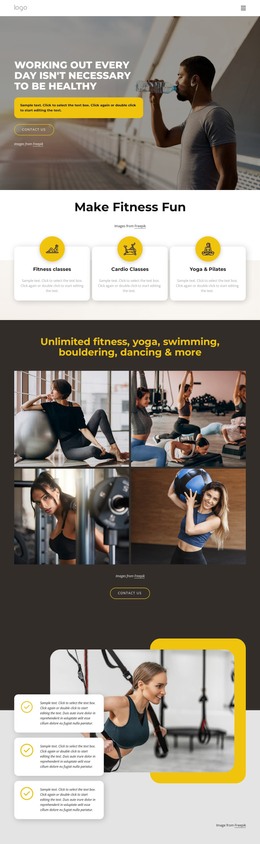
The design divides naturally into page-oriented content areas that can remain part of one WordPress visual system. The service cards provide a concise overview of unlimited fitness, personal training, massage therapy, and quick workouts, while the training-benefit cards give visitors a separate way to understand agility, strength, quickness, and power. These two groups could support stable club information without presenting any unverified blog or post structure as an existing part of the template.
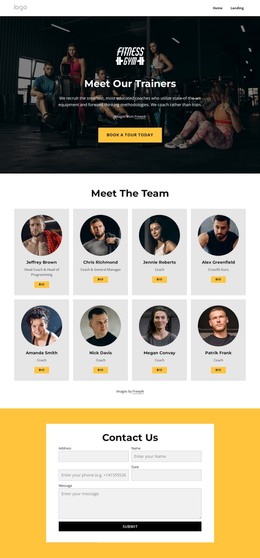
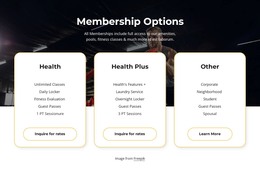
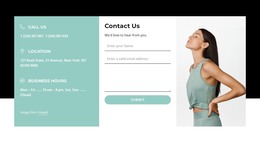
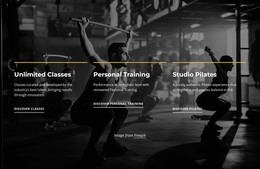
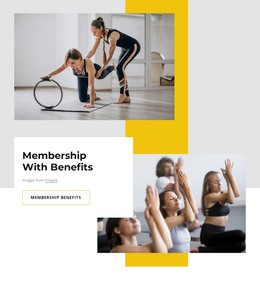
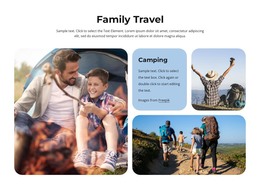
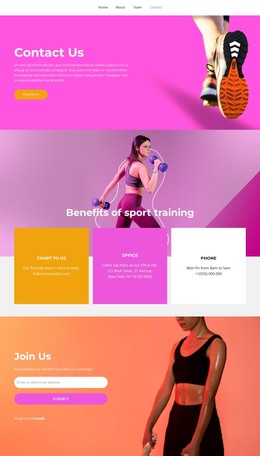
The membership and facility content adds more permanent page material. Health, Health Plus, and Other are presented as three plan choices, and the Amenities gallery shows a pool and jacuzzi, studios, sauna, outdoor spaces, and a basketball court. Trainer imagery and the elite personal-training banner bring people and specialist services into the same content environment. Newsletter subscription, workout booking, and the contact form then create recurring communication points around those core pages. For a WordPress-managed project, the benefit is the relationship between clearly separated page content and a reusable visual direction: bold headings, yellow highlights, dark photography, and white cards can frame club information as the site grows, while updated content can remain connected to the established theme character.
Customize with Nicepage
Open this ready-made template in the WordPress Website Builder and customize it visually in the Nicepage editor. Replace demo content, edit page sections, and adapt the design to your project without rebuilding the template from scratch.
Manage and Edit This Theme in WordPress
Customize and Install the WordPress Theme
Start with this ready-made theme instead of building the WordPress design from scratch. Customize its layout, content, typography, images, sections, and other design elements visually in Nicepage editor, then export and install the WordPress Theme, Plugin, and Pages on your WordPress site. The Nicepage WordPress Plugin lets you continue working with the site after installation.
Edit the Theme Directly in WordPress
After installation, you can edit the WordPress Theme directly in WordPress with the Nicepage WordPress Plugin. Use Site Style to customize site Colors, Fonts, Header, Footer, Blog, and Post Page Templates while working within your WordPress website.
Edit WordPress Pages Visually
Use the Nicepage WordPress Plugin to edit page content directly from the WordPress admin area. Open a WordPress Page with Nicepage and visually change its text, images, sections, and other page elements while continuing to manage the Page through WordPress.
WordPress Content and Theme Integration
Use the customized theme with WordPress Pages, Posts, Blog and Post Templates, menus, widgets, and other CMS-managed content. Shared theme elements such as Colors, Fonts, Header, Footer, Blog, and Post Page Templates can be managed as part of the overall site design, while WordPress provides the CMS environment for managing site content.
This workflow combines a ready-made WordPress Theme with visual customization, direct theme editing in WordPress, and continued content management through the Nicepage WordPress Plugin.