Pilates and yoga center teachers WordPress Theme


Edit Template Offline
2. Create new page and search for id 6037493
Edit Template Online
Create Awesome Websites


Free Nicepage Builder
Keywords
Page Content and Repeated Profiles Suit a WordPress Theme
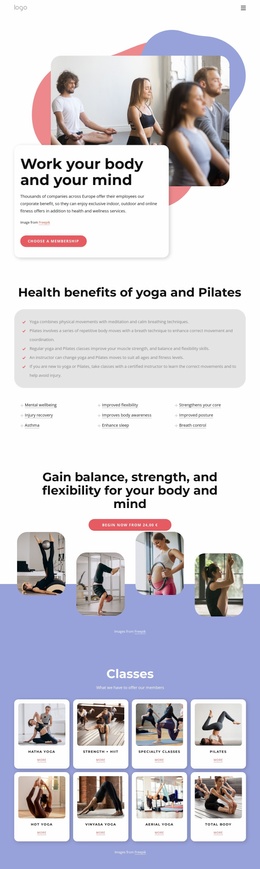
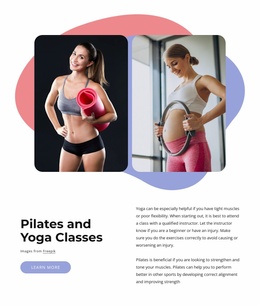
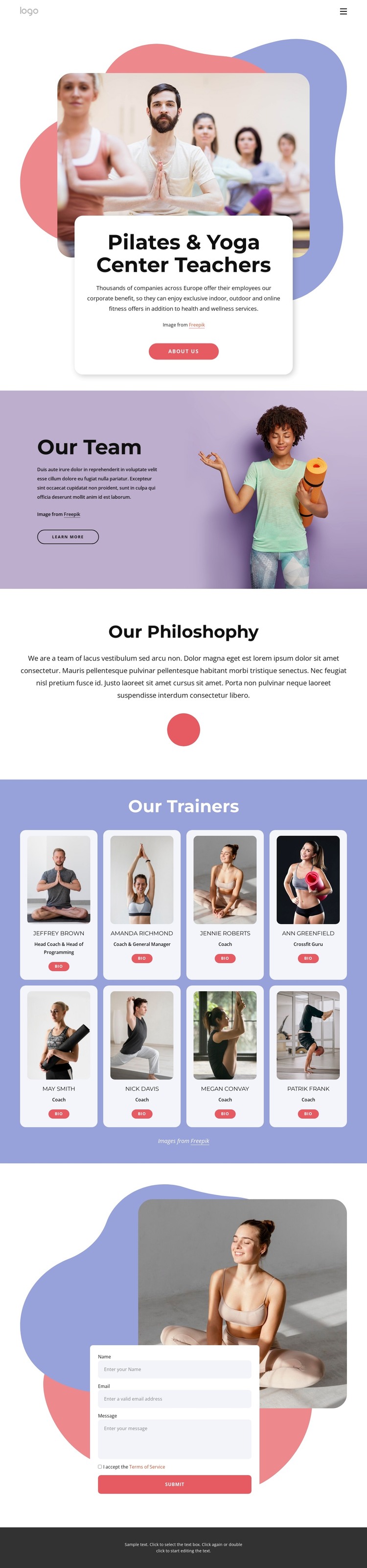
The page separates permanent center information into recognizable content areas that can work naturally within a WordPress-managed site. The opening section introduces the Pilates and yoga subject through a large fitness photograph, a centered text card, and an About Us action. Our Team and Our Philosophy then give the page distinct explanatory roles, allowing the center’s story and approach to remain separate from the instructor records.
The eight instructor cards provide the clearest repeated content pattern. Each portrait card includes a name, role, and Bio action, while the two-row arrangement keeps the profiles visually consistent. This makes the design suitable for a theme interpretation in which page content presents the center and its philosophy, while recurring instructor information can be maintained as related profile content. The contact navigation link reinforces the connection between informational areas and the page’s final inquiry section.
At the bottom, the contact form includes name, email, and message inputs beside a fitness image, followed by a Submit action. That pairing gives the theme a defined communication area without turning sample names or placeholder text into claims about a real organization. The pastel pink, lavender, blue, and coral palette, rounded white cards, organic shapes, and dark footer establish a stable visual system for the page. WordPress-managed content can therefore remain organized around people, center information, and inquiries while preserving the template’s recognizable wellness presentation.
Customize with Nicepage
Open this ready-made template in the WordPress Website Builder and customize it visually in the Nicepage editor. Replace demo content, edit page sections, and adapt the design to your project without rebuilding the template from scratch.
Manage and Edit This Theme in WordPress
Customize and Install the WordPress Theme
Start with this ready-made theme instead of building the WordPress design from scratch. Customize its layout, content, typography, images, sections, and other design elements visually in Nicepage editor, then export and install the WordPress Theme, Plugin, and Pages on your WordPress site. The Nicepage WordPress Plugin lets you continue working with the site after installation.
Edit the Theme Directly in WordPress
After installation, you can edit the WordPress Theme directly in WordPress with the Nicepage WordPress Plugin. Use Site Style to customize site Colors, Fonts, Header, Footer, Blog, and Post Page Templates while working within your WordPress website.
Edit WordPress Pages Visually
Use the Nicepage WordPress Plugin to edit page content directly from the WordPress admin area. Open a WordPress Page with Nicepage and visually change its text, images, sections, and other page elements while continuing to manage the Page through WordPress.
WordPress Content and Theme Integration
Use the customized theme with WordPress Pages, Posts, Blog and Post Templates, menus, widgets, and other CMS-managed content. Shared theme elements such as Colors, Fonts, Header, Footer, Blog, and Post Page Templates can be managed as part of the overall site design, while WordPress provides the CMS environment for managing site content.
This workflow combines a ready-made WordPress Theme with visual customization, direct theme editing in WordPress, and continued content management through the Nicepage WordPress Plugin.