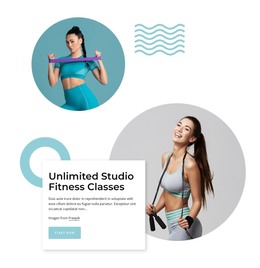
Training programs WordPress Theme


Edit Template Offline
2. Create new page and search for id 5614425
Edit Template Online
Create Awesome Websites


Free Nicepage Builder
Keywords
Linked Fitness Offerings Create Clear Page Content for WordPress
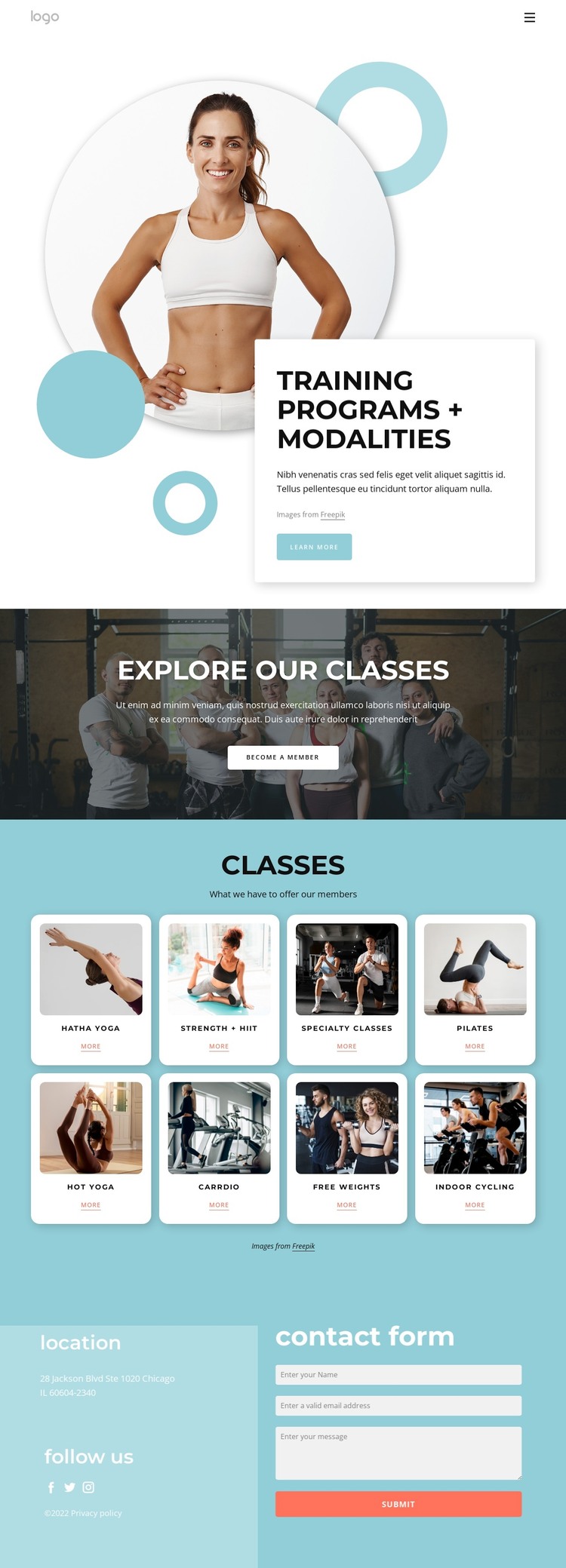
The eight class cards provide distinct page-oriented content areas within the fitness design. Hatha Yoga, Strength + HIIT, Specialty Classes, Pilates, Hot Yoga, Carrdio, Free weights, and Indoor Cycling are each represented by an image, label, and individual link. Their repeated structure can keep recurring class information visually coordinated while allowing each offering to be interpreted as its own content destination. The design supports that relationship without claiming that separate class pages or posts already exist.
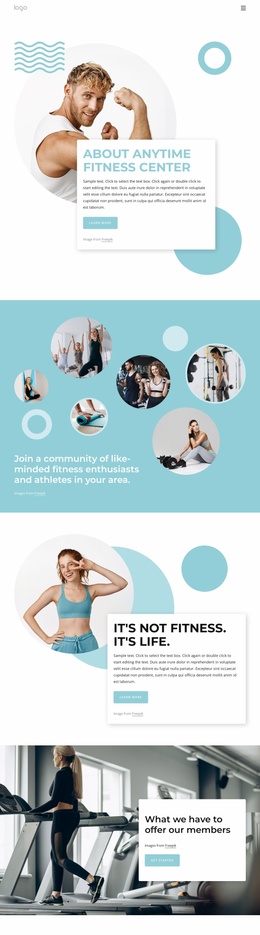
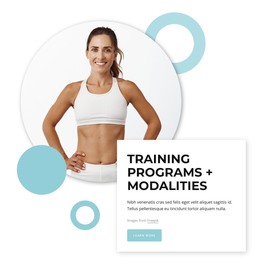
The hero and membership band add two different kinds of permanent page content. Training Programs + Modalities introduces the overall subject through a large image, overlapping white text card, and Learn more action. The darker Explore Our Classes section then connects the visual offer to membership through the Become A Member button. Together, these areas provide a stable introductory context around the more specific class content.
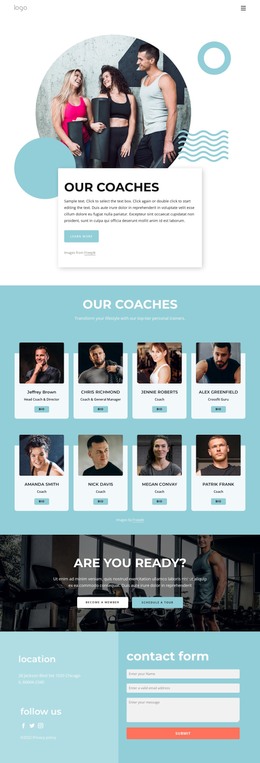
The closing region brings location and social information beside the contact form, creating a practical page area for direct inquiries. This is particularly important for a fitness project in which visitors may need to ask about classes or membership after reviewing the available categories. Interpreted as a WordPress theme, the design therefore offers a coordinated arrangement of page content, recurring offering cards, navigation, social links, and contact information. Its value comes from how these content areas can remain connected as the site develops, not from assuming unverified CMS structures.
Customize with Nicepage
Open this ready-made template in the WordPress Website Builder and customize it visually in the Nicepage editor. Replace demo content, edit page sections, and adapt the design to your project without rebuilding the template from scratch.
Manage and Edit This Theme in WordPress
Customize and Install the WordPress Theme
Start with this ready-made theme instead of building the WordPress design from scratch. Customize its layout, content, typography, images, sections, and other design elements visually in Nicepage editor, then export and install the WordPress Theme, Plugin, and Pages on your WordPress site. The Nicepage WordPress Plugin lets you continue working with the site after installation.
Edit the Theme Directly in WordPress
After installation, you can edit the WordPress Theme directly in WordPress with the Nicepage WordPress Plugin. Use Site Style to customize site Colors, Fonts, Header, Footer, Blog, and Post Page Templates while working within your WordPress website.
Edit WordPress Pages Visually
Use the Nicepage WordPress Plugin to edit page content directly from the WordPress admin area. Open a WordPress Page with Nicepage and visually change its text, images, sections, and other page elements while continuing to manage the Page through WordPress.
WordPress Content and Theme Integration
Use the customized theme with WordPress Pages, Posts, Blog and Post Templates, menus, widgets, and other CMS-managed content. Shared theme elements such as Colors, Fonts, Header, Footer, Blog, and Post Page Templates can be managed as part of the overall site design, while WordPress provides the CMS environment for managing site content.
This workflow combines a ready-made WordPress Theme with visual customization, direct theme editing in WordPress, and continued content management through the Nicepage WordPress Plugin.