Cross fitness club WordPress Theme



Edit Template Offline
2. Create new page and search for id 3972626
Edit Template Online
Create Awesome Websites


Free Nicepage Builder
Keywords
Program Cards and Member Stories Create Reusable Content Areas
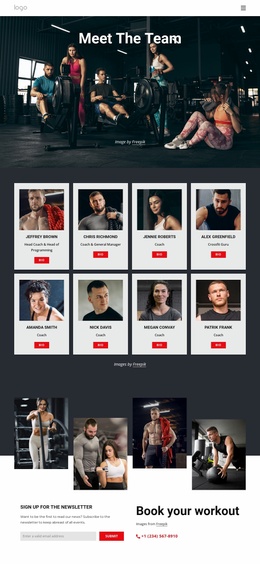
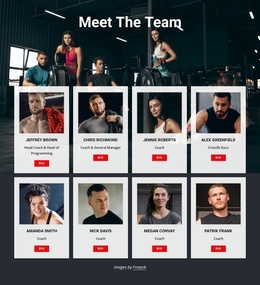
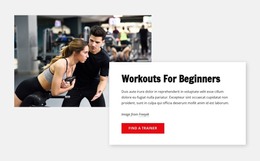
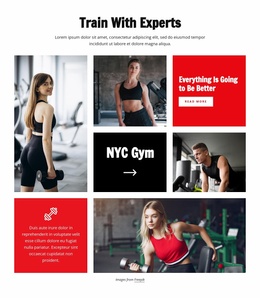
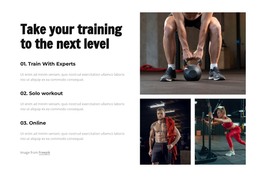
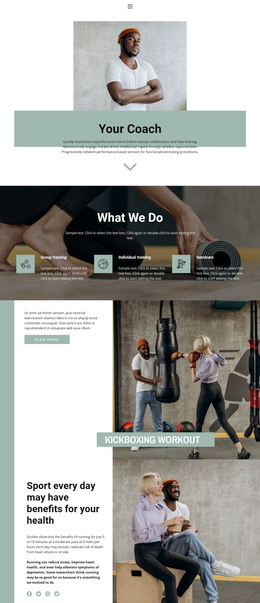
The training section gives the design several page-oriented content areas rather than one undifferentiated service description. Train With Experts, Solo workout, and Online are presented as separate formats beside supporting imagery, while the beginner workout section addresses a more specific audience with a Find a trainer action. In a WordPress-managed project, those distinctions can guide permanent page content or recurring program information without claiming that WordPress posts or categories already exist in the template.
The three membership cards provide another strong content relationship. Their plan names, features, and inquiry buttons create a structured offer area that can remain visually separate from the success stories and the six-card testimonial group. This separation matters because membership information explains the offer, while member-oriented cards provide contextual proof. The CrossFit App block adds a further content type through explanatory text and App Store and Google Play badges, allowing digital access to sit beside, rather than replace, the physical training message.
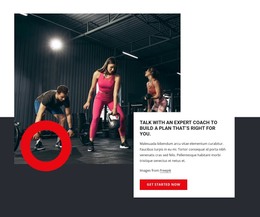
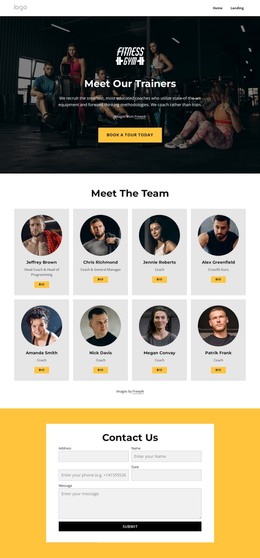
The fitness assessment, consultation, newsletter, and workout-booking areas create a practical closing group around communication and response. Phone contact and the four-image gallery reinforce that final section visually. The WordPress Plugin can support visual page editing in WordPress, while the theme’s main strength is its clear separation of training, membership, proof, app, and contact content.
Customize with Nicepage
Open this ready-made template in the WordPress Website Builder and customize it visually in the Nicepage editor. Replace demo content, edit page sections, and adapt the design to your project without rebuilding the template from scratch.
Manage and Edit This Theme in WordPress
Customize and Install the WordPress Theme
Start with this ready-made theme instead of building the WordPress design from scratch. Customize its layout, content, typography, images, sections, and other design elements visually in Nicepage editor, then export and install the WordPress Theme, Plugin, and Pages on your WordPress site. The Nicepage WordPress Plugin lets you continue working with the site after installation.
Edit the Theme Directly in WordPress
After installation, you can edit the WordPress Theme directly in WordPress with the Nicepage WordPress Plugin. Use Site Style to customize site Colors, Fonts, Header, Footer, Blog, and Post Page Templates while working within your WordPress website.
Edit WordPress Pages Visually
Use the Nicepage WordPress Plugin to edit page content directly from the WordPress admin area. Open a WordPress Page with Nicepage and visually change its text, images, sections, and other page elements while continuing to manage the Page through WordPress.
WordPress Content and Theme Integration
Use the customized theme with WordPress Pages, Posts, Blog and Post Templates, menus, widgets, and other CMS-managed content. Shared theme elements such as Colors, Fonts, Header, Footer, Blog, and Post Page Templates can be managed as part of the overall site design, while WordPress provides the CMS environment for managing site content.
This workflow combines a ready-made WordPress Theme with visual customization, direct theme editing in WordPress, and continued content management through the Nicepage WordPress Plugin.