Crossfit training community WordPress Theme



Edit Template Offline
2. Create new page and search for id 4154503
Edit Template Online
Create Awesome Websites


Free Nicepage Builder
Keywords
Program and outcome sections give WordPress content a clear visual context
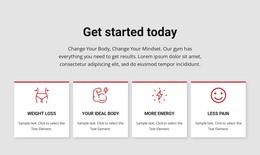
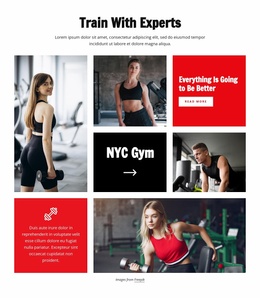
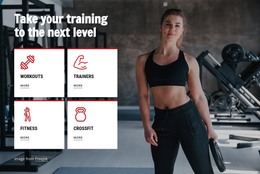
The design separates permanent fitness information into recognizable content areas. The three program cards identify CrossFit, Personalized Training, and Foundations, while the four outcome cards focus on Weight Loss, Your Ideal Body, More Energy, and Less Pain. This distinction can help a WordPress-managed project keep service-oriented page content separate from the goals visitors may be researching, without claiming that posts, categories, or blog structures already exist in the template.
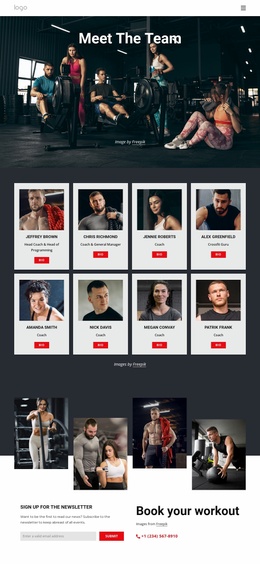
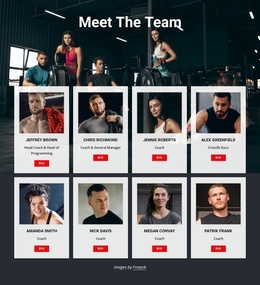
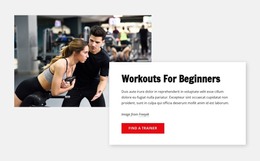
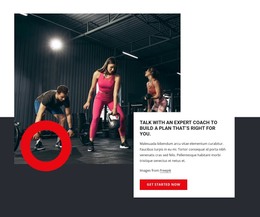
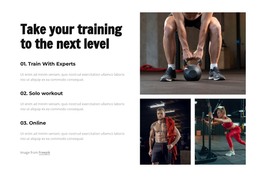
The six testimonial entries create a repeated member-proof pattern that could sit alongside the program information as supporting content. The opening category cards and three-step journey add another layer of page-oriented explanation, moving from broad training themes to community, personalized programming, and results. Expert coaching sections then give the design a human consultation context, while the CrossFit information block includes “About Crossfit Gym” and “Find a Gym” actions that can lead visitors toward related content areas.
At the bottom, the newsletter subscription form supports recurring communication, and the phone contact provides a direct channel for workout booking. In a WordPress project, these verified areas can remain part of the theme’s visual system while the site’s editable content develops around them. The value is therefore the relationship between the existing layout and its content zones: programs, outcomes, member proof, coaching, and contact are already visually distinguished, making the design suitable for a fitness site whose information may grow over time.
Customize with Nicepage
Open this ready-made template in the WordPress Website Builder and customize it visually in the Nicepage editor. Replace demo content, edit page sections, and adapt the design to your project without rebuilding the template from scratch.
Manage and Edit This Theme in WordPress
Customize and Install the WordPress Theme
Start with this ready-made theme instead of building the WordPress design from scratch. Customize its layout, content, typography, images, sections, and other design elements visually in Nicepage editor, then export and install the WordPress Theme, Plugin, and Pages on your WordPress site. The Nicepage WordPress Plugin lets you continue working with the site after installation.
Edit the Theme Directly in WordPress
After installation, you can edit the WordPress Theme directly in WordPress with the Nicepage WordPress Plugin. Use Site Style to customize site Colors, Fonts, Header, Footer, Blog, and Post Page Templates while working within your WordPress website.
Edit WordPress Pages Visually
Use the Nicepage WordPress Plugin to edit page content directly from the WordPress admin area. Open a WordPress Page with Nicepage and visually change its text, images, sections, and other page elements while continuing to manage the Page through WordPress.
WordPress Content and Theme Integration
Use the customized theme with WordPress Pages, Posts, Blog and Post Templates, menus, widgets, and other CMS-managed content. Shared theme elements such as Colors, Fonts, Header, Footer, Blog, and Post Page Templates can be managed as part of the overall site design, while WordPress provides the CMS environment for managing site content.
This workflow combines a ready-made WordPress Theme with visual customization, direct theme editing in WordPress, and continued content management through the Nicepage WordPress Plugin.