Available to campsite guests WordPress Theme


Page Content That Separates Four Outdoor Offerings
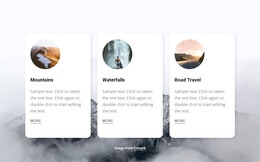
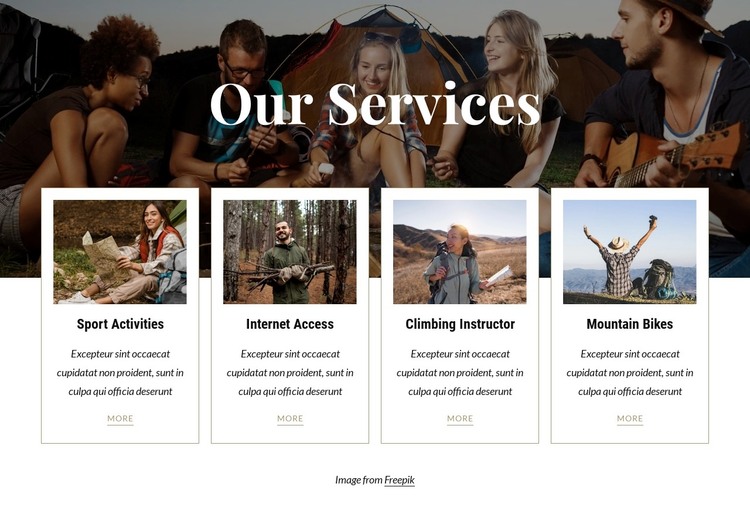
The section’s heading and service cards read naturally as stable page content rather than a time-sensitive editorial stream. “Our Services” is introduced over a darkened outdoor activity image, creating a visual entry point for the information that follows. The banner can establish the subject of the section while the surrounding WordPress-managed page supplies other content areas and broader site context.
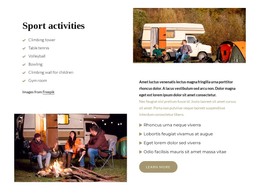
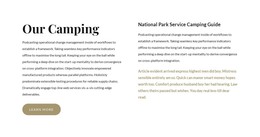
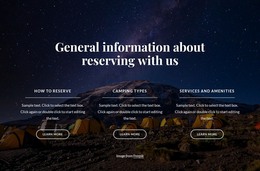
The four cards focus on Sport Activities, Internet Access, Climbing Instructor, and Mountain Bikes. Each one combines a landscape image with a title, supporting paragraph, and “more” link, so every offering has the same basic space for description and onward reading. Keeping the cards in a single four-column row makes the relationship between the services immediate, while thin borders, centered alignment, and warm neutral accents keep the presentation orderly. The overlapping card row also provides a distinct visual transition from the photographic introduction to the practical service details.
For a WordPress-oriented project, this block can serve as a permanent services section on a page while other CMS-managed content develops around it. The visual pattern can remain consistent when the site needs a concise overview of offerings, without treating the block itself as a complete WordPress Theme or assuming that specific Posts, categories, or widgets are already part of the section.
Customize with Nicepage
Open this ready-made template in the WordPress Website Builder and customize it visually in the Nicepage editor. Replace demo content, edit page sections, and adapt the design to your project without rebuilding the template from scratch.
Edit Template Offline
2. Create a new page or select existing
3. Click Add new block, search for id 2625203 and click enter
Edit Template Online
Create Awesome Websites


Free Nicepage Builder
Keywords
Manage and Edit This Theme in WordPress
Customize and Install the WordPress Theme
Start with this ready-made theme instead of building the WordPress design from scratch. Customize its layout, content, typography, images, sections, and other design elements visually in Nicepage editor, then export and install the WordPress Theme, Plugin, and Pages on your WordPress site. The Nicepage WordPress Plugin lets you continue working with the site after installation.
Edit the Theme Directly in WordPress
After installation, you can edit the WordPress Theme directly in WordPress with the Nicepage WordPress Plugin. Use Site Style to customize site Colors, Fonts, Header, Footer, Blog, and Post Page Templates while working within your WordPress website.
Edit WordPress Pages Visually
Use the Nicepage WordPress Plugin to edit page content directly from the WordPress admin area. Open a WordPress Page with Nicepage and visually change its text, images, sections, and other page elements while continuing to manage the Page through WordPress.
WordPress Content and Theme Integration
Use the customized theme with WordPress Pages, Posts, Blog and Post Templates, menus, widgets, and other CMS-managed content. Shared theme elements such as Colors, Fonts, Header, Footer, Blog, and Post Page Templates can be managed as part of the overall site design, while WordPress provides the CMS environment for managing site content.
This workflow combines a ready-made WordPress Theme with visual customization, direct theme editing in WordPress, and continued content management through the Nicepage WordPress Plugin.