10 amazing camping tours WordPress Theme


Structured Travel Content for a WordPress-Managed Page
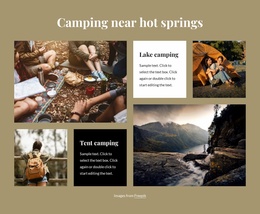
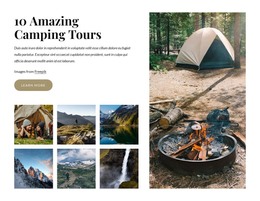
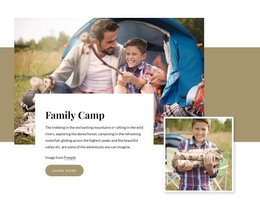
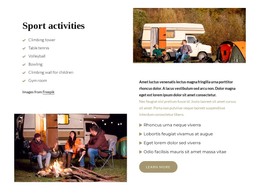
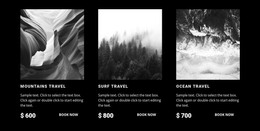
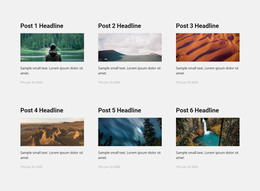
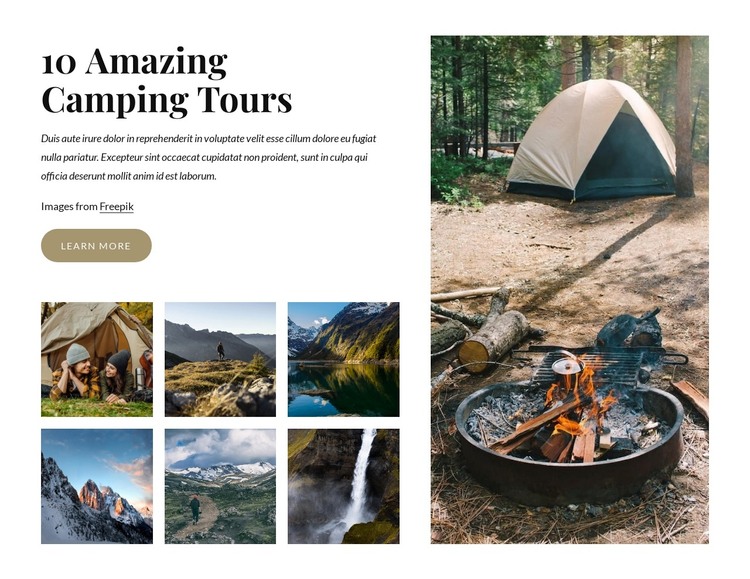
The heading “10 Amazing Camping Tours” and its supporting paragraph provide stable introductory content that can sit within a travel or tourism page managed through WordPress. The left side keeps that message connected to a “Learn more” button and an image credit, then extends the story through six smaller photographs arranged in two rows of three. This repeated gallery structure is useful for presenting several camping and landscape views without making each image a separate content area. The large portrait camping photograph on the right supplies a memorable visual anchor for the section.
In a WordPress-oriented project, the block can remain a reusable page-content region while surrounding content handles destinations, tour details, booking information, or editorial updates. Its lightbox behavior supports visitors who want to inspect the images, and hover zoom provides a small discovery cue across the gallery. The white background and generous gaps give the section enough separation to sit between other page areas, while the serif heading and muted tan button offer visual choices that can be retained or coordinated with the wider design. The block contributes a defined camping-tour presentation; it does not need to carry the site’s theme structure or CMS content model beyond its own section role.
Customize with Nicepage
Open this ready-made template in the WordPress Website Builder and customize it visually in the Nicepage editor. Replace demo content, edit page sections, and adapt the design to your project without rebuilding the template from scratch.
Edit Template Offline
2. Create a new page or select existing
3. Click Add new block, search for id 4523787 and click enter
Edit Template Online
Create Awesome Websites


Free Nicepage Builder
Keywords
Manage and Edit This Theme in WordPress
Customize and Install the WordPress Theme
Start with this ready-made theme instead of building the WordPress design from scratch. Customize its layout, content, typography, images, sections, and other design elements visually in Nicepage editor, then export and install the WordPress Theme, Plugin, and Pages on your WordPress site. The Nicepage WordPress Plugin lets you continue working with the site after installation.
Edit the Theme Directly in WordPress
After installation, you can edit the WordPress Theme directly in WordPress with the Nicepage WordPress Plugin. Use Site Style to customize site Colors, Fonts, Header, Footer, Blog, and Post Page Templates while working within your WordPress website.
Edit WordPress Pages Visually
Use the Nicepage WordPress Plugin to edit page content directly from the WordPress admin area. Open a WordPress Page with Nicepage and visually change its text, images, sections, and other page elements while continuing to manage the Page through WordPress.
WordPress Content and Theme Integration
Use the customized theme with WordPress Pages, Posts, Blog and Post Templates, menus, widgets, and other CMS-managed content. Shared theme elements such as Colors, Fonts, Header, Footer, Blog, and Post Page Templates can be managed as part of the overall site design, while WordPress provides the CMS environment for managing site content.
This workflow combines a ready-made WordPress Theme with visual customization, direct theme editing in WordPress, and continued content management through the Nicepage WordPress Plugin.