Skiers’ Paradise Awaits WordPress Theme


Edit Template Offline
2. Create new page and search for id 6425958
Edit Template Online
Create Awesome Websites


Free Nicepage Builder
Keywords
Resort information and repeated amenity cards suit page-managed content
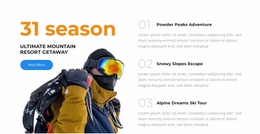
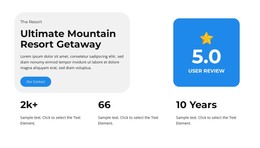
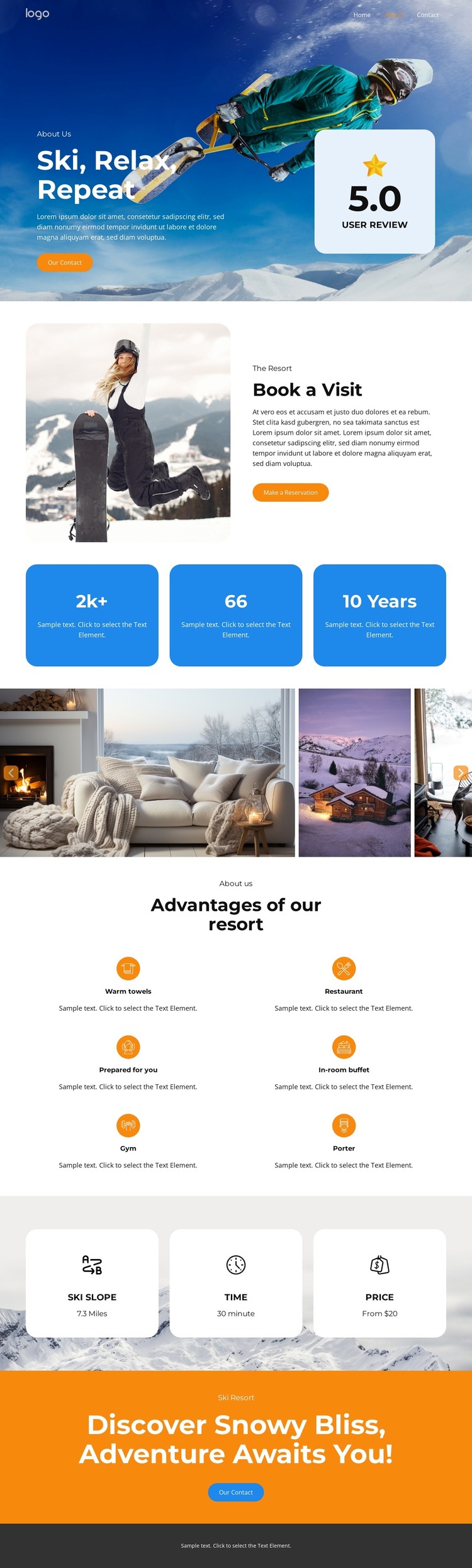
The design gives permanent resort information a clear page structure. Navigation links for Home, About, Events, Pricing, and Contact establish the main content routes, while the opening hero supplies a visual introduction through snowy mountain imagery and “Ski, Relax, Repeat” messaging. A review card and “Our Contact” action sit within that opening presentation, giving the resort story a visible point of response without requiring the visitor to search for it.
The “Reserve a Visit” section is especially suited to page-oriented content because it combines a large resort image, an overview, and a “Make a Reservation” button in one focused block. Below it, three information cards separate ski access, travel time, and price labels into concise pieces of practical content. Six repeated amenity cards provide another coherent content group, presenting warm towels, a restaurant, guest preparation, an in-room buffet, a gym, and a porter as related resort advantages.
The six-image gallery can work alongside those permanent sections by presenting winter interiors, resort views, and mountain scenes as visual supporting content. If the project later adds regularly updated resort news or announcements, that material could be interpreted separately from the established About-style information rather than replacing it. The shared blue, white, and orange treatment, rounded cards, and closing contact panel keep these content areas within one recognizable theme direction.
Customize with Nicepage
Open this ready-made template in the WordPress Website Builder and customize it visually in the Nicepage editor. Replace demo content, edit page sections, and adapt the design to your project without rebuilding the template from scratch.
Manage and Edit This Theme in WordPress
Customize and Install the WordPress Theme
Start with this ready-made theme instead of building the WordPress design from scratch. Customize its layout, content, typography, images, sections, and other design elements visually in Nicepage editor, then export and install the WordPress Theme, Plugin, and Pages on your WordPress site. The Nicepage WordPress Plugin lets you continue working with the site after installation.
Edit the Theme Directly in WordPress
After installation, you can edit the WordPress Theme directly in WordPress with the Nicepage WordPress Plugin. Use Site Style to customize site Colors, Fonts, Header, Footer, Blog, and Post Page Templates while working within your WordPress website.
Edit WordPress Pages Visually
Use the Nicepage WordPress Plugin to edit page content directly from the WordPress admin area. Open a WordPress Page with Nicepage and visually change its text, images, sections, and other page elements while continuing to manage the Page through WordPress.
WordPress Content and Theme Integration
Use the customized theme with WordPress Pages, Posts, Blog and Post Templates, menus, widgets, and other CMS-managed content. Shared theme elements such as Colors, Fonts, Header, Footer, Blog, and Post Page Templates can be managed as part of the overall site design, while WordPress provides the CMS environment for managing site content.
This workflow combines a ready-made WordPress Theme with visual customization, direct theme editing in WordPress, and continued content management through the Nicepage WordPress Plugin.