Beautiful campsites WordPress Theme


Edit Template Offline
2. Create new page and search for id 4528555
Edit Template Online
Create Awesome Websites


Free Nicepage Builder
Keywords
Outdoor Collections and Destination Cards Support WordPress Content
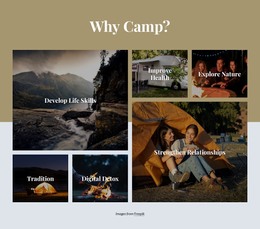
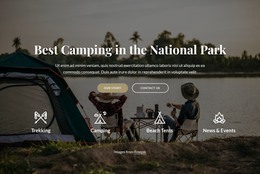
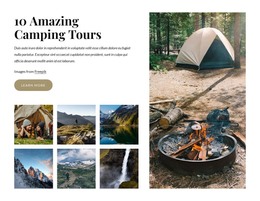
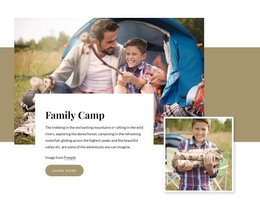
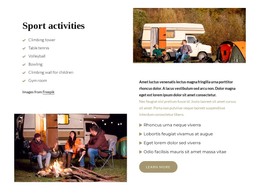
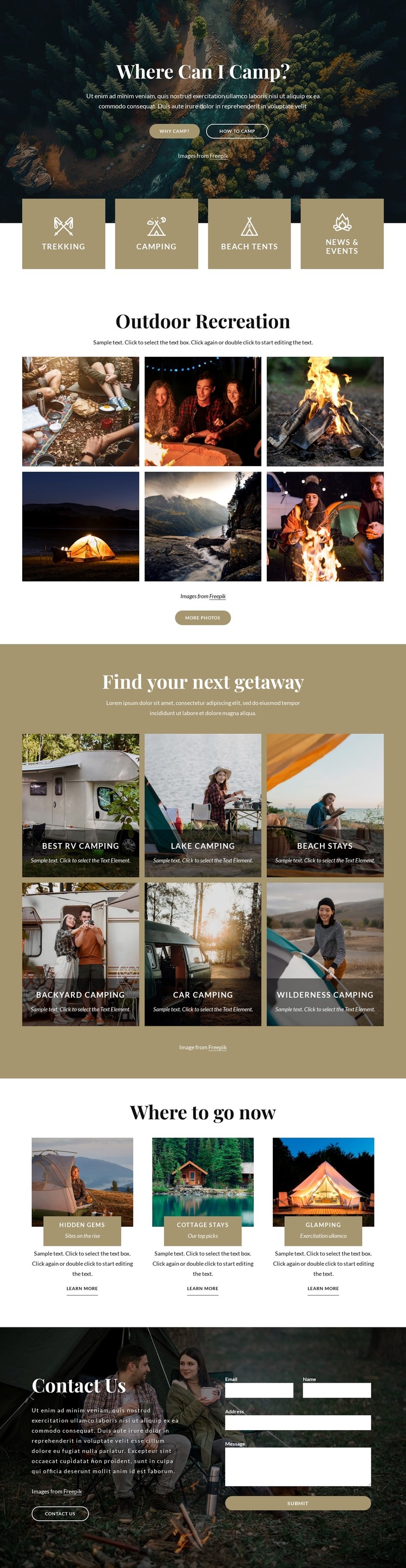
The six-image Outdoor Recreation gallery gives the design a strong page-oriented content area for presenting camping imagery and visual stories. It is introduced after four activity tiles covering Trekking, Camping, Beach Tents, and News & Events, so the page can separate broad subject categories from the images that illustrate them. In a WordPress project, that relationship provides a clear way to keep introductory page content distinct from a more visual collection, without claiming that a blog or post structure already exists.
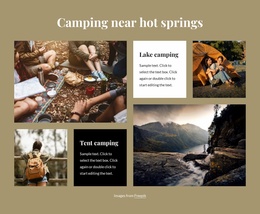
The six getaway cards add another useful content layer. Best RV camping, Lake camping, Beach stays, Backyard Camping, Car camping, and Wilderness Camping are presented as recognizable themes, each supported by an image and label. Below them, the three featured destination cards—Hidden gems, Cottage stays, and Glamping—combine imagery, title bands, supporting labels, descriptions, and learn-more actions. This makes the design suitable for a site that may later expand its permanent information with regularly updated destination guidance or related editorial content while preserving a consistent visual direction.
The Contact Us section completes the content relationship by placing an invitation beside a visible inquiry form. Visitors can move from categorized inspiration to selected recommendations and then to communication within the same design language. The theme therefore offers WordPress projects a practical arrangement for combining evergreen camping pages, visual destination material, and visitor inquiries without presenting unverified demo text as real business information.
Customize with Nicepage
Open this ready-made template in the WordPress Website Builder and customize it visually in the Nicepage editor. Replace demo content, edit page sections, and adapt the design to your project without rebuilding the template from scratch.
Manage and Edit This Theme in WordPress
Customize and Install the WordPress Theme
Start with this ready-made theme instead of building the WordPress design from scratch. Customize its layout, content, typography, images, sections, and other design elements visually in Nicepage editor, then export and install the WordPress Theme, Plugin, and Pages on your WordPress site. The Nicepage WordPress Plugin lets you continue working with the site after installation.
Edit the Theme Directly in WordPress
After installation, you can edit the WordPress Theme directly in WordPress with the Nicepage WordPress Plugin. Use Site Style to customize site Colors, Fonts, Header, Footer, Blog, and Post Page Templates while working within your WordPress website.
Edit WordPress Pages Visually
Use the Nicepage WordPress Plugin to edit page content directly from the WordPress admin area. Open a WordPress Page with Nicepage and visually change its text, images, sections, and other page elements while continuing to manage the Page through WordPress.
WordPress Content and Theme Integration
Use the customized theme with WordPress Pages, Posts, Blog and Post Templates, menus, widgets, and other CMS-managed content. Shared theme elements such as Colors, Fonts, Header, Footer, Blog, and Post Page Templates can be managed as part of the overall site design, while WordPress provides the CMS environment for managing site content.
This workflow combines a ready-made WordPress Theme with visual customization, direct theme editing in WordPress, and continued content management through the Nicepage WordPress Plugin.