Ski Resort Pricing WordPress Theme


Edit Template Offline
2. Create new page and search for id 6442552
Edit Template Online
Create Awesome Websites


Free Nicepage Builder
Keywords
Service Cards and Inquiry Content Create Clear WordPress Page Areas
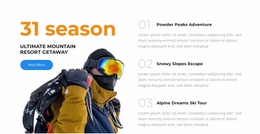
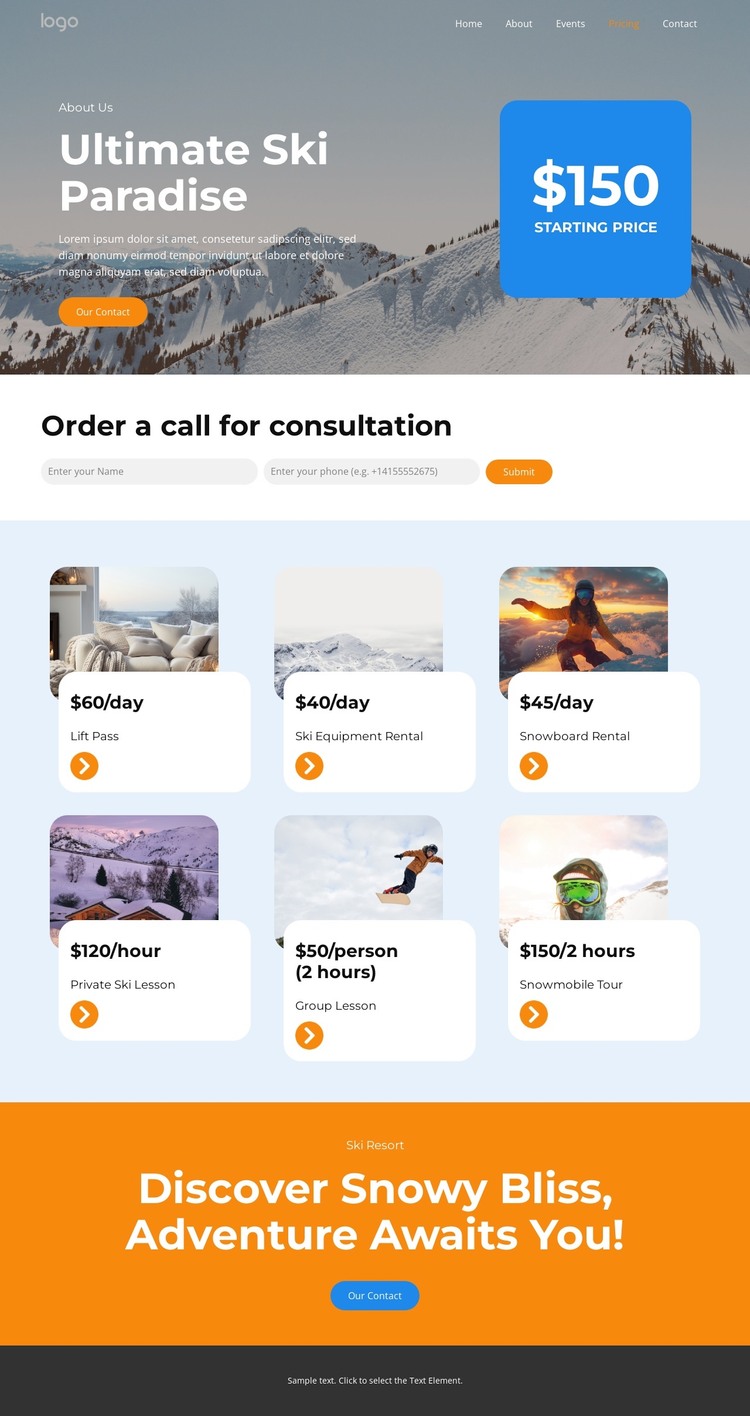
The page-oriented content is divided into permanent informational areas that can remain part of one visual system in a WordPress project. The hero introduces the ski resort through snowy mountain imagery and a starting-price callout, while the six-card pricing region provides reusable content relationships for lift passes, ski equipment rental, snowboard rental, private lessons, group lessons, and a snowmobile tour. Each card combines an image, a named offer, and a displayed rate, with daily, hourly, per-person, and two-hour formats represented across the section.
This arrangement gives the pricing information a clear page role without requiring claims about posts, categories, or blog structures that are not verified. The navigation distinguishes Home, About, Events, Pricing, and Contact, making it possible to interpret the design as part of a site where permanent resort pages and future regularly updated material could share the same visual direction. The consultation form has a separate content function: its name and phone inputs collect the details needed for a call request, while the closing orange section returns visitors to a contact action after they have reviewed the offers.
For a WordPress-oriented project, the main benefit is the separation between resort information, repeated service content, and inquiry content. The existing design can keep those relationships recognizable as page text, images, and service details are maintained, while the dark footer provides a shared closing region. It is a content-ready visual foundation, not evidence that WordPress data structures already exist in the template.
Customize with Nicepage
Open this ready-made template in the WordPress Website Builder and customize it visually in the Nicepage editor. Replace demo content, edit page sections, and adapt the design to your project without rebuilding the template from scratch.
Manage and Edit This Theme in WordPress
Customize and Install the WordPress Theme
Start with this ready-made theme instead of building the WordPress design from scratch. Customize its layout, content, typography, images, sections, and other design elements visually in Nicepage editor, then export and install the WordPress Theme, Plugin, and Pages on your WordPress site. The Nicepage WordPress Plugin lets you continue working with the site after installation.
Edit the Theme Directly in WordPress
After installation, you can edit the WordPress Theme directly in WordPress with the Nicepage WordPress Plugin. Use Site Style to customize site Colors, Fonts, Header, Footer, Blog, and Post Page Templates while working within your WordPress website.
Edit WordPress Pages Visually
Use the Nicepage WordPress Plugin to edit page content directly from the WordPress admin area. Open a WordPress Page with Nicepage and visually change its text, images, sections, and other page elements while continuing to manage the Page through WordPress.
WordPress Content and Theme Integration
Use the customized theme with WordPress Pages, Posts, Blog and Post Templates, menus, widgets, and other CMS-managed content. Shared theme elements such as Colors, Fonts, Header, Footer, Blog, and Post Page Templates can be managed as part of the overall site design, while WordPress provides the CMS environment for managing site content.
This workflow combines a ready-made WordPress Theme with visual customization, direct theme editing in WordPress, and continued content management through the Nicepage WordPress Plugin.