Best camping in the national park WordPress Theme


Stable Camping Content With Reusable Activity Cues
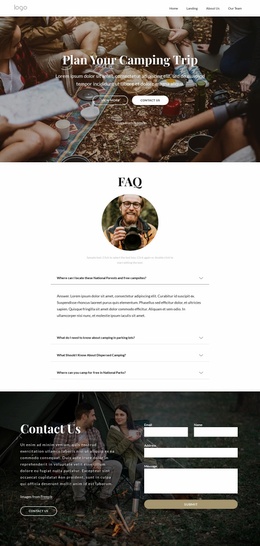
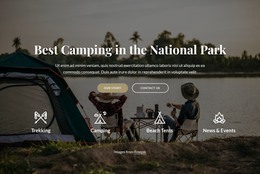
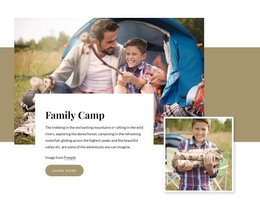
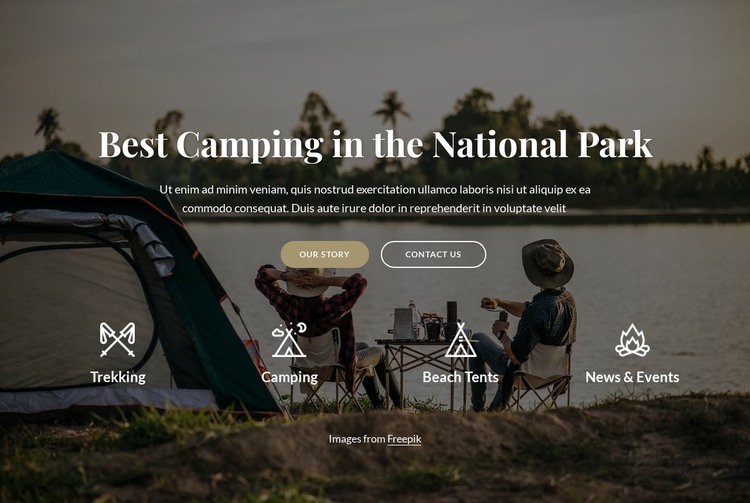
The heading and supporting paragraph read as durable page content rather than a time-sensitive update. They introduce camping in a national park, while the full-width photograph supplies the visual setting for that message. In a WordPress-managed page, this combination can remain a consistent hero section as the surrounding project develops additional content around outdoor activities, stories, destinations, or contact information.
The two buttons connect the stable introduction with two different content directions. “Our story” can support a page-oriented explanation of the organization or destination, while “Contact Us” can lead toward a separate inquiry area. Their filled and outlined pill treatments keep the action group visible against the darkened image, but the block itself continues to function as one page section rather than a complete WordPress Theme.
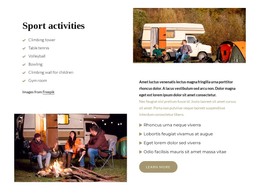
The lower activity group gives the content a reusable taxonomy-like rhythm without requiring CMS structures. Trekking, Camping, Beach Tents, and News & Events are shown as four labeled topics, each paired with its own icon. A WordPress-oriented project can use this section as a stable visual presentation while other page content handles fuller descriptions, posts, forms, or updates. The block’s value is the relationship between permanent introductory content, recognizable activity cues, and clear routes to surrounding information.
Customize with Nicepage
Open this ready-made template in the WordPress Website Builder and customize it visually in the Nicepage editor. Replace demo content, edit page sections, and adapt the design to your project without rebuilding the template from scratch.
Edit Template Offline
2. Create a new page or select existing
3. Click Add new block, search for id 2625202 and click enter
Edit Template Online
Create Awesome Websites


Free Nicepage Builder
Keywords
Manage and Edit This Theme in WordPress
Customize and Install the WordPress Theme
Start with this ready-made theme instead of building the WordPress design from scratch. Customize its layout, content, typography, images, sections, and other design elements visually in Nicepage editor, then export and install the WordPress Theme, Plugin, and Pages on your WordPress site. The Nicepage WordPress Plugin lets you continue working with the site after installation.
Edit the Theme Directly in WordPress
After installation, you can edit the WordPress Theme directly in WordPress with the Nicepage WordPress Plugin. Use Site Style to customize site Colors, Fonts, Header, Footer, Blog, and Post Page Templates while working within your WordPress website.
Edit WordPress Pages Visually
Use the Nicepage WordPress Plugin to edit page content directly from the WordPress admin area. Open a WordPress Page with Nicepage and visually change its text, images, sections, and other page elements while continuing to manage the Page through WordPress.
WordPress Content and Theme Integration
Use the customized theme with WordPress Pages, Posts, Blog and Post Templates, menus, widgets, and other CMS-managed content. Shared theme elements such as Colors, Fonts, Header, Footer, Blog, and Post Page Templates can be managed as part of the overall site design, while WordPress provides the CMS environment for managing site content.
This workflow combines a ready-made WordPress Theme with visual customization, direct theme editing in WordPress, and continued content management through the Nicepage WordPress Plugin.