Backpacking tours WordPress Theme


Edit Template Offline
2. Create new page and search for id 6352125
Edit Template Online
Create Awesome Websites


Free Nicepage Builder
Keywords
Destination Content and Inquiry Areas Suit a WordPress Travel Theme
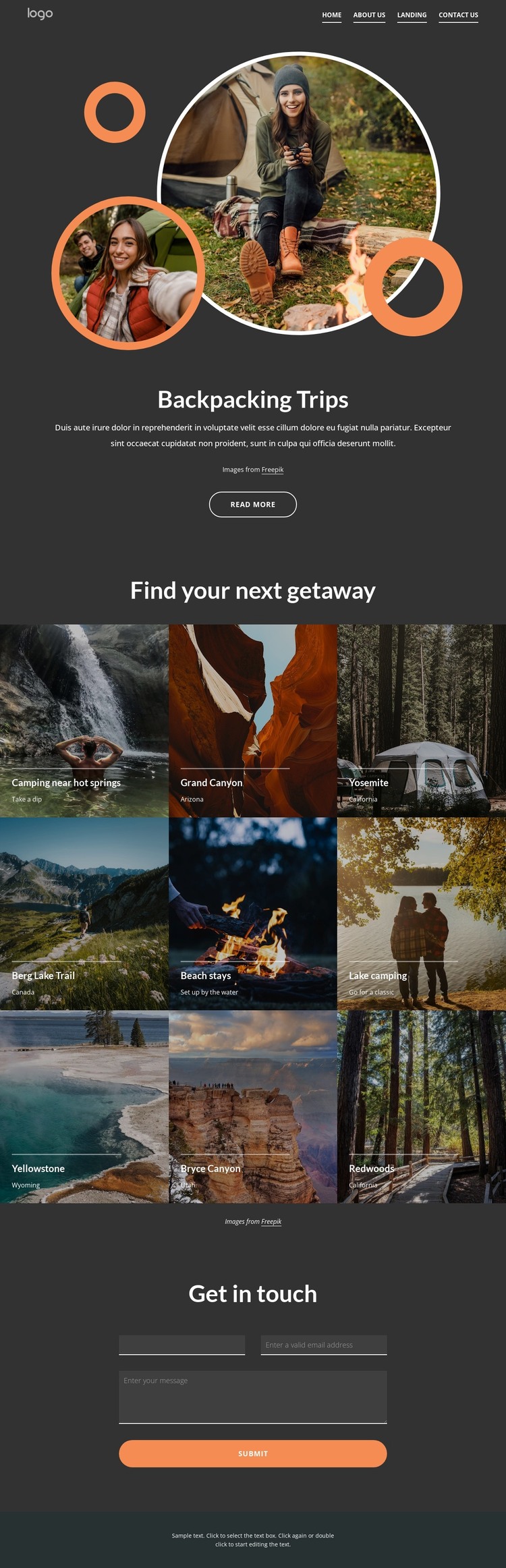
The nine destination tiles provide a useful page-oriented content structure for a travel site that may need to present several getaway choices together. Camping near hot springs, beach stays, lake camping, and named locations such as the Grand Canyon, Yosemite, Berg Lake Trail, Yellowstone, Bryce Canyon, and Redwoods can be treated as clearly separated informational areas while retaining the same visual treatment. The opening Backpacking Trips section supplies a consistent introduction for that content, using layered circular photography and centered text before visitors reach the gallery.
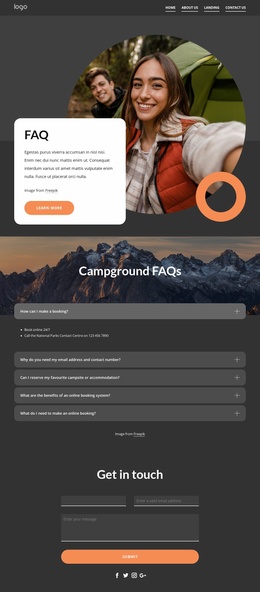
The design also leaves a practical place for permanent page content and visitor communication. The navigation identifies Home, About Us, Landing, and Contact Us as distinct destinations, while the closing Get in touch section provides name, email, and message inputs for inquiries. This combination makes the layout suitable for a WordPress theme interpretation centered on pages, destination information, and future editorial additions, without assuming that blog posts or categories already exist in the template. The dark charcoal background, white type, orange accents, and compact captions create a visual system that can keep new travel content recognizable. The Read more action further separates introductory information from the detailed destination presentation, giving the page a natural route from overview to exploration and contact.
Customize with Nicepage
Open this ready-made template in the WordPress Website Builder and customize it visually in the Nicepage editor. Replace demo content, edit page sections, and adapt the design to your project without rebuilding the template from scratch.
Manage and Edit This Theme in WordPress
Customize and Install the WordPress Theme
Start with this ready-made theme instead of building the WordPress design from scratch. Customize its layout, content, typography, images, sections, and other design elements visually in Nicepage editor, then export and install the WordPress Theme, Plugin, and Pages on your WordPress site. The Nicepage WordPress Plugin lets you continue working with the site after installation.
Edit the Theme Directly in WordPress
After installation, you can edit the WordPress Theme directly in WordPress with the Nicepage WordPress Plugin. Use Site Style to customize site Colors, Fonts, Header, Footer, Blog, and Post Page Templates while working within your WordPress website.
Edit WordPress Pages Visually
Use the Nicepage WordPress Plugin to edit page content directly from the WordPress admin area. Open a WordPress Page with Nicepage and visually change its text, images, sections, and other page elements while continuing to manage the Page through WordPress.
WordPress Content and Theme Integration
Use the customized theme with WordPress Pages, Posts, Blog and Post Templates, menus, widgets, and other CMS-managed content. Shared theme elements such as Colors, Fonts, Header, Footer, Blog, and Post Page Templates can be managed as part of the overall site design, while WordPress provides the CMS environment for managing site content.
This workflow combines a ready-made WordPress Theme with visual customization, direct theme editing in WordPress, and continued content management through the Nicepage WordPress Plugin.