Unwind in Winter WordPress Theme


Edit Template Offline
2. Create new page and search for id 6426018
Edit Template Online
Create Awesome Websites


Free Nicepage Builder
Keywords
Adventure content and navigation give WordPress pages a clear editorial shape
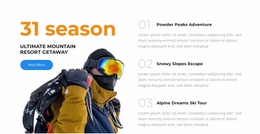
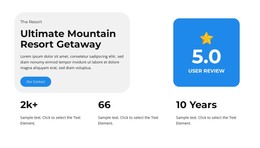
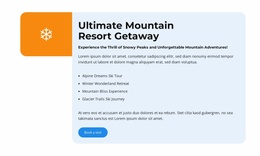
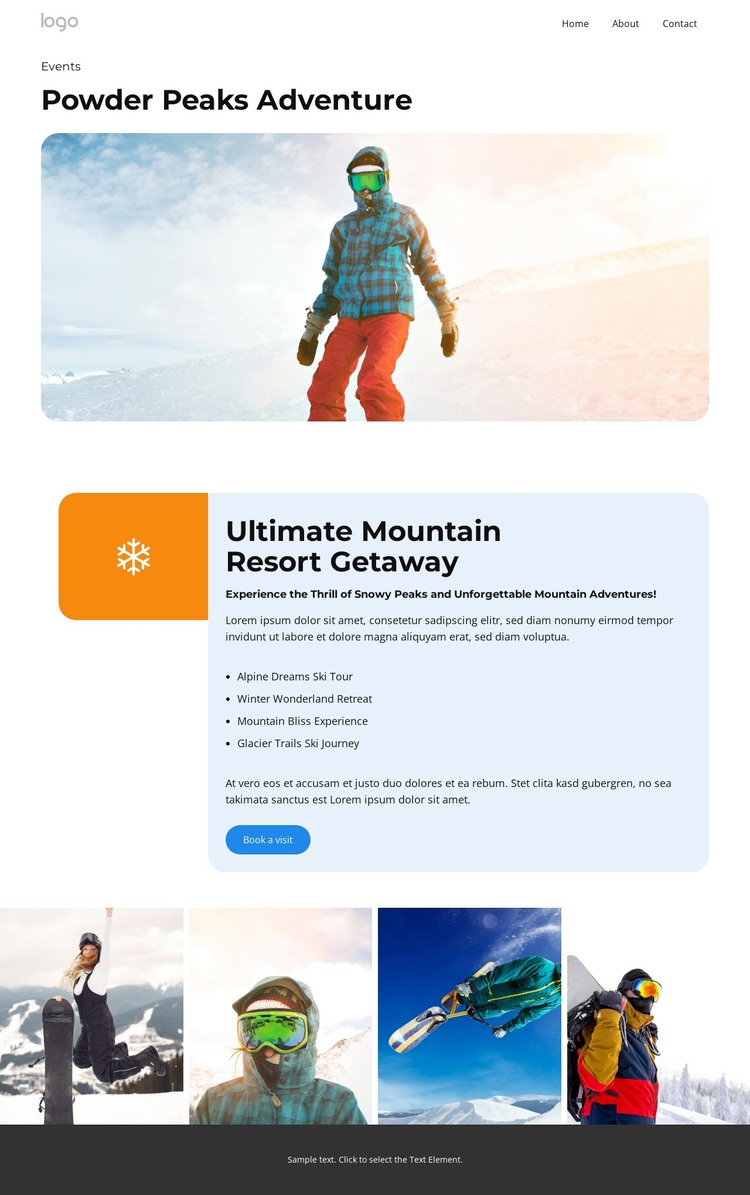
The page separates permanent informational content from visual presentation in a way that can suit a WordPress-oriented project. Home, About, Events, Pricing, and Contact form the visible navigation context, while the Events page carries the specific mountain adventure story. Powder Peaks Adventure and the snowy opening image can function as page-level introduction, with the Ultimate Mountain Resort Getaway panel holding the main descriptive content and four named experience entries.
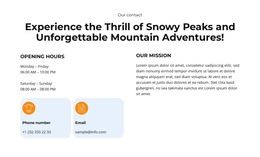
Those entries create a repeated content relationship that could be expanded with project-specific information over time. Alpine Dreams Ski Tour, Winter Wonderland Retreat, Mountain Bliss Experience, and Glacier Trails Ski Journey are confirmed names displayed by the template, but they should be treated as demo structure until replaced or independently verified. The four-image gallery gives the visual side of the project its own content area, while Our Contact and Book a visit distinguish communication from the main editorial presentation.
This interpretation does not assume that WordPress Posts, categories, blog templates, or other CMS structures already exist in the design. Instead, the verified page areas show how a WordPress Theme could organize permanent page content and repeated adventure information within one visual system. The cool blue panel, dark headings, snowy imagery, and compact gallery can remain the design layer while WordPress-managed text and images evolve. The result is a content-oriented mapping based on real page regions, not a claim about an existing WordPress installation or workflow.
Customize with Nicepage
Open this ready-made template in the WordPress Website Builder and customize it visually in the Nicepage editor. Replace demo content, edit page sections, and adapt the design to your project without rebuilding the template from scratch.
Manage and Edit This Theme in WordPress
Customize and Install the WordPress Theme
Start with this ready-made theme instead of building the WordPress design from scratch. Customize its layout, content, typography, images, sections, and other design elements visually in Nicepage editor, then export and install the WordPress Theme, Plugin, and Pages on your WordPress site. The Nicepage WordPress Plugin lets you continue working with the site after installation.
Edit the Theme Directly in WordPress
After installation, you can edit the WordPress Theme directly in WordPress with the Nicepage WordPress Plugin. Use Site Style to customize site Colors, Fonts, Header, Footer, Blog, and Post Page Templates while working within your WordPress website.
Edit WordPress Pages Visually
Use the Nicepage WordPress Plugin to edit page content directly from the WordPress admin area. Open a WordPress Page with Nicepage and visually change its text, images, sections, and other page elements while continuing to manage the Page through WordPress.
WordPress Content and Theme Integration
Use the customized theme with WordPress Pages, Posts, Blog and Post Templates, menus, widgets, and other CMS-managed content. Shared theme elements such as Colors, Fonts, Header, Footer, Blog, and Post Page Templates can be managed as part of the overall site design, while WordPress provides the CMS environment for managing site content.
This workflow combines a ready-made WordPress Theme with visual customization, direct theme editing in WordPress, and continued content management through the Nicepage WordPress Plugin.