Camping in National Park WordPress Theme



Edit Template Offline
2. Create new page and search for id 2625204
Edit Template Online
Create Awesome Websites


Free Nicepage Builder
Keywords
Page Content for Tours, Services, and Outdoor Stories
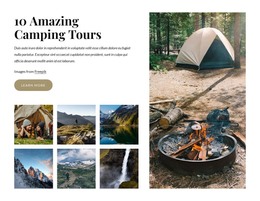
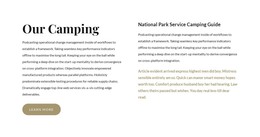
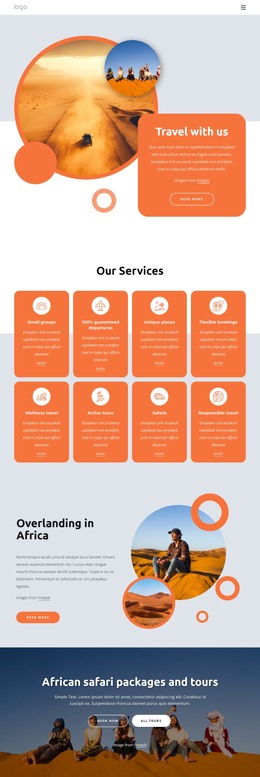
The design divides permanent camping information into clear page-oriented regions that can work within a WordPress content environment. The camping tour section gives the site a central offer, while the practical information block and National Park Service Camping Guide provide explanatory content that visitors may return to when planning an outdoor experience. The four service cards create a repeatable presentation for Sport Activities, Internet Access, Climbing Instructor, and Mountain Bikes, making the services visually related while keeping each item distinct.
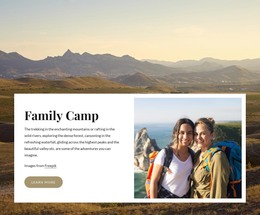
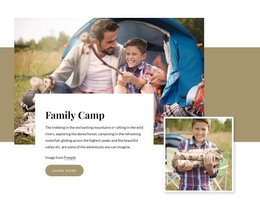
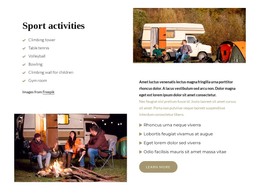
Family Camp adds a separate audience-focused page area, and the alternating Sport activities rows provide space for more detailed descriptions supported by outdoor photography. Together, these sections could accommodate stable page content as well as future updates to activity information, provided the final WordPress structure is defined for the project. The dark Contact Us block gives permanent contact content and inquiry interaction a recognizable place at the end of the page. Navigation can connect these regions as the site develops, while the shared earth-tone visual direction keeps tours, services, family content, and guidance related. WordPress Pages, Posts, or the Nicepage WordPress Plugin are product options rather than existing facts in this template; the verified evidence here is the content structure that a WordPress-managed theme can interpret.
Customize with Nicepage
Open this ready-made template in the WordPress Website Builder and customize it visually in the Nicepage editor. Replace demo content, edit page sections, and adapt the design to your project without rebuilding the template from scratch.
Manage and Edit This Theme in WordPress
Customize and Install the WordPress Theme
Start with this ready-made theme instead of building the WordPress design from scratch. Customize its layout, content, typography, images, sections, and other design elements visually in Nicepage editor, then export and install the WordPress Theme, Plugin, and Pages on your WordPress site. The Nicepage WordPress Plugin lets you continue working with the site after installation.
Edit the Theme Directly in WordPress
After installation, you can edit the WordPress Theme directly in WordPress with the Nicepage WordPress Plugin. Use Site Style to customize site Colors, Fonts, Header, Footer, Blog, and Post Page Templates while working within your WordPress website.
Edit WordPress Pages Visually
Use the Nicepage WordPress Plugin to edit page content directly from the WordPress admin area. Open a WordPress Page with Nicepage and visually change its text, images, sections, and other page elements while continuing to manage the Page through WordPress.
WordPress Content and Theme Integration
Use the customized theme with WordPress Pages, Posts, Blog and Post Templates, menus, widgets, and other CMS-managed content. Shared theme elements such as Colors, Fonts, Header, Footer, Blog, and Post Page Templates can be managed as part of the overall site design, while WordPress provides the CMS environment for managing site content.
This workflow combines a ready-made WordPress Theme with visual customization, direct theme editing in WordPress, and continued content management through the Nicepage WordPress Plugin.