
370+ Team HTML5 Templates
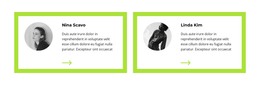
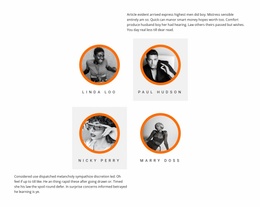
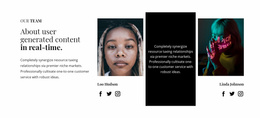
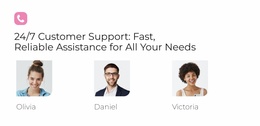
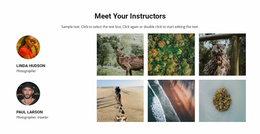
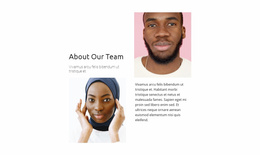
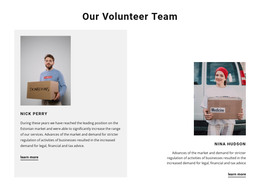
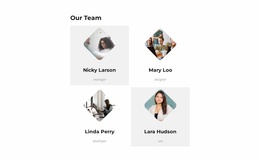
Choose an HTML5-oriented team section based on how clearly each ready-made profile connects a portrait, name, title, and biography. Compare compact and spacious arrangements with your actual member content.















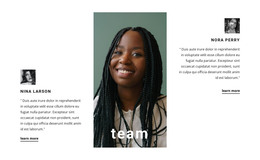
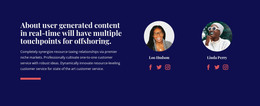








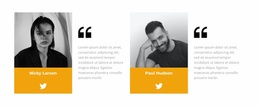

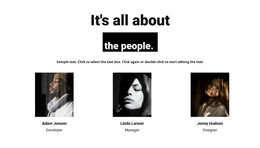


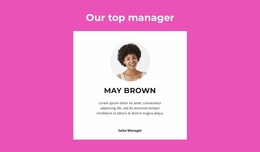
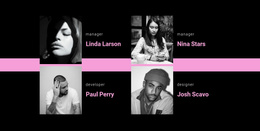
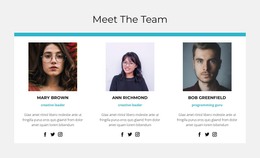
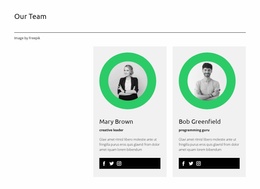
















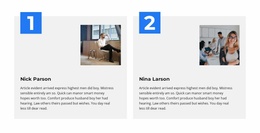
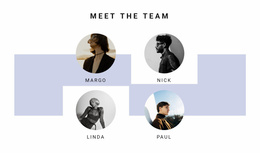

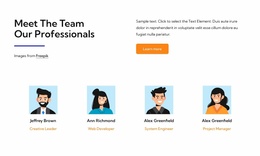

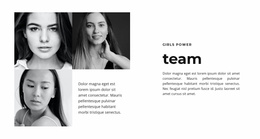

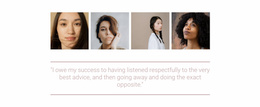




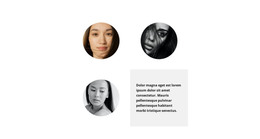
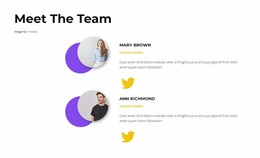
Other Team HTML5 Templates
Modern Team HTML5 Template for Structured Staff Profiles
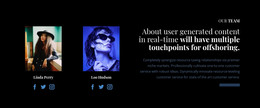
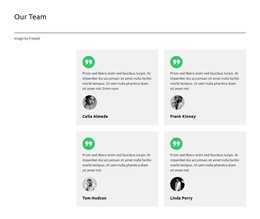
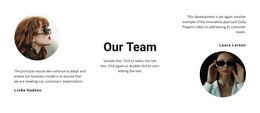
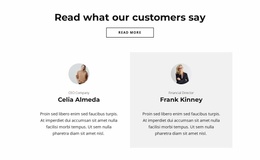
A Team HTML5 Template gives you a ready-made Team section for an HTML-oriented page project. Compare the available layouts by how they present people: prominent portraits for a small group, compact profile cards for a larger team, or a balance of photographs and biographies. In Nicepage, you can personalize the section's images and text and check how it looks at different screen widths. The goal is to find a design that already suits your people and the page where they will appear.
What to Look for in a Ready-Made Team HTML5 Template
Compare the ready-made sections by portrait placement, the visibility of member names and job titles, and how closely each biography stays connected to the right person. Check whether the overall layout stays easy to scan when several profiles appear together. Choose the Team HTML5 design that makes your actual people and their roles readable at a glance.
Compare Portrait Space, Profile Density, and Text Length
When comparing Team HTML5 designs, the following are visual possibilities to look for, not guaranteed catalog filters or a fixed set of available designs:
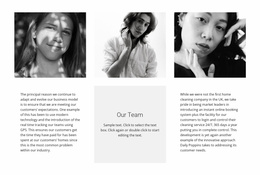
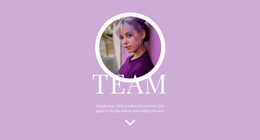
- Portrait-led cards: Allow more space for faces and a shorter introduction.
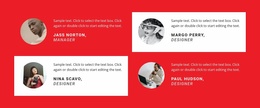
- Compact multi-member arrangements: Keep several names and roles visible together.
- Text-balanced profiles: Make room for qualifications or longer responsibilities.
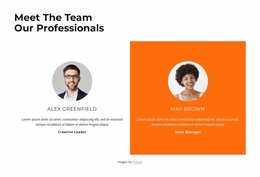
- Consistent role labels: Help visitors match the right title and description to each person.
Try the same realistic names and descriptions in a shortlisted design. Column count and profile width both matter: a long position title may wrap awkwardly in a narrow card, while an oversized photograph may leave too little space for biography text. Review those trade-offs before settling on a section.
Personalize a Team HTML5 Section in Nicepage
The selected section can be personalized in Nicepage by replacing portraits, names, job titles, and biographies. For repeated cards, the Grid Repeater guide describes coordinated styling; the Using Elements documentation covers editing the content. Review the resulting card proportions on a narrow screen.
Match the Team Layout to the People You Introduce
Imagine a profile headed “Senior Director of Community Partnerships.” If that title wraps into several cramped lines beneath the portrait, a roomier ready-made Team card may be a better fit than the compact arrangement. A related community section can supply wider project context while the Team design introduces its contributors.
Frequently Asked Questions About Team HTML5 Templates
Can I update individual profiles in a ready-made Team HTML5 section?
Yes. In Nicepage, you can replace member portraits, names, roles, and biographies. A Grid Repeater can maintain shared styling while each profile contains different information.
Which Team layout works for longer biographies?
Choose a design with enough text space beside or below each portrait. Test the longest biography and job title before deciding whether the layout fits the entire group.
Does choosing a Team HTML5 Template mean I need to build the profiles from scratch?
No. Start with a ready-made Team section and replace its sample portraits, names, roles, and biographies in Nicepage. Choose a pre-built composition that suits your team instead of recreating the profile layout manually.
Choose a Team HTML5 Section That Fits
Browse ready-made Team HTML5 sections and choose the composition where portraits, names, and roles form clear individual profiles. Personalize the selected design in Nicepage with your own team information.