

Adult HTML5 Templates
Coaches, adult educators, and dog trainers need clear ways to present exercises, lessons, and practical instructions. HTML5 templates provide organized content areas that keep explanatory text and supporting images connected across desktop and mobile layouts.
























































Other Team HTML5 Templates
Adult HTML5 Template for Structured Content
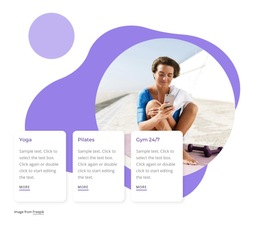
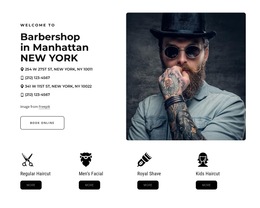
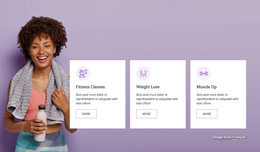
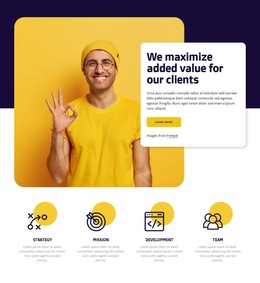
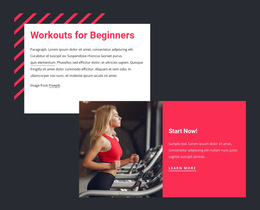
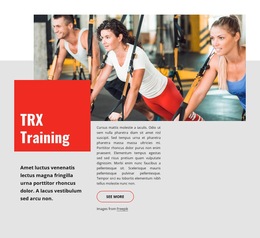
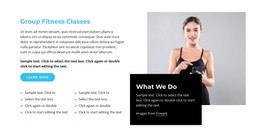
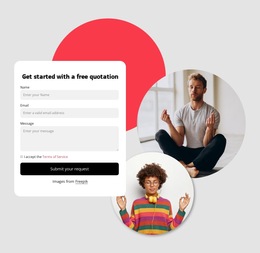
An adult HTML5 template offers a ready-made design for presenting a specific subject, from continuing education to recreational activities. Choose from the sections already visible in the preview: a substantial text area for lessons, image-led blocks for activity examples, or a compact introduction for a short program.
Choose a Ready-Made Design With a Useful Page Structure
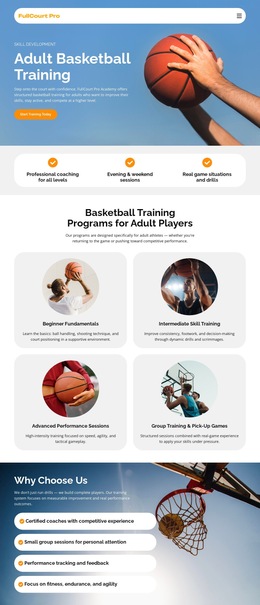
For an adult learning resource, look for an opening that establishes the course topic, a longer section for learning objectives, and room for supporting materials. A sports-program page may work better with a prominent activity image, short session descriptions, and a visible area for attendance details. An informational article needs a headline followed by comfortable reading sections. These are ways to use existing blocks, not features guaranteed in every template.
If document structure matters, inspect the exported page to see whether its main reading area is marked up sensibly—for example, with a main element containing the lesson content. The HTML5 label alone does not verify the markup.
Explore Designs in the Adult HTML5 Collection
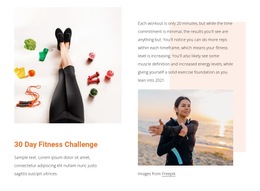
The collection includes HTML5 Theme For Business Coach, Learn How To Be Happy In Life, and Bright Colors. These names identify designs to explore, not verified sets of components. Compare their previews: does an existing introductory block suit a coach or course provider, can a text section carry an extended explanation, and could an image block illustrate an activity? Choose the closest composition rather than rebuilding a mismatched design.
For lesson materials, allow explanations to expand beyond the demo text. For a sports or recreation page, make sure a schedule or participation note is not lost beneath decorative imagery. This helps distinguish designs by their usefulness, not by unsupported claims about HTML5 functionality.
Inspect the adapted design and its exported markup:
- Lesson fit: Check that existing sections hold exercises and their explanations.
- Landmarks: Find the primary content area in the markup.
- Headings: Check the hierarchy of lesson topics.
- Images: Verify meaningful alternatives where appropriate.
- Responsive layout: Ensure related explanations remain together.
Review the Adapted Page Across Screen Sizes
A ready-made section arrangement may change on tablets and phones. Use Nicepage's Grid Element where appropriate to organize related material, then preview the actual page at different widths. When columns stack on smaller screens, confirm that the resulting reading order still connects each heading with its explanation and supporting material. This matters to modern HTML pages generally; it is not an exclusive HTML5 capability.
Select the adult HTML5 template whose existing sections best fit your material and whose exported structure meets your requirements. HTML5 templates and HTML templates are not fundamentally different kinds of websites; their catalog labels should not substitute for examining the actual design.