Download our application WordPress Theme


Permanent App Content With a Clear Travel Booking Focus
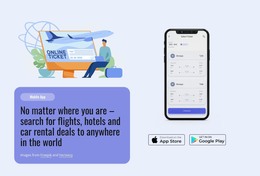
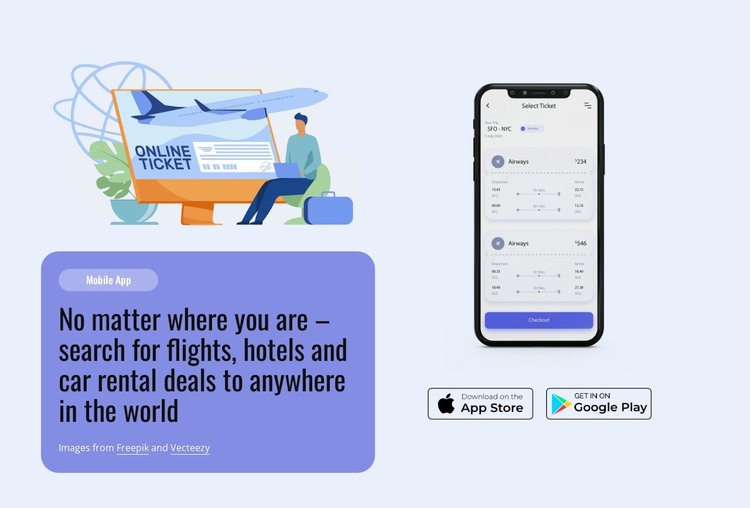
The “Mobile App” label and the promotional heading give this section the character of stable page content rather than a changing article stream. Its subject is specific: a travel booking app associated with flights, hotels, and car rental deals. On a WordPress-managed page, that focused message can introduce the app within a broader travel or product presentation while leaving other site areas to handle destinations, editorial updates, or detailed booking information.
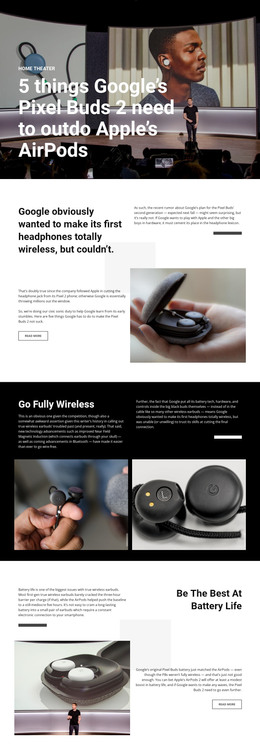
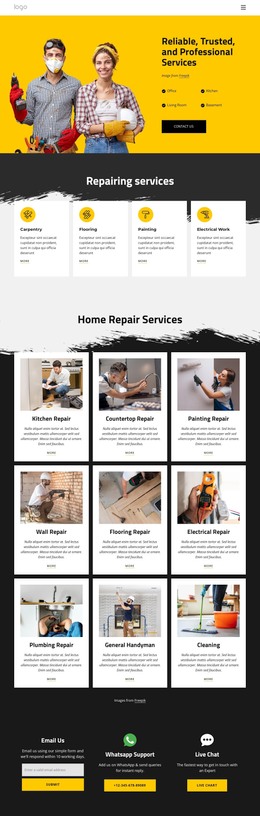
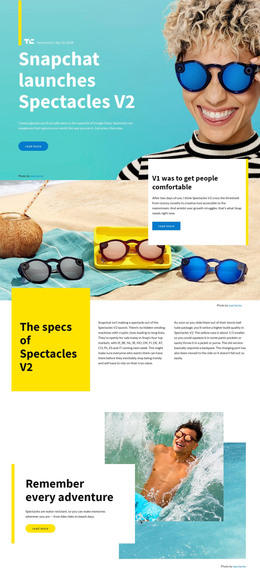
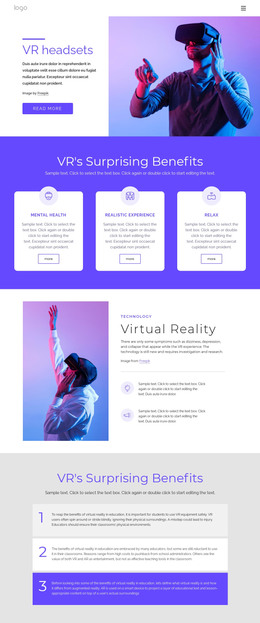
The content is divided into two related groups. On the left, the travel illustration and rounded text card establish the subject and explain the booking categories. On the right, the mobile ticket-selection screenshot provides a visual reference for the app itself, and the two app store badges form a paired access cue beneath the image. This relationship keeps the promotional explanation and product evidence distinct without requiring the section to carry the entire page narrative.
The pale blue background, lavender-blue card, pill-shaped label, rounded corners, and soft pastel imagery create a consistent presentation for this particular app message. The static layout can remain a recognizable page section as surrounding WordPress-managed content changes. The image attribution paragraph stays within the prepared content arrangement, while the wider project can place this block alongside other permanent page sections or supporting app information.
Customize with Nicepage
Open this ready-made template in the WordPress Website Builder and customize it visually in the Nicepage editor. Replace demo content, edit page sections, and adapt the design to your project without rebuilding the template from scratch.
Edit Template Offline
2. Create a new page or select existing
3. Click Add new block, search for id 3673993 and click enter
Edit Template Online
Create Awesome Websites


Free Nicepage Builder
Keywords
Manage and Edit This Theme in WordPress
Customize and Install the WordPress Theme
Start with this ready-made theme instead of building the WordPress design from scratch. Customize its layout, content, typography, images, sections, and other design elements visually in Nicepage editor, then export and install the WordPress Theme, Plugin, and Pages on your WordPress site. The Nicepage WordPress Plugin lets you continue working with the site after installation.
Edit the Theme Directly in WordPress
After installation, you can edit the WordPress Theme directly in WordPress with the Nicepage WordPress Plugin. Use Site Style to customize site Colors, Fonts, Header, Footer, Blog, and Post Page Templates while working within your WordPress website.
Edit WordPress Pages Visually
Use the Nicepage WordPress Plugin to edit page content directly from the WordPress admin area. Open a WordPress Page with Nicepage and visually change its text, images, sections, and other page elements while continuing to manage the Page through WordPress.
WordPress Content and Theme Integration
Use the customized theme with WordPress Pages, Posts, Blog and Post Templates, menus, widgets, and other CMS-managed content. Shared theme elements such as Colors, Fonts, Header, Footer, Blog, and Post Page Templates can be managed as part of the overall site design, while WordPress provides the CMS environment for managing site content.
This workflow combines a ready-made WordPress Theme with visual customization, direct theme editing in WordPress, and continued content management through the Nicepage WordPress Plugin.