Architecture and design firm WordPress Theme


Edit Template Offline
2. Create new page and search for id 4608046
Edit Template Online
Create Awesome Websites


Free Nicepage Builder
Keywords
Project Planning Content Meets Reusable WordPress Page Areas
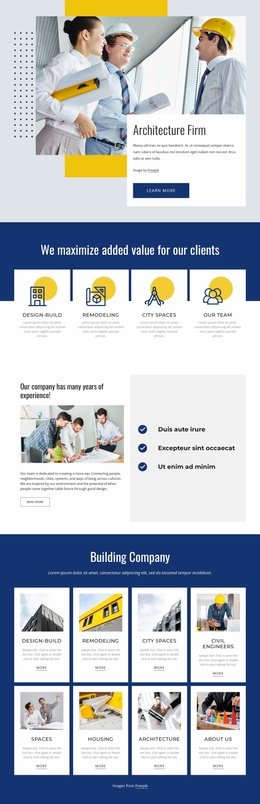
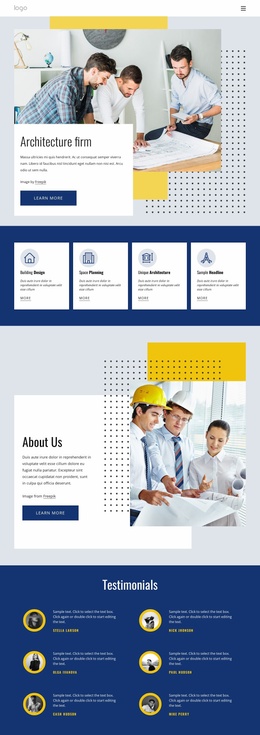
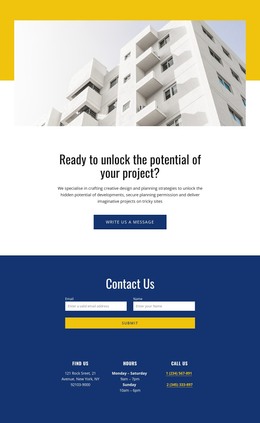
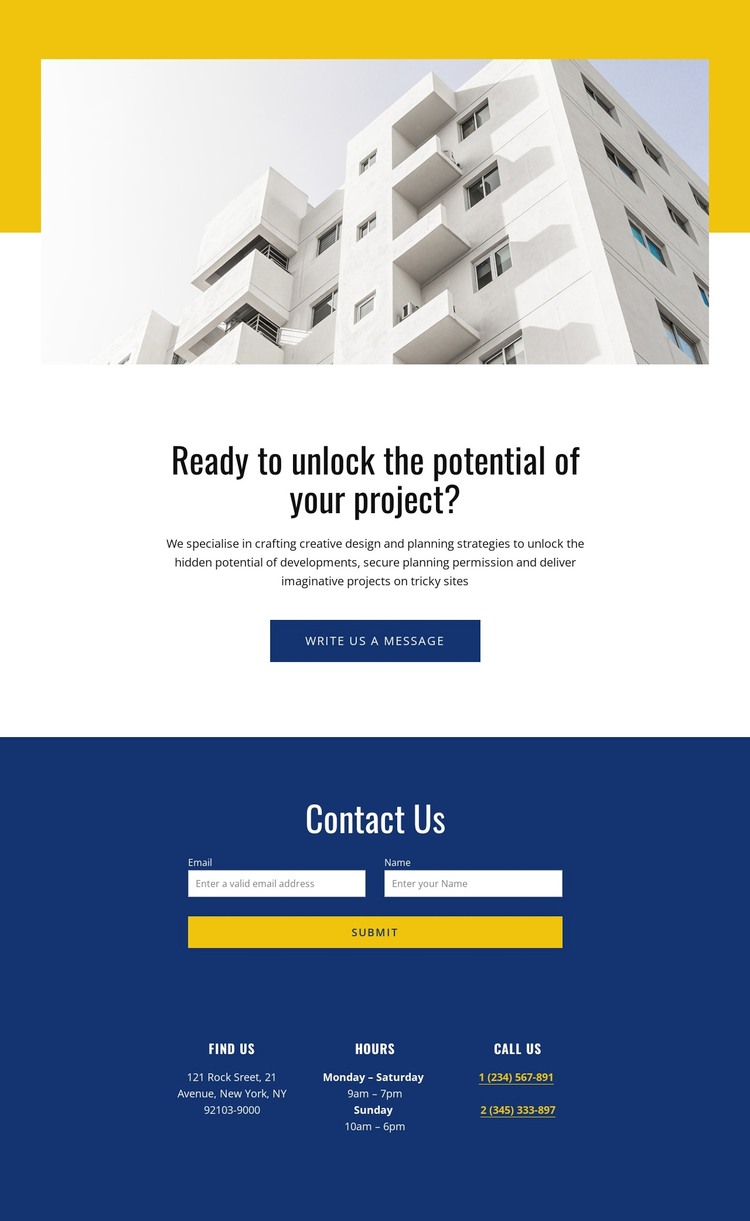
The page divides its message into content areas that can translate naturally into a WordPress-managed consultancy site. The central proposition provides page-oriented information about design and planning strategies, planning permission, and difficult project sites. It can remain stable as core practice content, while related project descriptions or newly published material can be developed around the same visual direction rather than forcing the contact page to carry every detail.
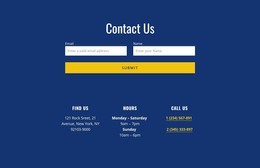
The contact region offers a different kind of content relationship. The form captures a starting enquiry through name and email fields, while the Find Us, Hours, and Call Us cards present practical information that may need to be maintained separately from the service message. This separation is useful for a WordPress project because permanent page content and regularly updated contact information can share the same blue section without becoming one long paragraph. The opening building image then gives the page an immediate editorial and visual anchor.
The blue-and-yellow palette, compact typography, and centered alignment keep these areas connected as one theme presentation. WordPress can therefore manage the consultancy’s page content and future project-oriented updates within a design that already distinguishes visual introduction, service context, and response information. The result is not merely a form layout, but a focused theme starting point with a clear content model for professional enquiries.
Customize with Nicepage
Open this ready-made template in the WordPress Website Builder and customize it visually in the Nicepage editor. Replace demo content, edit page sections, and adapt the design to your project without rebuilding the template from scratch.
Manage and Edit This Theme in WordPress
Customize and Install the WordPress Theme
Start with this ready-made theme instead of building the WordPress design from scratch. Customize its layout, content, typography, images, sections, and other design elements visually in Nicepage editor, then export and install the WordPress Theme, Plugin, and Pages on your WordPress site. The Nicepage WordPress Plugin lets you continue working with the site after installation.
Edit the Theme Directly in WordPress
After installation, you can edit the WordPress Theme directly in WordPress with the Nicepage WordPress Plugin. Use Site Style to customize site Colors, Fonts, Header, Footer, Blog, and Post Page Templates while working within your WordPress website.
Edit WordPress Pages Visually
Use the Nicepage WordPress Plugin to edit page content directly from the WordPress admin area. Open a WordPress Page with Nicepage and visually change its text, images, sections, and other page elements while continuing to manage the Page through WordPress.
WordPress Content and Theme Integration
Use the customized theme with WordPress Pages, Posts, Blog and Post Templates, menus, widgets, and other CMS-managed content. Shared theme elements such as Colors, Fonts, Header, Footer, Blog, and Post Page Templates can be managed as part of the overall site design, while WordPress provides the CMS environment for managing site content.
This workflow combines a ready-made WordPress Theme with visual customization, direct theme editing in WordPress, and continued content management through the Nicepage WordPress Plugin.