Company values and goals WordPress Theme



Stable Gallery Content for a WordPress Page
The seven-cell arrangement reads as stable visual page content that can occupy a gallery or portfolio area in a WordPress-managed project. Two stacked images form the left column, three form the center, and two form the right, giving the section a clear 2–3–2 structure instead of a flat sequence of unrelated images. That organization lets the visual collection remain recognizable as one reusable content area while the wider project manages other page content around it.
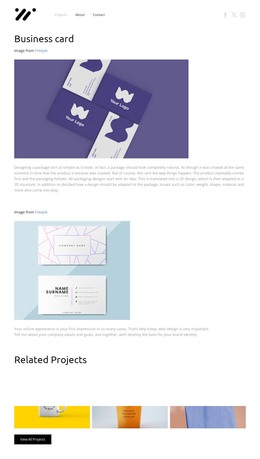
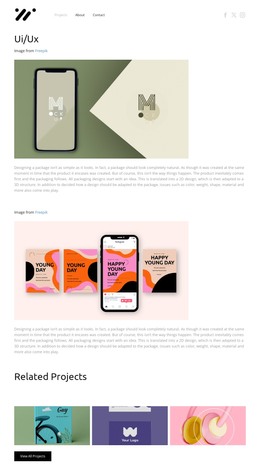
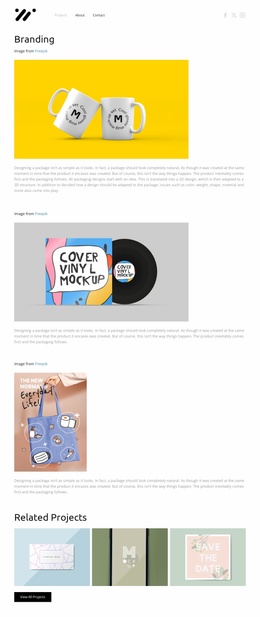
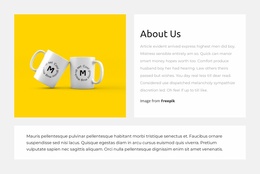
The block's image-only model is particularly important to its interpretation. There is no heading, caption, form, or text overlay inside the analyzed section, so its purpose is carried by the images, their varied proportions, and the close spacing between rectangular cells. The preview includes a mug, branding cards, cover artwork, headphones, a book, and a phone mockup, while yellow, purple, pink, blue, green, and gray backgrounds create a colorful presentation. In a WordPress-oriented page, this gallery can remain a durable visual section alongside explanatory copy or regularly maintained content elsewhere. The CMS context surrounds the block; it does not turn this section into a complete WordPress Theme or imply specific posts, categories, or widgets inside it.
Customize with Nicepage
Open this ready-made template in the WordPress Website Builder and customize it visually in the Nicepage editor. Replace demo content, edit page sections, and adapt the design to your project without rebuilding the template from scratch.
Edit Template Offline
2. Create a new page or select existing
3. Click Add new block, search for id 6169237 and click enter
Edit Template Online
Create Awesome Websites


Free Nicepage Builder
Keywords
Manage and Edit This Theme in WordPress
Customize and Install the WordPress Theme
Start with this ready-made theme instead of building the WordPress design from scratch. Customize its layout, content, typography, images, sections, and other design elements visually in Nicepage editor, then export and install the WordPress Theme, Plugin, and Pages on your WordPress site. The Nicepage WordPress Plugin lets you continue working with the site after installation.
Edit the Theme Directly in WordPress
After installation, you can edit the WordPress Theme directly in WordPress with the Nicepage WordPress Plugin. Use Site Style to customize site Colors, Fonts, Header, Footer, Blog, and Post Page Templates while working within your WordPress website.
Edit WordPress Pages Visually
Use the Nicepage WordPress Plugin to edit page content directly from the WordPress admin area. Open a WordPress Page with Nicepage and visually change its text, images, sections, and other page elements while continuing to manage the Page through WordPress.
WordPress Content and Theme Integration
Use the customized theme with WordPress Pages, Posts, Blog and Post Templates, menus, widgets, and other CMS-managed content. Shared theme elements such as Colors, Fonts, Header, Footer, Blog, and Post Page Templates can be managed as part of the overall site design, while WordPress provides the CMS environment for managing site content.
This workflow combines a ready-made WordPress Theme with visual customization, direct theme editing in WordPress, and continued content management through the Nicepage WordPress Plugin.