Dolomite alps and other destinations WordPress Theme


A Publishable Travel Gallery With a Distinct Contact Cue
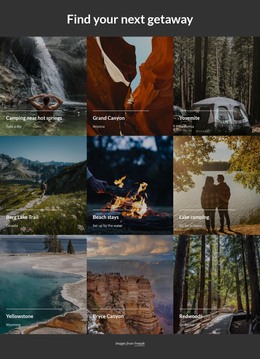
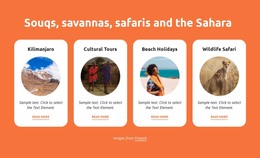
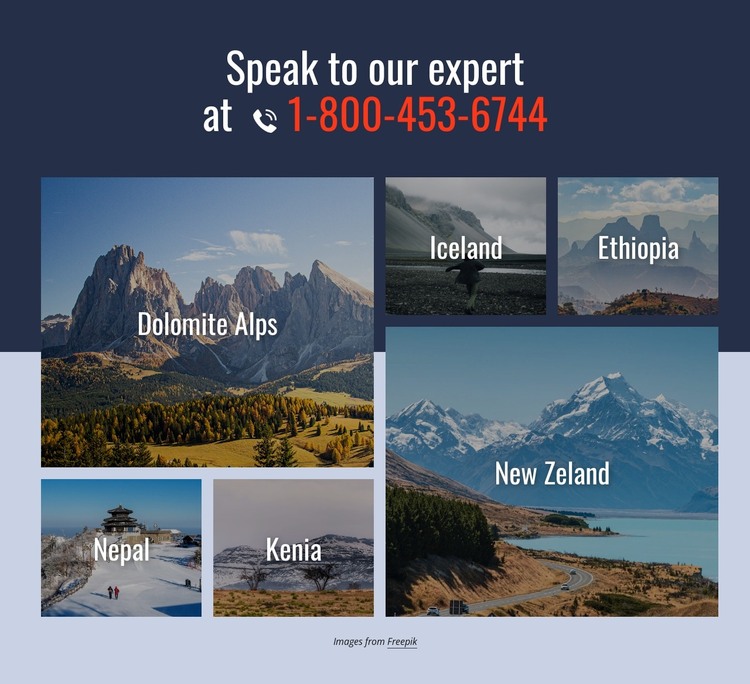
The destination labels and image arrangement make this block suitable for stable page-oriented travel content in a WordPress-managed project. Dolomite Alps, Nepal, Kenia, Iceland, Ethiopia, and New Zeland appear as six separate visual items, with the larger Dolomite Alps and New Zeland tiles giving the collage its main anchors. The smaller paired tiles create supporting choices without requiring the locations to be presented as a long text list.
The expert-contact group gives the section a second content function. A centered “Speak to our expert” heading, phone icon, and displayed contact detail appear above the images, so the inquiry message can remain visually distinct from the destination labels. In a WordPress-oriented page, this arrangement can hold relatively stable travel information while the broader site manages other publishable content around it. The sample phone number should be replaced as part of content editing rather than treated as a real business detail.
The block’s visual treatment also helps preserve a consistent page section: dark navy surrounds the collage, white condensed text maintains hierarchy, red emphasis identifies the contact detail, and dark image overlays keep labels readable. A WordPress-managed site can place this section alongside other content areas for itineraries, destination details, or contact forms. The block contributes a reusable gallery-and-prompt layout, not the complete theme or site structure.
Customize with Nicepage
Open this ready-made template in the WordPress Website Builder and customize it visually in the Nicepage editor. Replace demo content, edit page sections, and adapt the design to your project without rebuilding the template from scratch.
Edit Template Offline
2. Create a new page or select existing
3. Click Add new block, search for id 3827158 and click enter
Edit Template Online
Create Awesome Websites


Free Nicepage Builder
Keywords
Manage and Edit This Theme in WordPress
Customize and Install the WordPress Theme
Start with this ready-made theme instead of building the WordPress design from scratch. Customize its layout, content, typography, images, sections, and other design elements visually in Nicepage editor, then export and install the WordPress Theme, Plugin, and Pages on your WordPress site. The Nicepage WordPress Plugin lets you continue working with the site after installation.
Edit the Theme Directly in WordPress
After installation, you can edit the WordPress Theme directly in WordPress with the Nicepage WordPress Plugin. Use Site Style to customize site Colors, Fonts, Header, Footer, Blog, and Post Page Templates while working within your WordPress website.
Edit WordPress Pages Visually
Use the Nicepage WordPress Plugin to edit page content directly from the WordPress admin area. Open a WordPress Page with Nicepage and visually change its text, images, sections, and other page elements while continuing to manage the Page through WordPress.
WordPress Content and Theme Integration
Use the customized theme with WordPress Pages, Posts, Blog and Post Templates, menus, widgets, and other CMS-managed content. Shared theme elements such as Colors, Fonts, Header, Footer, Blog, and Post Page Templates can be managed as part of the overall site design, while WordPress provides the CMS environment for managing site content.
This workflow combines a ready-made WordPress Theme with visual customization, direct theme editing in WordPress, and continued content management through the Nicepage WordPress Plugin.