Your data, your rights WordPress Theme


Edit Template Offline
2. Create new page and search for id 6543085
Edit Template Online
Create Awesome Websites


Free Nicepage Builder
Keywords
Policy Content and Shared Site Areas Support a WordPress Theme Context
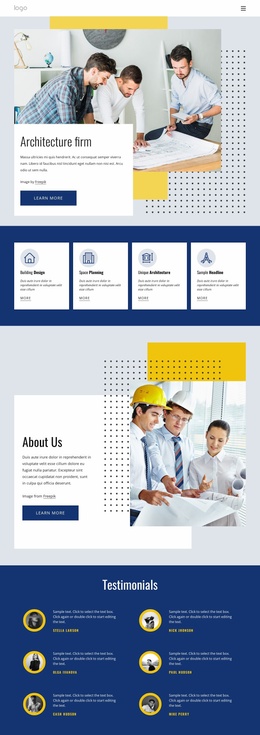
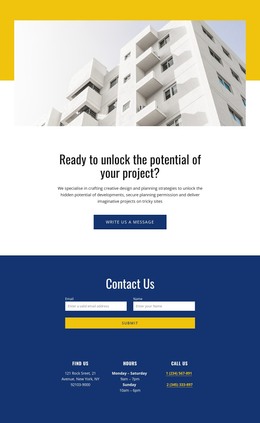
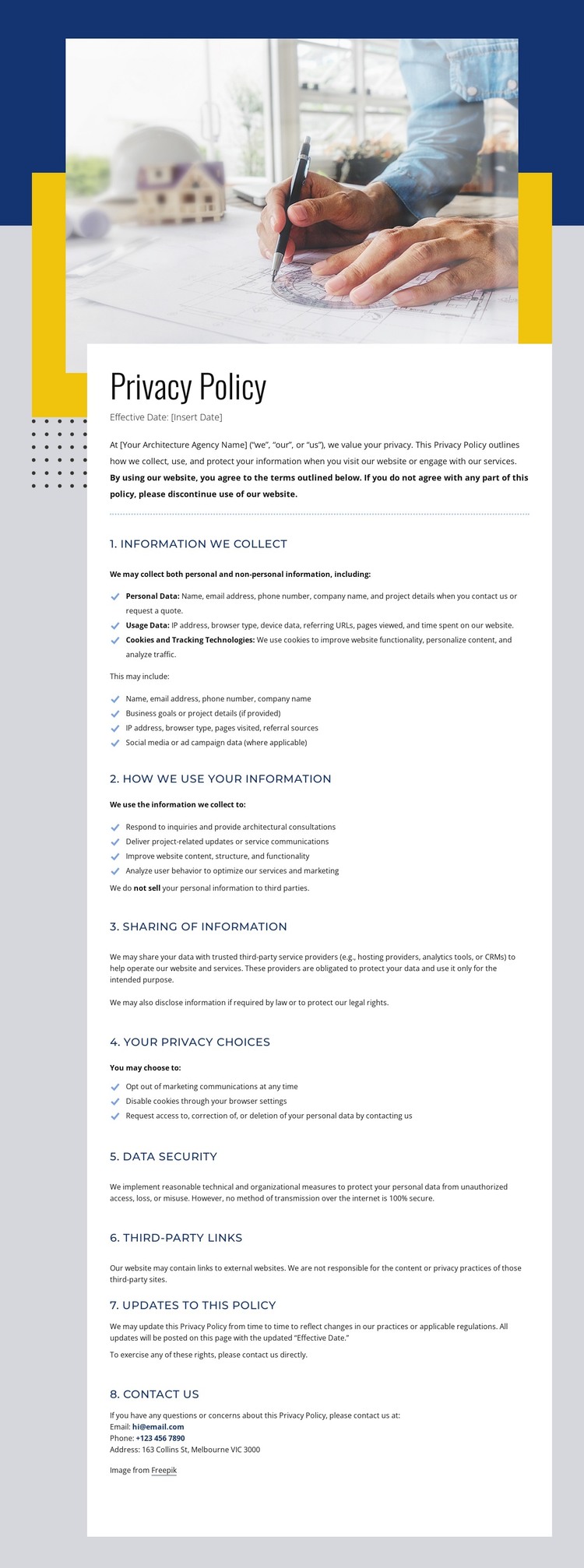
The permanent policy information is concentrated in a white document panel that can serve as page-oriented content within a broader WordPress site. Its eight numbered sections address personal data, usage data, cookies, sharing, privacy choices, security, third-party links, policy updates, and contact information. The use of headings, paragraphs, and bulleted lists gives this material a clear editorial shape, while the architectural image and geometric framing preserve the site’s visual character around it.
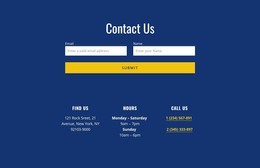
The surrounding regions provide a second interpretation of the design. The header establishes navigation through Company, About us, and Portfolio, and the footer groups Help resources, Get In Touch details, social links, secondary navigation, and a compact consultation form. These areas can be treated as shared or page-supporting content in a WordPress project, while the policy text remains a focused permanent page rather than being presented as an existing blog or post structure.
This separation is useful for maintaining a consistent theme relationship between informational pages and contact-oriented site regions. The navy, yellow, white, and light gray palette, along with the architectural photograph, can guide related content without changing the policy page’s document emphasis. The design therefore offers a concrete theme direction for organizing page content and recurring site elements, while WordPress-specific content types would need to be established separately according to the project.
Customize with Nicepage
Open this ready-made template in the WordPress Website Builder and customize it visually in the Nicepage editor. Replace demo content, edit page sections, and adapt the design to your project without rebuilding the template from scratch.
Manage and Edit This Theme in WordPress
Customize and Install the WordPress Theme
Start with this ready-made theme instead of building the WordPress design from scratch. Customize its layout, content, typography, images, sections, and other design elements visually in Nicepage editor, then export and install the WordPress Theme, Plugin, and Pages on your WordPress site. The Nicepage WordPress Plugin lets you continue working with the site after installation.
Edit the Theme Directly in WordPress
After installation, you can edit the WordPress Theme directly in WordPress with the Nicepage WordPress Plugin. Use Site Style to customize site Colors, Fonts, Header, Footer, Blog, and Post Page Templates while working within your WordPress website.
Edit WordPress Pages Visually
Use the Nicepage WordPress Plugin to edit page content directly from the WordPress admin area. Open a WordPress Page with Nicepage and visually change its text, images, sections, and other page elements while continuing to manage the Page through WordPress.
WordPress Content and Theme Integration
Use the customized theme with WordPress Pages, Posts, Blog and Post Templates, menus, widgets, and other CMS-managed content. Shared theme elements such as Colors, Fonts, Header, Footer, Blog, and Post Page Templates can be managed as part of the overall site design, while WordPress provides the CMS environment for managing site content.
This workflow combines a ready-made WordPress Theme with visual customization, direct theme editing in WordPress, and continued content management through the Nicepage WordPress Plugin.