500+ professionals design WordPress Theme


Edit Template Offline
2. Create new page and search for id 4625965
Edit Template Online
Create Awesome Websites


Free Nicepage Builder
Keywords
Project Content and Shared Contact Regions Fit a WordPress Theme
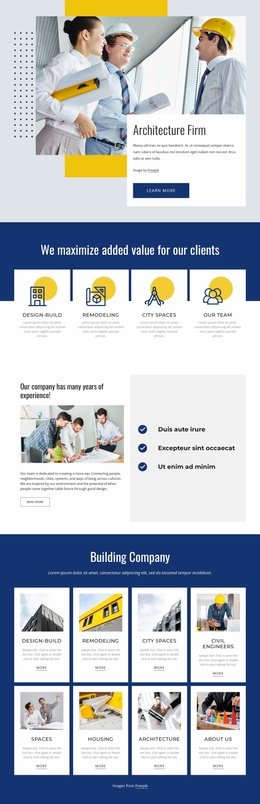
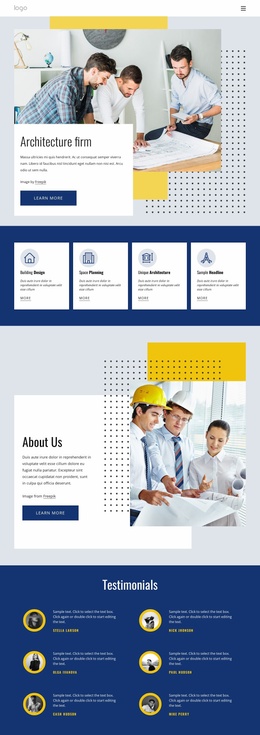
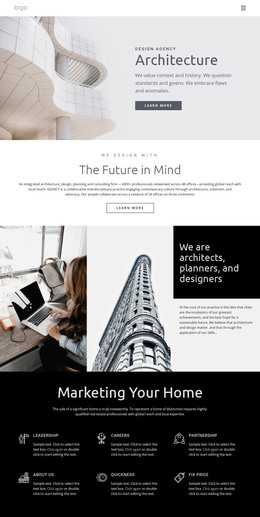
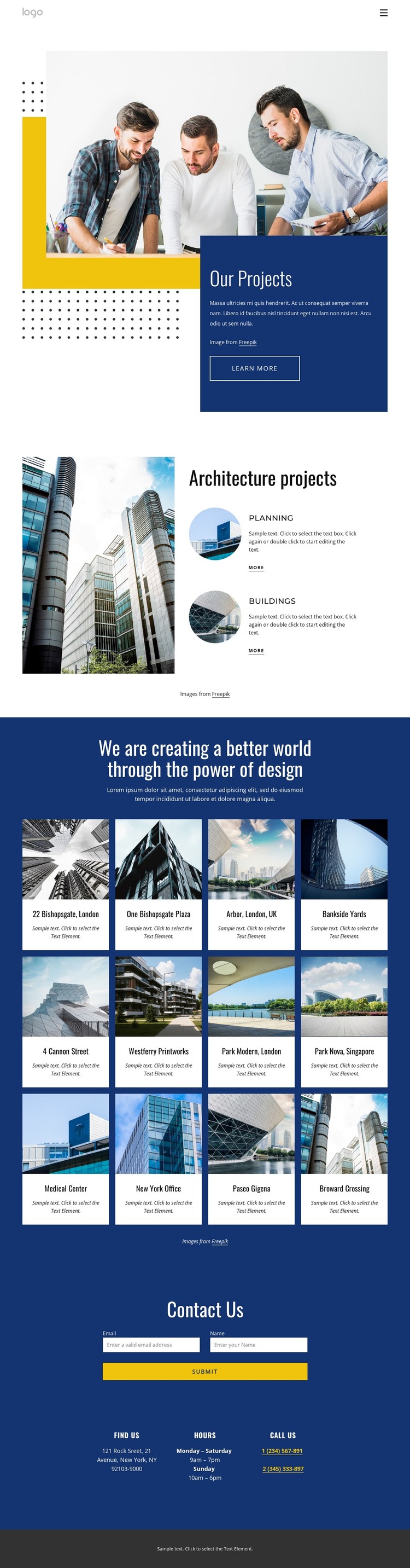
The twelve project cards create the page-oriented content core of this design, while Planning and Buildings provide a separate layer for architecture categories or service information. That relationship is useful for a WordPress-managed site because permanent portfolio presentation and recurring project content can be kept visually connected without reducing the page to a single promotional block. The location labels attached to projects, including London, Singapore, New York, and other places, also show how each item can carry contextual information without treating sample entries as verified company records.
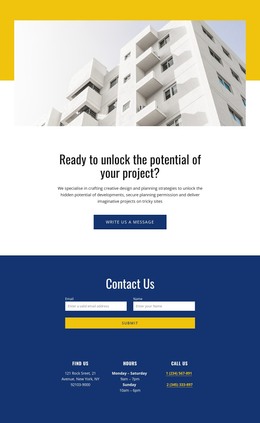
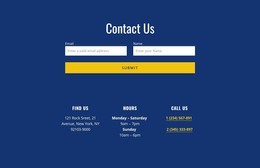
The contact structure offers a second interpretation. Contact Us places a form beside Find Us, Hours, and Call Us blocks, giving visitors a practical page area for initial questions. The footer then adds Get In Touch and Free Consultation content, together with help links, social links, secondary navigation, and another form. These shared regions can frame page content consistently as the site adds more architecture information, while the original visual character remains anchored by the navy, white, and yellow palette.
A WordPress theme bridge is relevant because the design separates project content, category information, and shared site elements. It does not prove that Posts, categories, or WordPress templates already exist in the source. Instead, the verified structure offers clear areas for permanent pages and future content to inhabit, with the portfolio grid providing the strongest recurring content pattern.
Customize with Nicepage
Open this ready-made template in the WordPress Website Builder and customize it visually in the Nicepage editor. Replace demo content, edit page sections, and adapt the design to your project without rebuilding the template from scratch.
Manage and Edit This Theme in WordPress
Customize and Install the WordPress Theme
Start with this ready-made theme instead of building the WordPress design from scratch. Customize its layout, content, typography, images, sections, and other design elements visually in Nicepage editor, then export and install the WordPress Theme, Plugin, and Pages on your WordPress site. The Nicepage WordPress Plugin lets you continue working with the site after installation.
Edit the Theme Directly in WordPress
After installation, you can edit the WordPress Theme directly in WordPress with the Nicepage WordPress Plugin. Use Site Style to customize site Colors, Fonts, Header, Footer, Blog, and Post Page Templates while working within your WordPress website.
Edit WordPress Pages Visually
Use the Nicepage WordPress Plugin to edit page content directly from the WordPress admin area. Open a WordPress Page with Nicepage and visually change its text, images, sections, and other page elements while continuing to manage the Page through WordPress.
WordPress Content and Theme Integration
Use the customized theme with WordPress Pages, Posts, Blog and Post Templates, menus, widgets, and other CMS-managed content. Shared theme elements such as Colors, Fonts, Header, Footer, Blog, and Post Page Templates can be managed as part of the overall site design, while WordPress provides the CMS environment for managing site content.
This workflow combines a ready-made WordPress Theme with visual customization, direct theme editing in WordPress, and continued content management through the Nicepage WordPress Plugin.