We have over 125 architecture awards WordPress Theme



Edit Template Offline
2. Create new page and search for id 4618408
Edit Template Online
Create Awesome Websites


Free Nicepage Builder
Keywords
Page content that connects services, people, and research
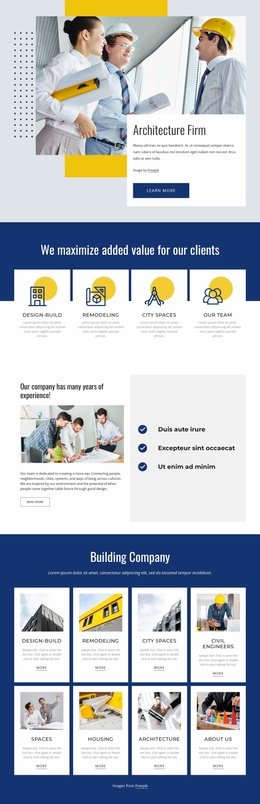
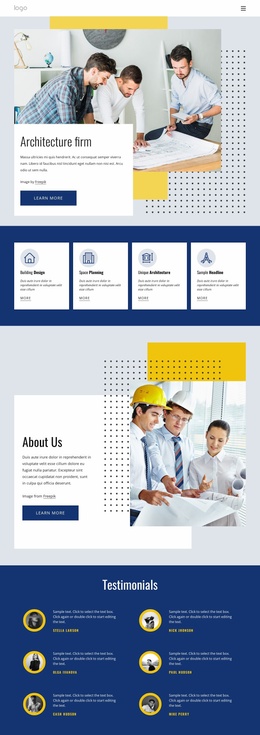
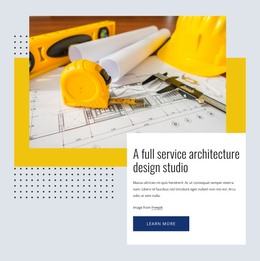
The service cards provide four clear page-oriented content groups: Design-Build, Remodeling, City Spaces, and Civil Engineers. Their repeated image-and-label treatment makes them suitable starting points for presenting related service information while keeping the visual direction consistent. The Design Ideas that Inspire section works differently, using an architectural image, overlapping white text card, and Learn more action to introduce a more focused piece of company or project content.
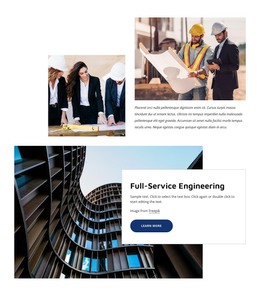
The page also contains strong permanent profile content. Three value statements explain the company’s stated approach through collaboration, innovation, compassion, honesty, integrity, accountability, and client focus. The six-person team area then presents repeated staff-profile units with portraits, names, and job titles. Architectural Design & Research contributes another page-level content area, combining an image mosaic with a Research feature so specialist interests can sit beside service and people information.
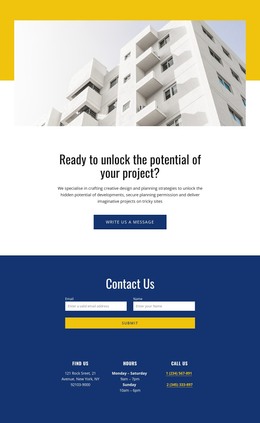
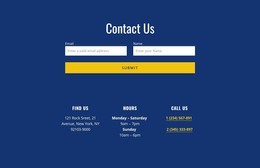
The Contact Us region is especially practical for a managed site: it combines a form with location, hours, and phone details. The footer adds social links for Facebook, Twitter, and Instagram, plus Help resources, Get In Touch details, secondary navigation, and a Free Consultation form. This arrangement gives WordPress content a defined visual context across service, profile, research, and contact areas. If the project later introduces regularly updated articles or announcements, they would be an additional content layer rather than an existing feature of this verified template.
Customize with Nicepage
Open this ready-made template in the WordPress Website Builder and customize it visually in the Nicepage editor. Replace demo content, edit page sections, and adapt the design to your project without rebuilding the template from scratch.
Manage and Edit This Theme in WordPress
Customize and Install the WordPress Theme
Start with this ready-made theme instead of building the WordPress design from scratch. Customize its layout, content, typography, images, sections, and other design elements visually in Nicepage editor, then export and install the WordPress Theme, Plugin, and Pages on your WordPress site. The Nicepage WordPress Plugin lets you continue working with the site after installation.
Edit the Theme Directly in WordPress
After installation, you can edit the WordPress Theme directly in WordPress with the Nicepage WordPress Plugin. Use Site Style to customize site Colors, Fonts, Header, Footer, Blog, and Post Page Templates while working within your WordPress website.
Edit WordPress Pages Visually
Use the Nicepage WordPress Plugin to edit page content directly from the WordPress admin area. Open a WordPress Page with Nicepage and visually change its text, images, sections, and other page elements while continuing to manage the Page through WordPress.
WordPress Content and Theme Integration
Use the customized theme with WordPress Pages, Posts, Blog and Post Templates, menus, widgets, and other CMS-managed content. Shared theme elements such as Colors, Fonts, Header, Footer, Blog, and Post Page Templates can be managed as part of the overall site design, while WordPress provides the CMS environment for managing site content.
This workflow combines a ready-made WordPress Theme with visual customization, direct theme editing in WordPress, and continued content management through the Nicepage WordPress Plugin.