Read our FAQs WordPress Theme


Edit Template Offline
2. Create new page and search for id 6353989
Edit Template Online
Create Awesome Websites


Free Nicepage Builder
Keywords
Architectural Questions Sit Beside Reusable Contact Content
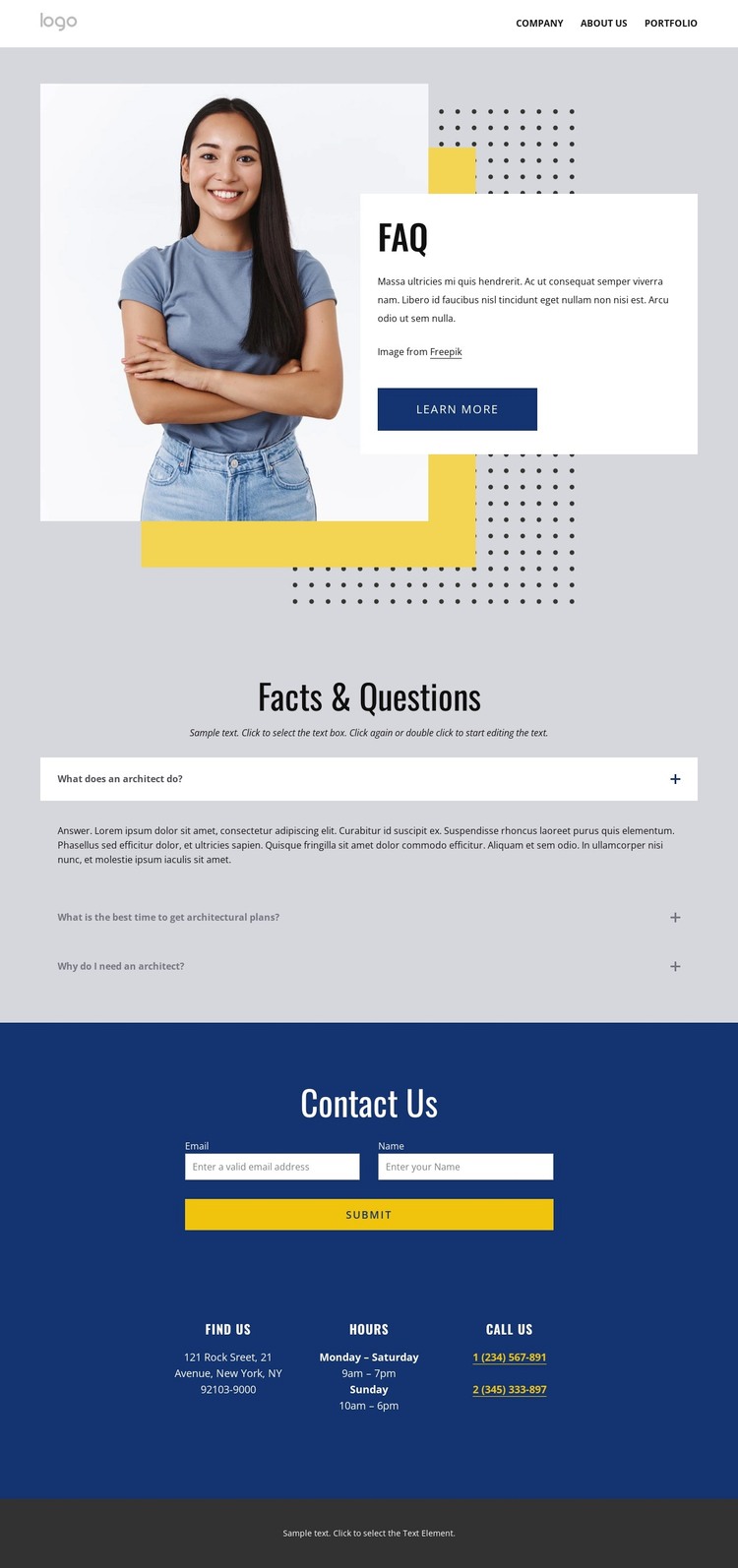
The main page content is organized around three specific architectural questions: what an architect does, when architectural plans are needed, and why an architect may be needed. Presenting them in expandable rows creates a focused informational area that can remain distinct from the hero’s introductory message. The portrait, white panel, and Learn more button provide the first content layer, while the accordion supplies more detailed answers for visitors considering architectural services.
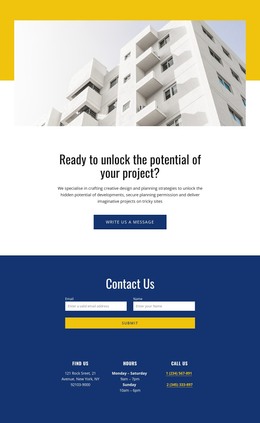
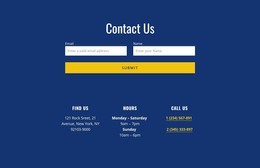
The Contact Us section gives the page a second content relationship. Its inquiry form appears beside Find Us, Hours, and Call Us blocks, making the form part of a broader contact region rather than an isolated control. The footer continues with help links, Get In Touch details, social links, secondary navigation, and a Free Consultation form. These repeated areas can be interpreted as permanent page content and shared site-oriented content in a WordPress project, while the sample contact values remain unverified placeholders.
The design does not prove that WordPress Posts, blog categories, or other CMS structures already exist. Its WordPress theme value comes from the clarity of its content areas: explanatory questions, contact information, consultation forms, and shared closing elements. Those regions can support page-based content and future editorial additions while preserving the architecture-focused visual direction.
Customize with Nicepage
Open this ready-made template in the WordPress Website Builder and customize it visually in the Nicepage editor. Replace demo content, edit page sections, and adapt the design to your project without rebuilding the template from scratch.
Manage and Edit This Theme in WordPress
Customize and Install the WordPress Theme
Start with this ready-made theme instead of building the WordPress design from scratch. Customize its layout, content, typography, images, sections, and other design elements visually in Nicepage editor, then export and install the WordPress Theme, Plugin, and Pages on your WordPress site. The Nicepage WordPress Plugin lets you continue working with the site after installation.
Edit the Theme Directly in WordPress
After installation, you can edit the WordPress Theme directly in WordPress with the Nicepage WordPress Plugin. Use Site Style to customize site Colors, Fonts, Header, Footer, Blog, and Post Page Templates while working within your WordPress website.
Edit WordPress Pages Visually
Use the Nicepage WordPress Plugin to edit page content directly from the WordPress admin area. Open a WordPress Page with Nicepage and visually change its text, images, sections, and other page elements while continuing to manage the Page through WordPress.
WordPress Content and Theme Integration
Use the customized theme with WordPress Pages, Posts, Blog and Post Templates, menus, widgets, and other CMS-managed content. Shared theme elements such as Colors, Fonts, Header, Footer, Blog, and Post Page Templates can be managed as part of the overall site design, while WordPress provides the CMS environment for managing site content.
This workflow combines a ready-made WordPress Theme with visual customization, direct theme editing in WordPress, and continued content management through the Nicepage WordPress Plugin.