Dental excellence WordPress Theme


Edit Template Offline
2. Create new page and search for id 6215852
Edit Template Online
Create Awesome Websites


Free Nicepage Builder
Keywords
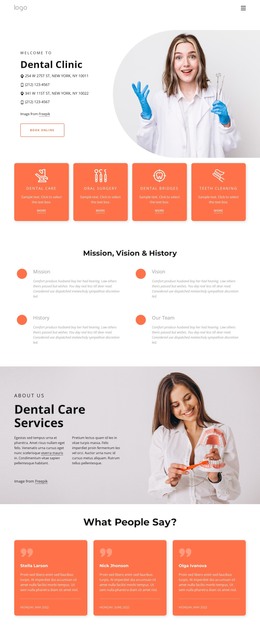
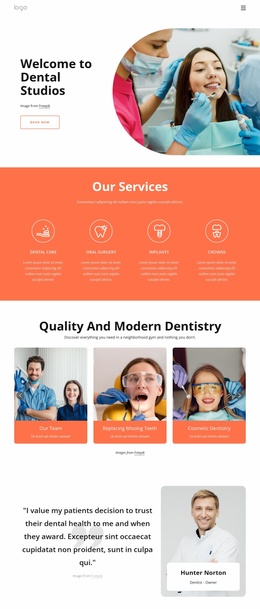
Service Cards and Team Content Give the Theme Reusable Page Areas
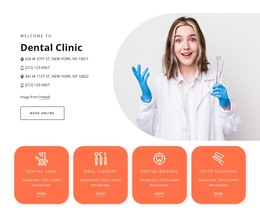
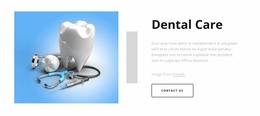
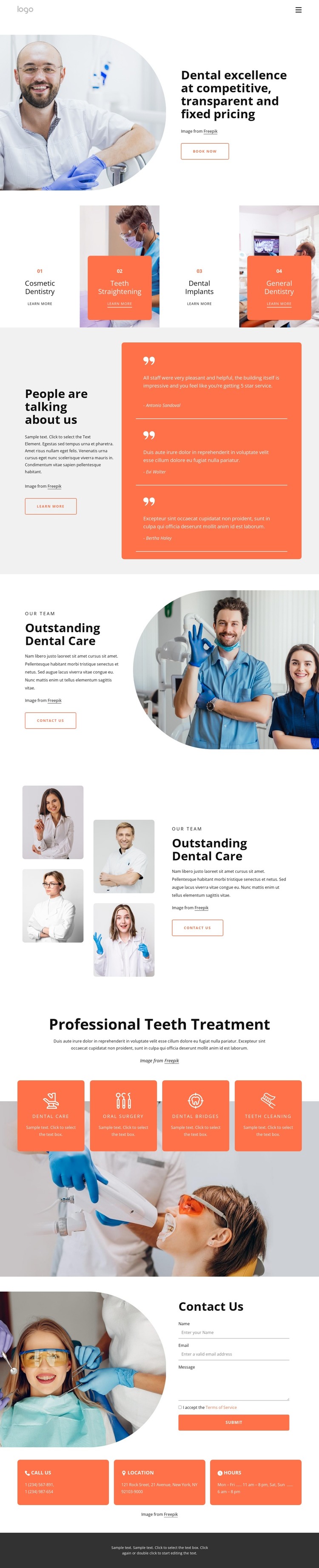
The first service group gives the design a clear set of permanent page-content subjects: Cosmetic Dentistry, Teeth Straightening, Dental Implants, and General Dentistry. Each appears in a repeated card with a Learn More link, making the visual treatment suitable for presenting related service information without losing the shared design character. The opening section supports those subjects with a practice introduction, transparent fixed-pricing message, dental photograph, and Book Now action.
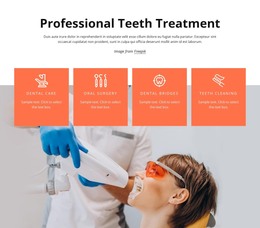
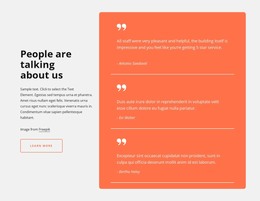
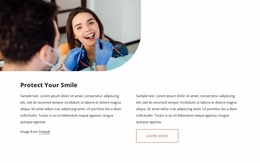
The page also separates content that can remain stable from content that may be expanded over time. Three testimonial entries form a patient-feedback area, while the two team compositions provide practice and staff context through clinical and portrait photography. The second treatment group adds four more service subjects—Dental Care, Oral Surgery, Dental Bridges, and Teeth Cleaning—so the theme can support a wider clinic presentation than a single promotional offer. At the end, the Contact Us region combines an inquiry form with phone, location, and hours panels, creating a distinct page area for visitor questions and appointment-related communication. This mapping of services, people, feedback, and contact content gives a WordPress theme a coherent basis for managing permanent clinic pages alongside additional site content, without claiming that specific blog or post structures already exist.
Customize with Nicepage
Open this ready-made template in the WordPress Website Builder and customize it visually in the Nicepage editor. Replace demo content, edit page sections, and adapt the design to your project without rebuilding the template from scratch.
Manage and Edit This Theme in WordPress
Customize and Install the WordPress Theme
Start with this ready-made theme instead of building the WordPress design from scratch. Customize its layout, content, typography, images, sections, and other design elements visually in Nicepage editor, then export and install the WordPress Theme, Plugin, and Pages on your WordPress site. The Nicepage WordPress Plugin lets you continue working with the site after installation.
Edit the Theme Directly in WordPress
After installation, you can edit the WordPress Theme directly in WordPress with the Nicepage WordPress Plugin. Use Site Style to customize site Colors, Fonts, Header, Footer, Blog, and Post Page Templates while working within your WordPress website.
Edit WordPress Pages Visually
Use the Nicepage WordPress Plugin to edit page content directly from the WordPress admin area. Open a WordPress Page with Nicepage and visually change its text, images, sections, and other page elements while continuing to manage the Page through WordPress.
WordPress Content and Theme Integration
Use the customized theme with WordPress Pages, Posts, Blog and Post Templates, menus, widgets, and other CMS-managed content. Shared theme elements such as Colors, Fonts, Header, Footer, Blog, and Post Page Templates can be managed as part of the overall site design, while WordPress provides the CMS environment for managing site content.
This workflow combines a ready-made WordPress Theme with visual customization, direct theme editing in WordPress, and continued content management through the Nicepage WordPress Plugin.