Flexible support that fits around your lifestyle WordPress Theme


A calm two-card layout for publishable support content
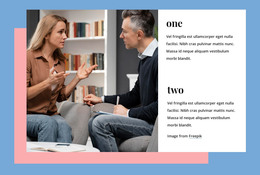
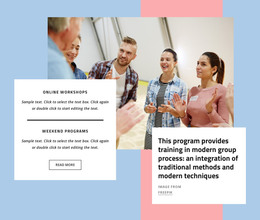
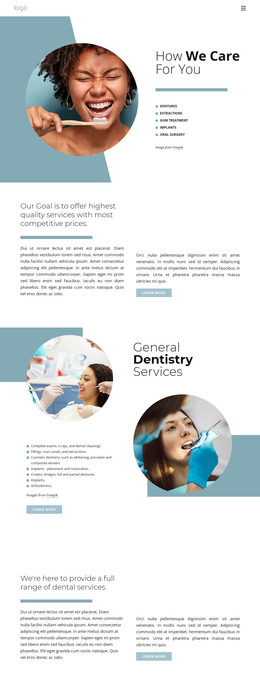
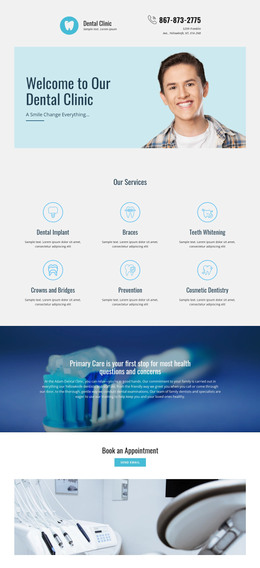
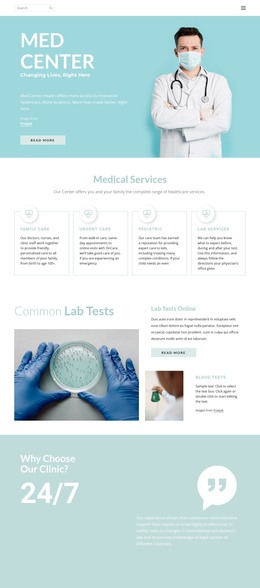
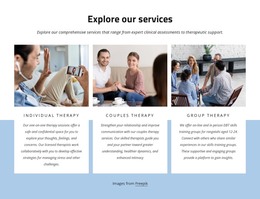
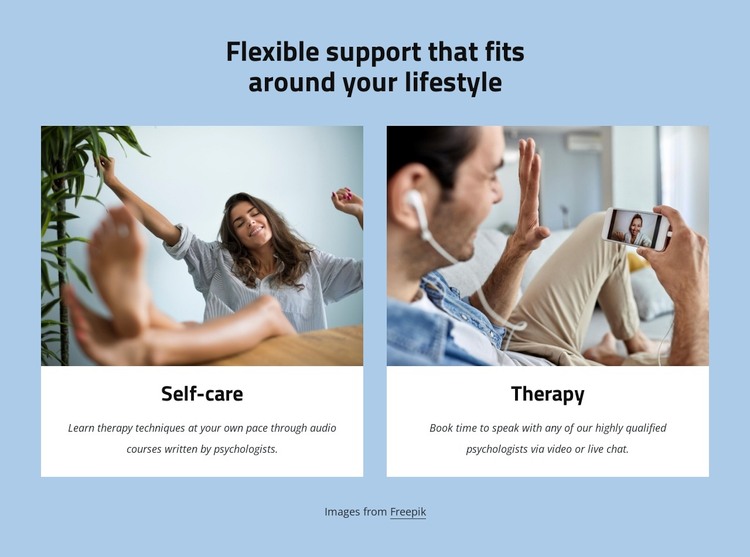
The two cards read as stable page content because each presents one clearly named support option with its own image, title, and explanatory paragraph. Self-care describes learning therapy techniques through audio courses written by psychologists, giving that card an educational and self-guided emphasis. Therapy describes speaking with psychologists through video or live chat, giving the second card a direct conversation focus. The repeated structure lets these distinct content points remain visually comparable while preserving their different descriptions.
For a WordPress-managed page, the block can function as a permanent services or support section within a wider content system. The centered heading introduces the subject without competing with the cards, and the equal two-column arrangement gives both options comparable prominence. A soft light-blue background, white rectangular cards, large photographs, bold centered titles, and smaller italic descriptions create a restrained visual pattern suitable for page content that may sit alongside other information. The section can remain a consistent visual area while the surrounding WordPress project handles additional pages or regularly maintained content. Its value lies in presenting the two support paths clearly, not in acting as a complete theme or site.
Customize with Nicepage
Open this ready-made template in the WordPress Website Builder and customize it visually in the Nicepage editor. Replace demo content, edit page sections, and adapt the design to your project without rebuilding the template from scratch.
Edit Template Offline
2. Create a new page or select existing
3. Click Add new block, search for id 6009193 and click enter
Edit Template Online
Create Awesome Websites


Free Nicepage Builder
Keywords
Manage and Edit This Theme in WordPress
Customize and Install the WordPress Theme
Start with this ready-made theme instead of building the WordPress design from scratch. Customize its layout, content, typography, images, sections, and other design elements visually in Nicepage editor, then export and install the WordPress Theme, Plugin, and Pages on your WordPress site. The Nicepage WordPress Plugin lets you continue working with the site after installation.
Edit the Theme Directly in WordPress
After installation, you can edit the WordPress Theme directly in WordPress with the Nicepage WordPress Plugin. Use Site Style to customize site Colors, Fonts, Header, Footer, Blog, and Post Page Templates while working within your WordPress website.
Edit WordPress Pages Visually
Use the Nicepage WordPress Plugin to edit page content directly from the WordPress admin area. Open a WordPress Page with Nicepage and visually change its text, images, sections, and other page elements while continuing to manage the Page through WordPress.
WordPress Content and Theme Integration
Use the customized theme with WordPress Pages, Posts, Blog and Post Templates, menus, widgets, and other CMS-managed content. Shared theme elements such as Colors, Fonts, Header, Footer, Blog, and Post Page Templates can be managed as part of the overall site design, while WordPress provides the CMS environment for managing site content.
This workflow combines a ready-made WordPress Theme with visual customization, direct theme editing in WordPress, and continued content management through the Nicepage WordPress Plugin.