Licensed professional counselors WordPress Theme



Edit Template Offline
2. Create new page and search for id 310800
Edit Template Online
Create Awesome Websites


Free Nicepage Builder
Keywords
Service Pages and Reusable Content Can Share One Counseling Style
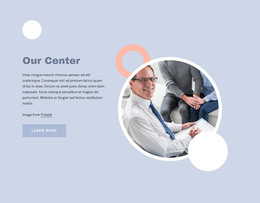
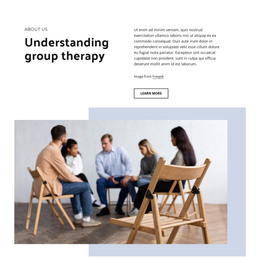
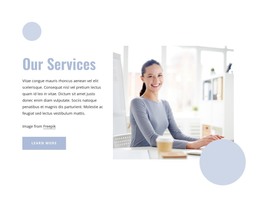
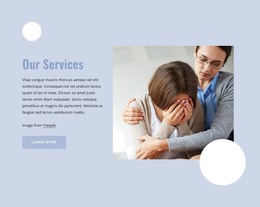
The page-oriented content is divided into clear subjects that can remain understandable as a WordPress site develops. Our Center provides introductory context, while Understanding group therapy, Online Therapy Programs, Family therapy, and What is psychotherapy? each offer a different editorial focus. The repeated service labels and Learn more or Read More actions create natural points for connecting related information, although the analysis does not verify separate posts, categories, or additional pages already attached to them.
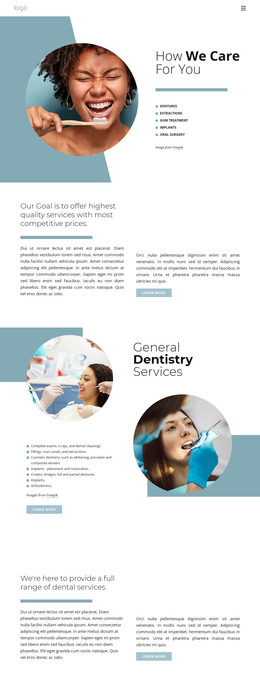
The visual treatment helps those content areas belong to one theme. Circular therapy imagery appears in the introduction and service sections, while pale blue promotional surfaces contrast with white explanatory areas. This gives permanent counseling information a recognizable presentation and leaves room for future content to be written around the same palette, image treatment, and heading hierarchy. The three-part psychotherapy arrangement is especially useful as a model for presenting related information without reducing every subject to an identical card.
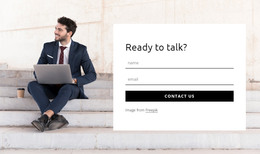
At the bottom, the therapist photograph, inquiry message, contact form, and Submit control create a clear page-level response area. In a WordPress project, this design can therefore support stable counseling content while leaving space for additional editorial material if the project later requires it. The important interpretation is the relationship between the existing service sections and a managed content environment, not an unsupported claim that WordPress posts or blog structures are already present.
Customize with Nicepage
Open this ready-made template in the WordPress Website Builder and customize it visually in the Nicepage editor. Replace demo content, edit page sections, and adapt the design to your project without rebuilding the template from scratch.
Manage and Edit This Theme in WordPress
Customize and Install the WordPress Theme
Start with this ready-made theme instead of building the WordPress design from scratch. Customize its layout, content, typography, images, sections, and other design elements visually in Nicepage editor, then export and install the WordPress Theme, Plugin, and Pages on your WordPress site. The Nicepage WordPress Plugin lets you continue working with the site after installation.
Edit the Theme Directly in WordPress
After installation, you can edit the WordPress Theme directly in WordPress with the Nicepage WordPress Plugin. Use Site Style to customize site Colors, Fonts, Header, Footer, Blog, and Post Page Templates while working within your WordPress website.
Edit WordPress Pages Visually
Use the Nicepage WordPress Plugin to edit page content directly from the WordPress admin area. Open a WordPress Page with Nicepage and visually change its text, images, sections, and other page elements while continuing to manage the Page through WordPress.
WordPress Content and Theme Integration
Use the customized theme with WordPress Pages, Posts, Blog and Post Templates, menus, widgets, and other CMS-managed content. Shared theme elements such as Colors, Fonts, Header, Footer, Blog, and Post Page Templates can be managed as part of the overall site design, while WordPress provides the CMS environment for managing site content.
This workflow combines a ready-made WordPress Theme with visual customization, direct theme editing in WordPress, and continued content management through the Nicepage WordPress Plugin.