Conquer the Slopes WordPress Theme


Edit Template Offline
2. Create new page and search for id 6425999
Edit Template Online
Create Awesome Websites


Free Nicepage Builder
Keywords
Contact Details and Adventure Content Suit a WordPress Theme Structure
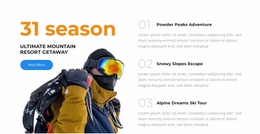
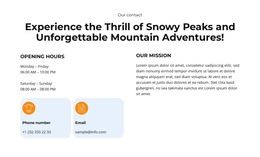
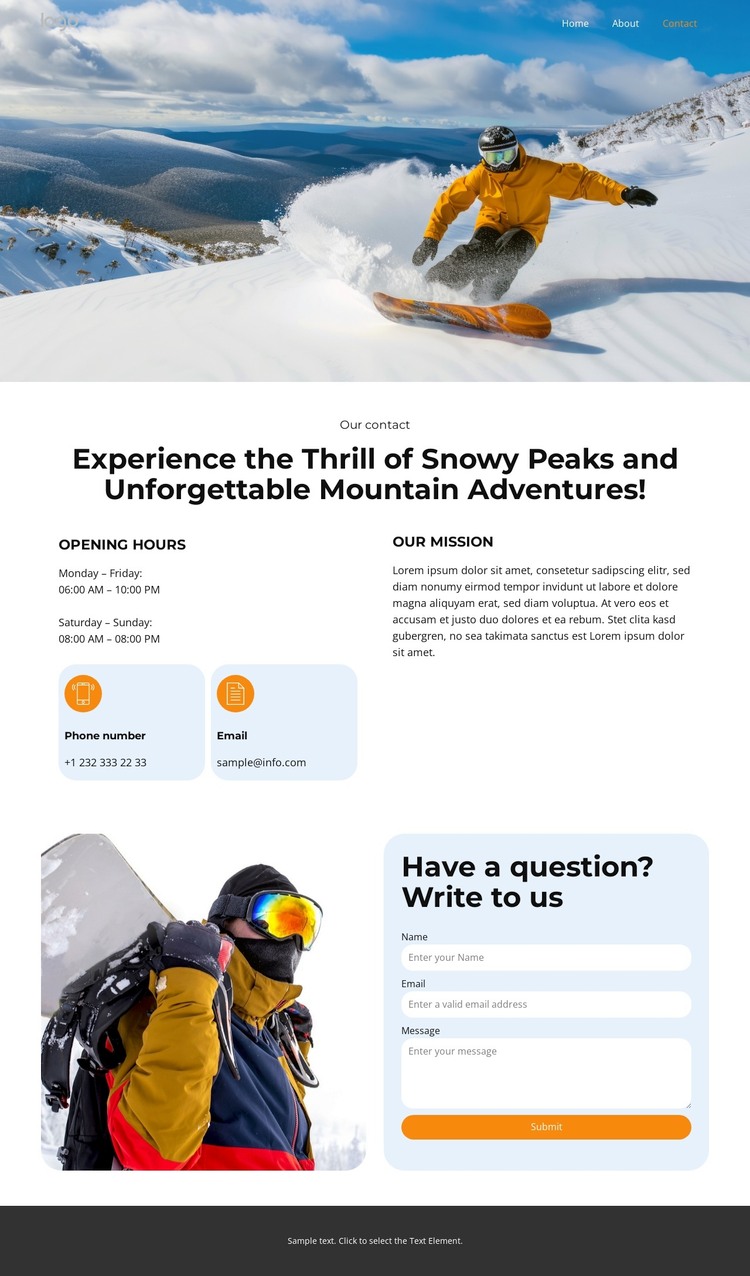
The page-oriented content is easy to distinguish into permanent information areas for a WordPress-managed adventure site. The mountain hero can introduce the visual subject, while the contact section holds practical page content: opening hours, phone information, email information, and a mission explanation. The navigation labels for Home, About, Events, Pricing, and Contact also suggest how related content areas could be organized across a broader site, without proving that those additional pages already exist in this template.
The repeated relationship between imagery and text is important for maintaining the theme character. A snow-covered mountain and skier establish the subject at the top, and another outdoor image appears beside the inquiry form near the bottom. Between them, rounded contact cards make the factual information easier to separate from the mission text. The sample phone number, email address, hours, and placeholder mission copy should be replaced with the project’s actual content before publication.
As a WordPress theme direction, this design can support a site where relatively stable page information and future editorial additions share the same visual system. The contact form remains a page-level communication area rather than evidence of a specific WordPress form integration. The result is a practical mapping of the verified layout to managed content: navigation for site access, mission and contact information for permanent pages, and imagery that preserves the mountain-adventure identity.
Customize with Nicepage
Open this ready-made template in the WordPress Website Builder and customize it visually in the Nicepage editor. Replace demo content, edit page sections, and adapt the design to your project without rebuilding the template from scratch.
Manage and Edit This Theme in WordPress
Customize and Install the WordPress Theme
Start with this ready-made theme instead of building the WordPress design from scratch. Customize its layout, content, typography, images, sections, and other design elements visually in Nicepage editor, then export and install the WordPress Theme, Plugin, and Pages on your WordPress site. The Nicepage WordPress Plugin lets you continue working with the site after installation.
Edit the Theme Directly in WordPress
After installation, you can edit the WordPress Theme directly in WordPress with the Nicepage WordPress Plugin. Use Site Style to customize site Colors, Fonts, Header, Footer, Blog, and Post Page Templates while working within your WordPress website.
Edit WordPress Pages Visually
Use the Nicepage WordPress Plugin to edit page content directly from the WordPress admin area. Open a WordPress Page with Nicepage and visually change its text, images, sections, and other page elements while continuing to manage the Page through WordPress.
WordPress Content and Theme Integration
Use the customized theme with WordPress Pages, Posts, Blog and Post Templates, menus, widgets, and other CMS-managed content. Shared theme elements such as Colors, Fonts, Header, Footer, Blog, and Post Page Templates can be managed as part of the overall site design, while WordPress provides the CMS environment for managing site content.
This workflow combines a ready-made WordPress Theme with visual customization, direct theme editing in WordPress, and continued content management through the Nicepage WordPress Plugin.