Make your trips truly pleasant experiences WordPress Theme


Edit Template Offline
2. Create new page and search for id 5389149
Edit Template Online
Create Awesome Websites


Free Nicepage Builder
Keywords
Page content and recurring site elements suit a WordPress-managed travel presence
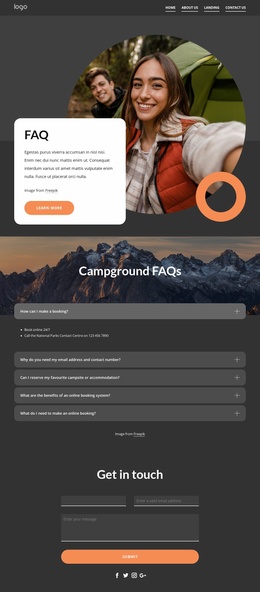
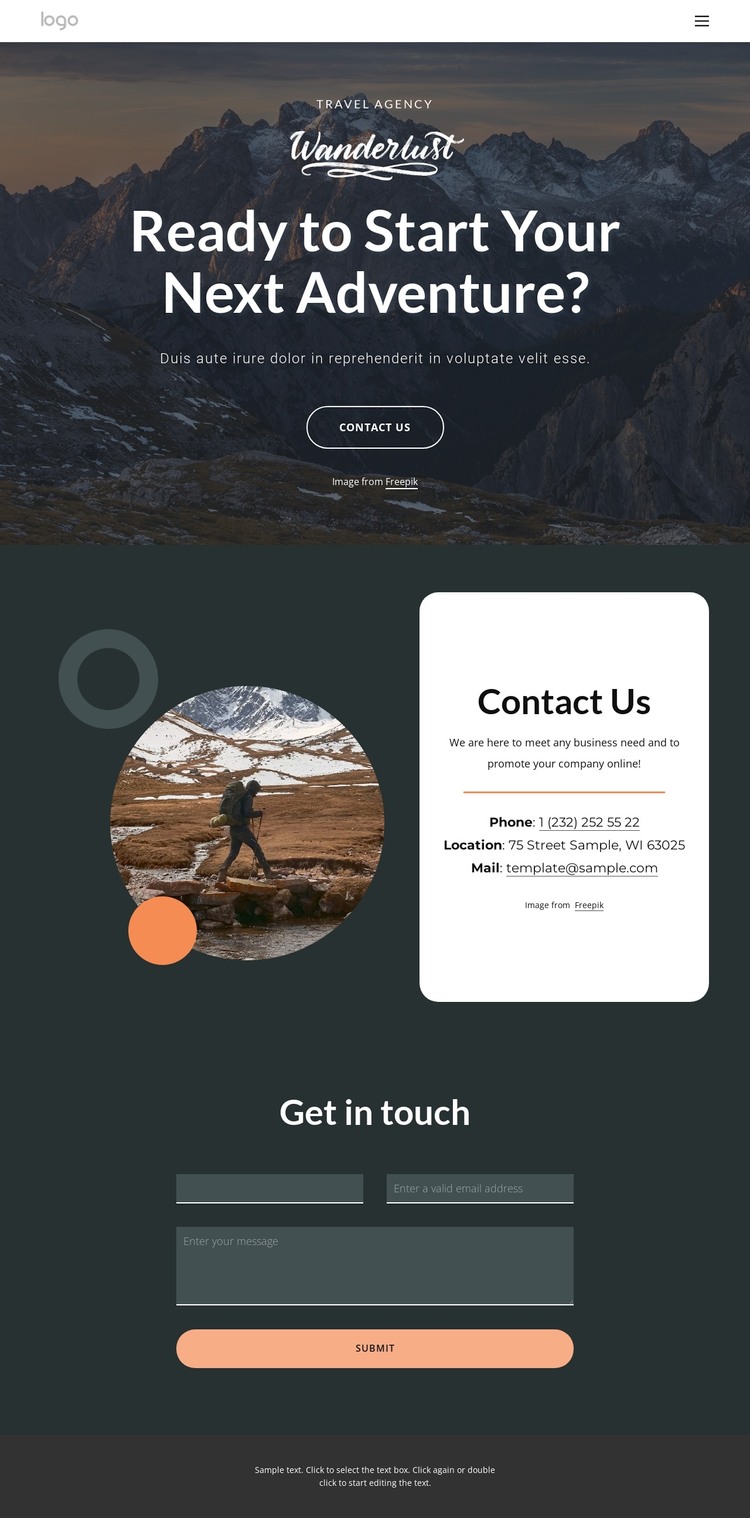
The page separates permanent informational content into recognizable areas that can be maintained within a WordPress-oriented site. The navigation header identifies Home, About Us, Landing, and Contact Us as distinct destinations, while the hero supplies the main travel introduction through a mountain image, adventure headline, supporting text, and Contact Us button. This relationship gives page content a clear opening context before visitors reach the practical communication details.
The white contact card is a useful content grouping because phone, location, and email appear together rather than being scattered across the layout. Its position beside a decorative circular travel image connects factual contact information with the page’s visual subject. The following “Get in touch” section has a different editorial role: it is a dedicated inquiry area with a stacked form and full-width Submit control, making it easy to distinguish contact information from visitor-submitted content.
The dark header and centered footer text also provide shared site regions that can frame related pages while retaining the same visual character. The template analysis does not verify blog posts, categories, or other WordPress-specific content structures, so those should not be treated as existing components. Instead, the confirmed navigation, agency-style introduction, contact channels, and inquiry form provide a grounded basis for organizing managed page content around this travel design.
Customize with Nicepage
Open this ready-made template in the WordPress Website Builder and customize it visually in the Nicepage editor. Replace demo content, edit page sections, and adapt the design to your project without rebuilding the template from scratch.
Manage and Edit This Theme in WordPress
Customize and Install the WordPress Theme
Start with this ready-made theme instead of building the WordPress design from scratch. Customize its layout, content, typography, images, sections, and other design elements visually in Nicepage editor, then export and install the WordPress Theme, Plugin, and Pages on your WordPress site. The Nicepage WordPress Plugin lets you continue working with the site after installation.
Edit the Theme Directly in WordPress
After installation, you can edit the WordPress Theme directly in WordPress with the Nicepage WordPress Plugin. Use Site Style to customize site Colors, Fonts, Header, Footer, Blog, and Post Page Templates while working within your WordPress website.
Edit WordPress Pages Visually
Use the Nicepage WordPress Plugin to edit page content directly from the WordPress admin area. Open a WordPress Page with Nicepage and visually change its text, images, sections, and other page elements while continuing to manage the Page through WordPress.
WordPress Content and Theme Integration
Use the customized theme with WordPress Pages, Posts, Blog and Post Templates, menus, widgets, and other CMS-managed content. Shared theme elements such as Colors, Fonts, Header, Footer, Blog, and Post Page Templates can be managed as part of the overall site design, while WordPress provides the CMS environment for managing site content.
This workflow combines a ready-made WordPress Theme with visual customization, direct theme editing in WordPress, and continued content management through the Nicepage WordPress Plugin.