Contact form web page designs WordPress Theme


Stable Contact Content Around a WordPress Page Form
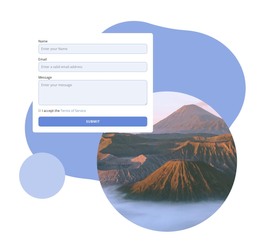
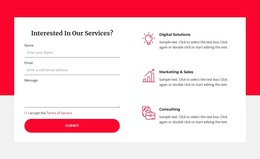
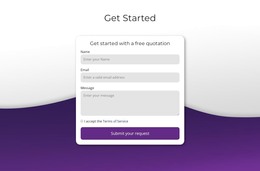
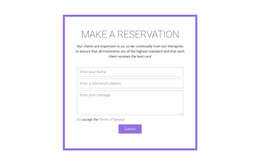
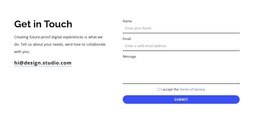
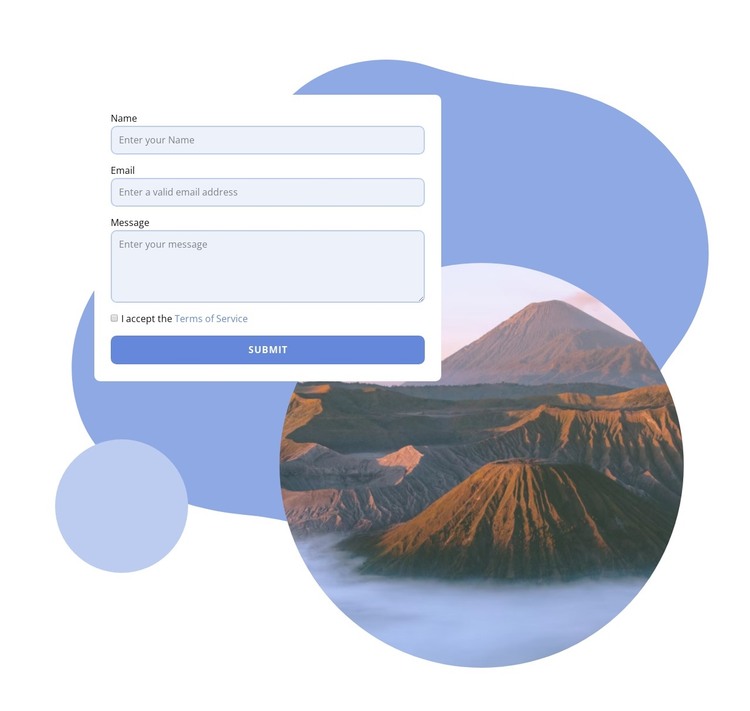
The form reads as stable page content rather than a collection of unrelated controls. Its name, email, and message fields establish the information a visitor can provide, the required terms-of-service checkbox marks the consent step, and the visible Submit action completes the immediate contact path. Keeping these elements in one white rounded card makes the section easy to recognize as a focused inquiry area within a WordPress-managed page.
The surrounding composition gives that page content a distinct visual setting. A circular mountain photograph sits beside and partly behind the upper-left card, while blue and pale lavender decorative shapes create layered framing around the form and image. Generous white space separates the visual treatment from the inputs, so the travel subject supports the contact region without becoming a second functional area.
In a WordPress-oriented project, this block can remain a reusable visual section for a stable contact or inquiry area, while the wider site handles its other page content separately. It may fit naturally after destination or hospitality information, where visitors need a clear way to send details and a message. The section does not need to carry the site's broader structure: its value lies in preserving a recognizable form workflow and image-led presentation as part of publishable page content.
Customize with Nicepage
Open this ready-made template in the WordPress Website Builder and customize it visually in the Nicepage editor. Replace demo content, edit page sections, and adapt the design to your project without rebuilding the template from scratch.
Edit Template Offline
2. Create a new page or select existing
3. Click Add new block, search for id 1680805 and click enter
Edit Template Online
Create Awesome Websites


Free Nicepage Builder
Keywords
Manage and Edit This Theme in WordPress
Customize and Install the WordPress Theme
Start with this ready-made theme instead of building the WordPress design from scratch. Customize its layout, content, typography, images, sections, and other design elements visually in Nicepage editor, then export and install the WordPress Theme, Plugin, and Pages on your WordPress site. The Nicepage WordPress Plugin lets you continue working with the site after installation.
Edit the Theme Directly in WordPress
After installation, you can edit the WordPress Theme directly in WordPress with the Nicepage WordPress Plugin. Use Site Style to customize site Colors, Fonts, Header, Footer, Blog, and Post Page Templates while working within your WordPress website.
Edit WordPress Pages Visually
Use the Nicepage WordPress Plugin to edit page content directly from the WordPress admin area. Open a WordPress Page with Nicepage and visually change its text, images, sections, and other page elements while continuing to manage the Page through WordPress.
WordPress Content and Theme Integration
Use the customized theme with WordPress Pages, Posts, Blog and Post Templates, menus, widgets, and other CMS-managed content. Shared theme elements such as Colors, Fonts, Header, Footer, Blog, and Post Page Templates can be managed as part of the overall site design, while WordPress provides the CMS environment for managing site content.
This workflow combines a ready-made WordPress Theme with visual customization, direct theme editing in WordPress, and continued content management through the Nicepage WordPress Plugin.