Expeditions and tours to active volcanoes WordPress Theme



Edit Template Offline
2. Create new page and search for id 1644444
Edit Template Online
Create Awesome Websites


Free Nicepage Builder
Keywords
Travel Themes and Repeated Content Areas Suit a WordPress Theme
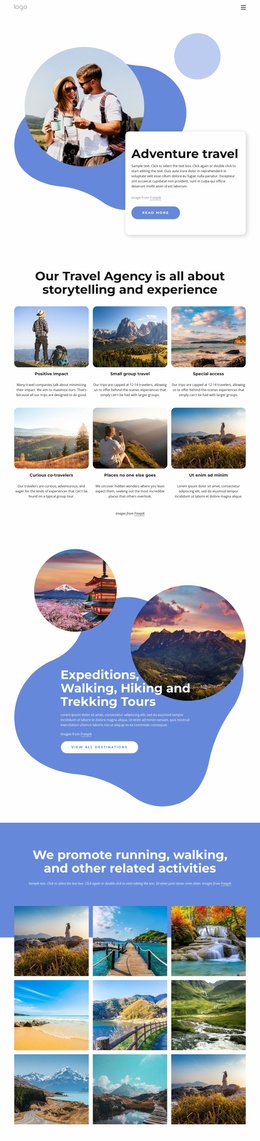
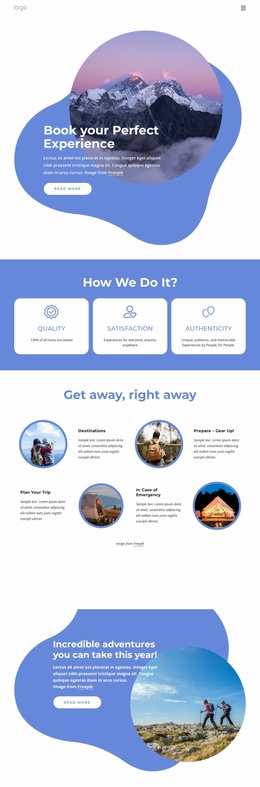
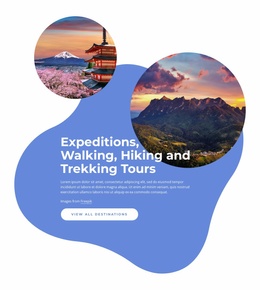
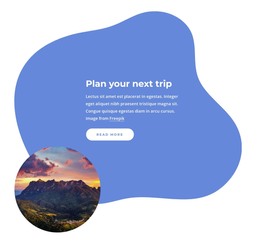
The page separates permanent agency information from recurring travel presentation in a way that can translate naturally into a WordPress-managed site. The navigation names Home, About Us, and Portfolio, while the hero focuses on Volcano Tours & Adventure Travel. The later panels add connection with nature and road-trip planning, giving the design several page-oriented content themes rather than one undifferentiated block of copy.
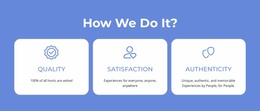
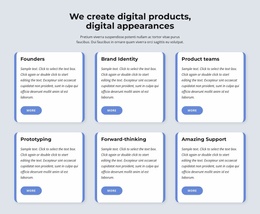
The three numbered cards are organized around Our Mission, How We Work, and What We Do, so they can represent stable agency information within the same visual system. The four testimonial profiles introduce a repeated content pattern with circular portraits and short comments, while the four translucent percentage cards form a separate positioning or metrics area. Their different roles help preserve content hierarchy as the project changes text and images over time. These are interpretations of the verified design, not claims that WordPress Posts or categories already exist in it.
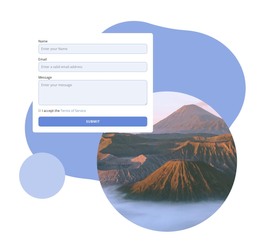
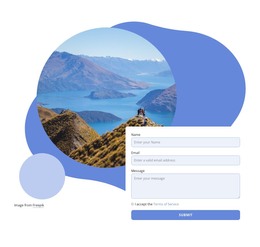
The final form offers a clear permanent contact area with Name, Email, Message, terms acceptance, and Submit controls. Together with the scenic image and dark footer, it gives the page a complete content boundary for a WordPress-oriented project. The blue-and-white palette, organic shapes, rounded cards, and circular photography can remain the shared theme character while pages or regularly updated content are added around this homepage.
Customize with Nicepage
Open this ready-made template in the WordPress Website Builder and customize it visually in the Nicepage editor. Replace demo content, edit page sections, and adapt the design to your project without rebuilding the template from scratch.
Manage and Edit This Theme in WordPress
Customize and Install the WordPress Theme
Start with this ready-made theme instead of building the WordPress design from scratch. Customize its layout, content, typography, images, sections, and other design elements visually in Nicepage editor, then export and install the WordPress Theme, Plugin, and Pages on your WordPress site. The Nicepage WordPress Plugin lets you continue working with the site after installation.
Edit the Theme Directly in WordPress
After installation, you can edit the WordPress Theme directly in WordPress with the Nicepage WordPress Plugin. Use Site Style to customize site Colors, Fonts, Header, Footer, Blog, and Post Page Templates while working within your WordPress website.
Edit WordPress Pages Visually
Use the Nicepage WordPress Plugin to edit page content directly from the WordPress admin area. Open a WordPress Page with Nicepage and visually change its text, images, sections, and other page elements while continuing to manage the Page through WordPress.
WordPress Content and Theme Integration
Use the customized theme with WordPress Pages, Posts, Blog and Post Templates, menus, widgets, and other CMS-managed content. Shared theme elements such as Colors, Fonts, Header, Footer, Blog, and Post Page Templates can be managed as part of the overall site design, while WordPress provides the CMS environment for managing site content.
This workflow combines a ready-made WordPress Theme with visual customization, direct theme editing in WordPress, and continued content management through the Nicepage WordPress Plugin.