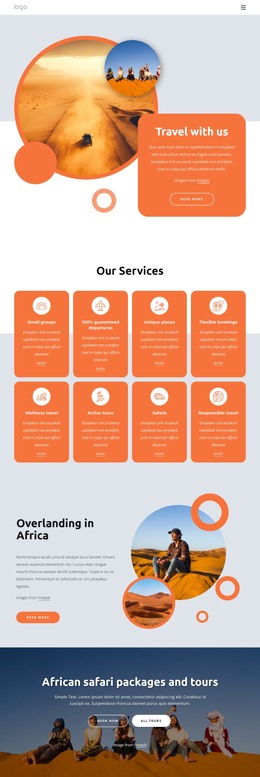
Kayaking tours and holidays WordPress Theme


Edit Template Offline
2. Create new page and search for id 6007440
Edit Template Online
Create Awesome Websites


Free Nicepage Builder
Keywords
The Gallery and Booking Prompts Give WordPress Content a Clear Focus
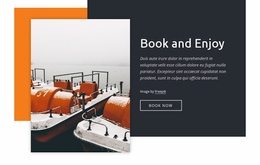
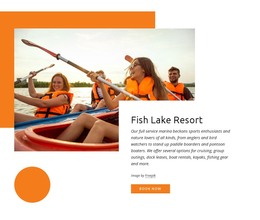
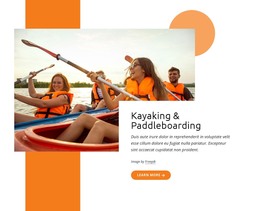
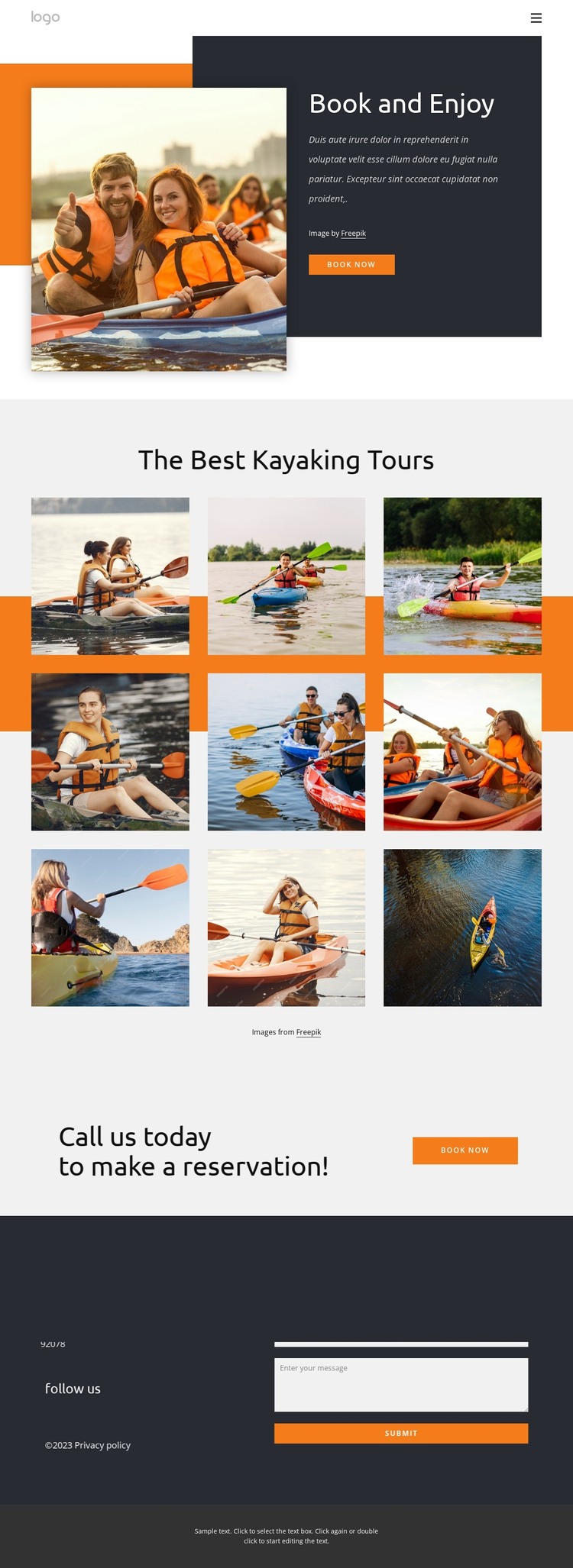
The page gives a WordPress-oriented project a strong permanent content starting point through its combination of visual tour material and page-level booking information. The Book and Enjoy opening places a large kayaking photograph beside introductory copy and a booking button, so the main subject can be presented as featured page content rather than as an unexplained image collection. The nine-image gallery beneath The Best Kayaking Tours then creates a substantial visual area for kayaking-related content.
The repeated booking structure is important to the page’s content relationship. A second reservation prompt appears after the gallery, allowing the visual showcase to lead naturally toward a response without treating the sample wording as a verified commercial offer. The lower contact section adds a form, Submit action, location content, and links to Facebook, Twitter, Instagram, and Google. Together, these areas separate presentation, inquiry, and social follow-up within the same visual system.
For a WordPress theme, this arrangement can support stable page content while leaving room for additional editorial or tour information around the existing design. The sample address and placeholder text must be replaced with real project content, but the section roles are clear. Navigation and mobile navigation provide access to the page areas, while the orange, charcoal, pale gray, and white palette keeps future content visually connected.
Customize with Nicepage
Open this ready-made template in the WordPress Website Builder and customize it visually in the Nicepage editor. Replace demo content, edit page sections, and adapt the design to your project without rebuilding the template from scratch.
Manage and Edit This Theme in WordPress
Customize and Install the WordPress Theme
Start with this ready-made theme instead of building the WordPress design from scratch. Customize its layout, content, typography, images, sections, and other design elements visually in Nicepage editor, then export and install the WordPress Theme, Plugin, and Pages on your WordPress site. The Nicepage WordPress Plugin lets you continue working with the site after installation.
Edit the Theme Directly in WordPress
After installation, you can edit the WordPress Theme directly in WordPress with the Nicepage WordPress Plugin. Use Site Style to customize site Colors, Fonts, Header, Footer, Blog, and Post Page Templates while working within your WordPress website.
Edit WordPress Pages Visually
Use the Nicepage WordPress Plugin to edit page content directly from the WordPress admin area. Open a WordPress Page with Nicepage and visually change its text, images, sections, and other page elements while continuing to manage the Page through WordPress.
WordPress Content and Theme Integration
Use the customized theme with WordPress Pages, Posts, Blog and Post Templates, menus, widgets, and other CMS-managed content. Shared theme elements such as Colors, Fonts, Header, Footer, Blog, and Post Page Templates can be managed as part of the overall site design, while WordPress provides the CMS environment for managing site content.
This workflow combines a ready-made WordPress Theme with visual customization, direct theme editing in WordPress, and continued content management through the Nicepage WordPress Plugin.