FAQ on yellow background Web Page Design


A Centered Introduction Anchors the Vertical Question Stack
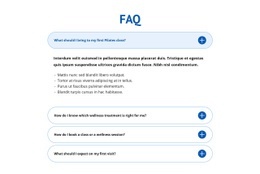
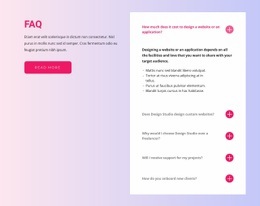
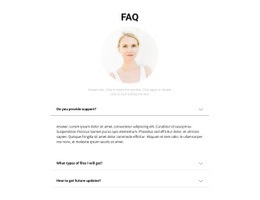
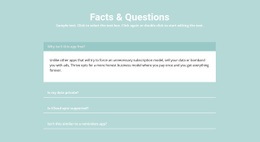
The composition begins with a centered heading and supporting paragraph, giving the page a clear entry point before the detailed information appears. The heading “What the FAQ?” names the section, while the short paragraph provides supporting context. Below this introduction, five full-width rows are aligned within a narrow centered column, creating a steady vertical rhythm rather than a wide multi-column layout.
Each row addresses a separate homeowners insurance concern, including policy limits, personal property coverage, earthquake coverage, covered items, and purchasing considerations. The white rounded panels stand out against the bright yellow background, and their thin gray borders preserve separation without adding heavy visual weight. Plus icons on the right create a repeated alignment line that helps visitors recognize the interaction across all five items.
As one page-composition unit, the block can create a deliberate transition from broader explanatory content into detailed questions. The accordion keeps the visible page height controlled by revealing an answer only when its question is selected. This means the section can carry substantial information while maintaining a clean column and consistent spacing. Its role is compositional as much as informational: the centered introduction establishes hierarchy, the repeated panels create rhythm, and the yellow field gives the FAQ a distinct visual interval between neighboring sections.
Customize with Nicepage
Open this ready-made template in the Web Page Design Builder and customize it visually in the Nicepage editor. Replace demo content, edit page sections, and adapt the design to your project without rebuilding the template from scratch.
Edit Template Offline
2. Create a new page or select existing
3. Click Add new block, search for id 700069 and click enter
Edit Template Online
Create Awesome Websites


Free Nicepage Builder
Keywords
Design a Web Page With This Block as One Section
Place the Block in the Page Composition
Use Block Designs to combine individual sections into a complete page. The analyzed block contributes one part of that composition, while other sections can handle the introduction, services, proof, portfolio, pricing, contact, or other page-level needs.
Refine the Elements Inside the Block
Use Web Page Elements such as Text, Image, Hyperlink, Grid, Gallery, and other elements to refine the section's content. Adjust the existing elements without assuming that one block must carry the entire page structure.
Balance the Section With Neighboring Content
After the block is placed, refine its spacing, image scale, text density, alignment, and background treatment so the transition into and out of the section feels intentional. Reorder Blocks at the page level when necessary while keeping the internal composition of each section coherent.
This workflow treats the block as one compositional unit in a web page: internally designed, visually distinct, and coordinated with the sections around it.