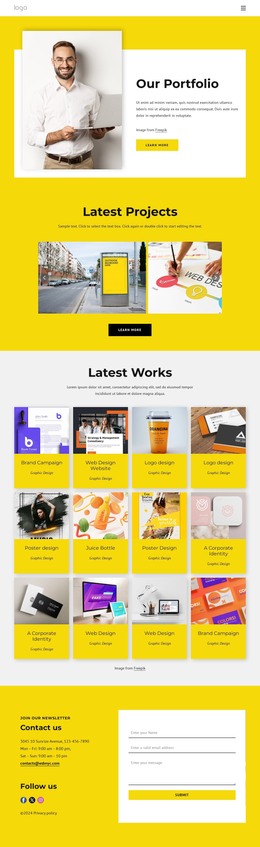
Design studio projects WordPress Theme


Stable project themes form a publishable page-content section
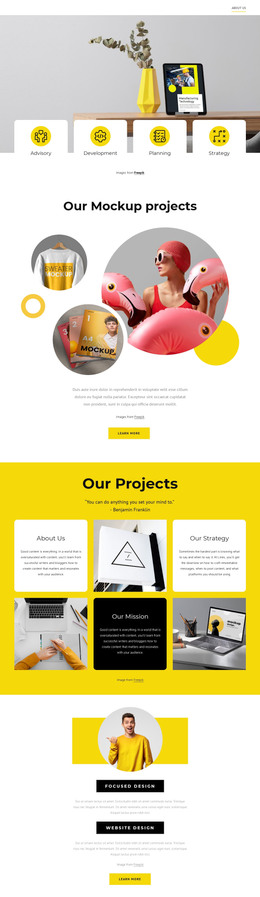
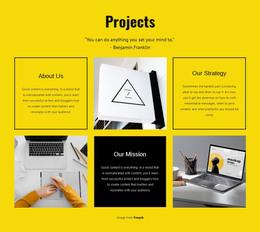
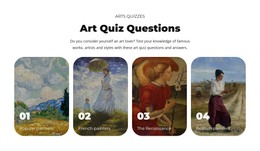
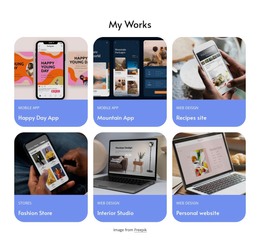
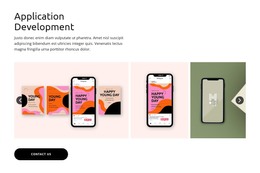
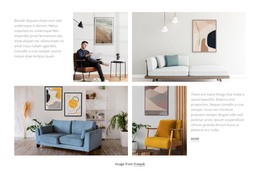
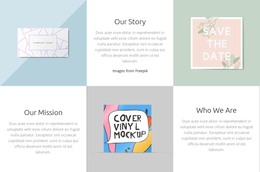
The Projects heading and quotation establish a durable introduction for page content, while the mosaic divides the main message into About Us, Our Strategy, and Our Mission. Those labels suggest three related themes that can remain meaningful as part of a studio or project-information section, unlike content that depends on a temporary sequence or changing interface. The three photographic panels add visual support and create a clear relationship between explanatory text and imagery across the two-row, three-column arrangement.
The block’s presentation is equally stable: a bright yellow background frames the section, black outlines define the text cells, and generous spacing keeps the repeated units readable. The Our Mission panel introduces a black field with light text, giving the content a visual emphasis that can remain consistent when the section is placed within a broader WordPress-managed page. This makes the block suitable for permanent page content while other CMS-managed areas handle navigation, additional pages, or regularly updated material around it. The section contributes a complete project-information unit at block level, not a standalone theme or an entire site.
Customize with Nicepage
Open this ready-made template in the WordPress Website Builder and customize it visually in the Nicepage editor. Replace demo content, edit page sections, and adapt the design to your project without rebuilding the template from scratch.
Edit Template Offline
2. Create a new page or select existing
3. Click Add new block, search for id 529351 and click enter
Edit Template Online
Create Awesome Websites


Free Nicepage Builder
Keywords
Manage and Edit This Theme in WordPress
Customize and Install the WordPress Theme
Start with this ready-made theme instead of building the WordPress design from scratch. Customize its layout, content, typography, images, sections, and other design elements visually in Nicepage editor, then export and install the WordPress Theme, Plugin, and Pages on your WordPress site. The Nicepage WordPress Plugin lets you continue working with the site after installation.
Edit the Theme Directly in WordPress
After installation, you can edit the WordPress Theme directly in WordPress with the Nicepage WordPress Plugin. Use Site Style to customize site Colors, Fonts, Header, Footer, Blog, and Post Page Templates while working within your WordPress website.
Edit WordPress Pages Visually
Use the Nicepage WordPress Plugin to edit page content directly from the WordPress admin area. Open a WordPress Page with Nicepage and visually change its text, images, sections, and other page elements while continuing to manage the Page through WordPress.
WordPress Content and Theme Integration
Use the customized theme with WordPress Pages, Posts, Blog and Post Templates, menus, widgets, and other CMS-managed content. Shared theme elements such as Colors, Fonts, Header, Footer, Blog, and Post Page Templates can be managed as part of the overall site design, while WordPress provides the CMS environment for managing site content.
This workflow combines a ready-made WordPress Theme with visual customization, direct theme editing in WordPress, and continued content management through the Nicepage WordPress Plugin.