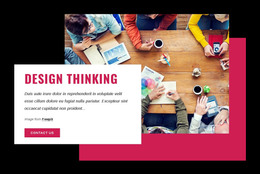
Design and branding studio WordPress Theme



Edit Template Offline
2. Create new page and search for id 565625
Edit Template Online
Create Awesome Websites


Free Nicepage Builder
Keywords
Service Pages and Project Content Fit the Studio Theme Structure
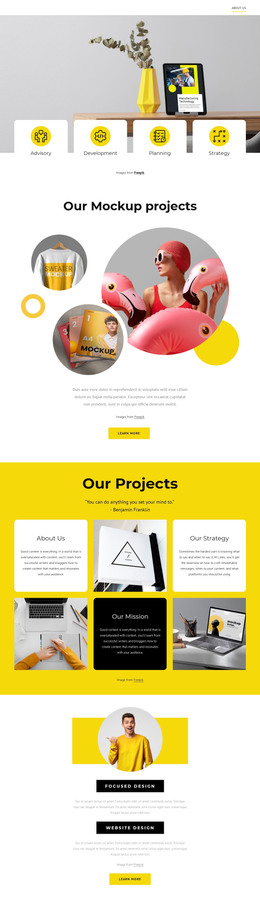
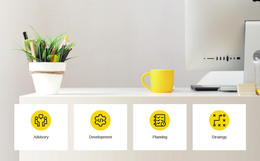
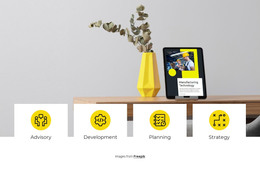
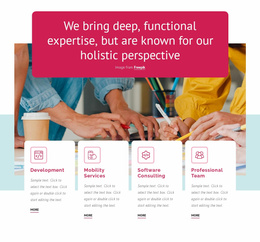
The six service cards provide a strong page-oriented content base for a studio theme. Design, Web Design, Development, Branding, Marketing, and Video Editing are clearly separated, while the opening Advisory, Development, Planning, and Strategy tiles offer a shorter capability summary. This distinction allows permanent company content to be presented at different levels: a concise introduction first, followed by more detailed service-oriented material later in the page.
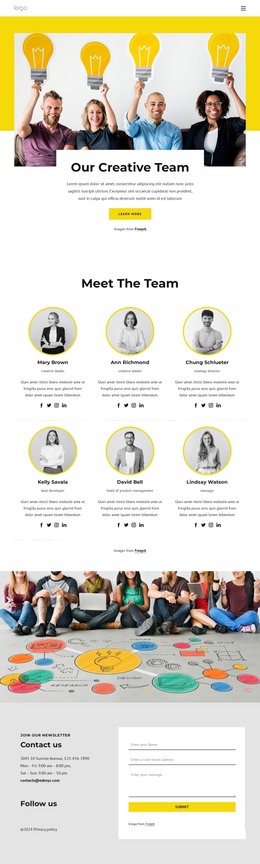
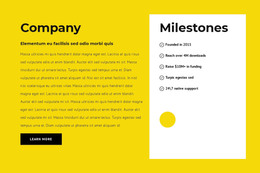
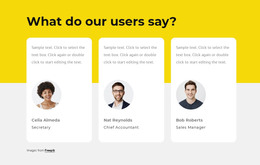
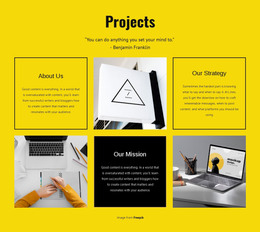
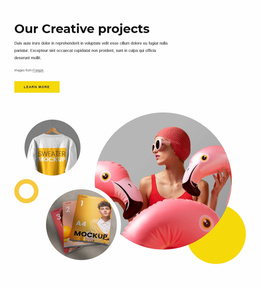
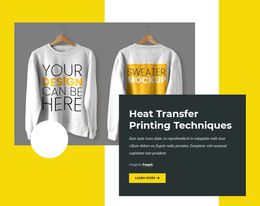
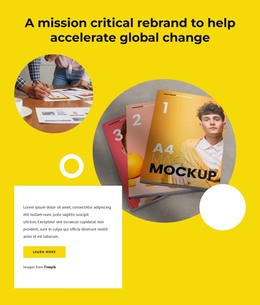
Project content supplies a second editorial relationship. The “Our Mockup projects” area introduces a featured visual subject, and the yellow six-cell mosaic combines four text cards with two images for a broader project presentation. The Company section and milestone panel add organizational information, while three testimonial profiles create a repeatable proof pattern. These areas can be understood as separate page content categories without claiming that WordPress Posts, blog templates, or categories already exist in the supplied design.
The contact region gives the theme a practical closing area with contact information, social links, newsletter wording, and a form. The dark footer’s three repeated columns and the compact navigation can serve as shared site elements around the page content. In a WordPress project, the main benefit is therefore the mapping between the existing studio subjects and a manageable content structure: services, projects, company information, testimonials, and contact remain visually related while their material can evolve.
Customize with Nicepage
Open this ready-made template in the WordPress Website Builder and customize it visually in the Nicepage editor. Replace demo content, edit page sections, and adapt the design to your project without rebuilding the template from scratch.
Manage and Edit This Theme in WordPress
Customize and Install the WordPress Theme
Start with this ready-made theme instead of building the WordPress design from scratch. Customize its layout, content, typography, images, sections, and other design elements visually in Nicepage editor, then export and install the WordPress Theme, Plugin, and Pages on your WordPress site. The Nicepage WordPress Plugin lets you continue working with the site after installation.
Edit the Theme Directly in WordPress
After installation, you can edit the WordPress Theme directly in WordPress with the Nicepage WordPress Plugin. Use Site Style to customize site Colors, Fonts, Header, Footer, Blog, and Post Page Templates while working within your WordPress website.
Edit WordPress Pages Visually
Use the Nicepage WordPress Plugin to edit page content directly from the WordPress admin area. Open a WordPress Page with Nicepage and visually change its text, images, sections, and other page elements while continuing to manage the Page through WordPress.
WordPress Content and Theme Integration
Use the customized theme with WordPress Pages, Posts, Blog and Post Templates, menus, widgets, and other CMS-managed content. Shared theme elements such as Colors, Fonts, Header, Footer, Blog, and Post Page Templates can be managed as part of the overall site design, while WordPress provides the CMS environment for managing site content.
This workflow combines a ready-made WordPress Theme with visual customization, direct theme editing in WordPress, and continued content management through the Nicepage WordPress Plugin.