Naming and tagline creation WordPress Theme


Edit Template Offline
2. Create new page and search for id 6343858
Edit Template Online
Create Awesome Websites


Free Nicepage Builder
Keywords
Page content and recurring visual sections suit a studio-managed theme
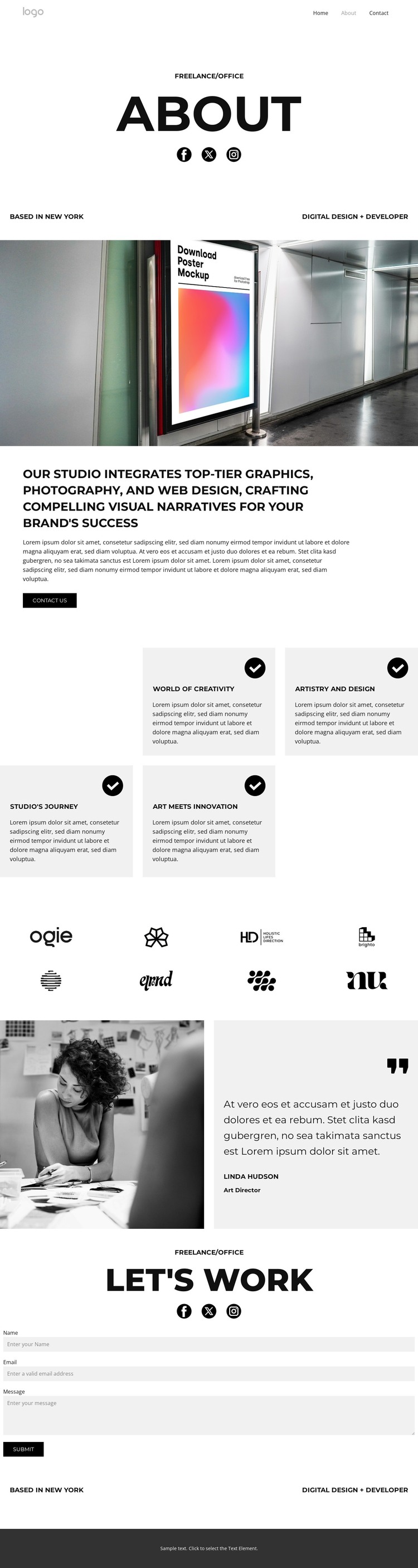
The page-oriented content is divided into areas that can remain permanent parts of a studio site. The About introduction identifies the practice, while the central statement groups graphics, photography, and web design into one explanatory content area. The full-width architectural photograph provides a strong media section before the text, so the design can present the studio’s visual direction without burying it inside a dense article-like block.
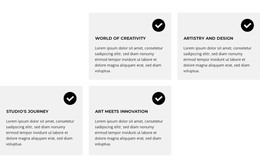
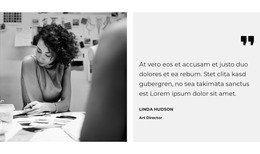
The repeated content has its own logic. Four feature cards can represent separate creative themes or capability explanations, while the eight-logo strip functions as a compact showcase area. The testimonial pairs a portrait with an attributed quotation, creating a different content relationship from the cards and giving the page a human reference point. These distinctions are useful for a WordPress-managed interpretation because permanent page content and recurring studio material can retain separate roles inside the same theme direction.
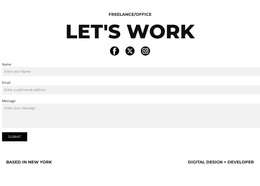
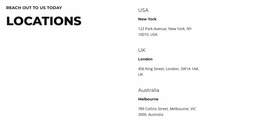
The closing “Let’s work” section is especially clear as page content: it combines a heading, social links, location labels, and a contact form with name, email, and message fields. If the project later adds regularly updated studio news or articles, the established navigation and shared visual language can continue around that content. The theme’s value comes from mapping these concrete page areas into one coherent content environment, not from assuming that blog or post sections already exist.
Customize with Nicepage
Open this ready-made template in the WordPress Website Builder and customize it visually in the Nicepage editor. Replace demo content, edit page sections, and adapt the design to your project without rebuilding the template from scratch.
Manage and Edit This Theme in WordPress
Customize and Install the WordPress Theme
Start with this ready-made theme instead of building the WordPress design from scratch. Customize its layout, content, typography, images, sections, and other design elements visually in Nicepage editor, then export and install the WordPress Theme, Plugin, and Pages on your WordPress site. The Nicepage WordPress Plugin lets you continue working with the site after installation.
Edit the Theme Directly in WordPress
After installation, you can edit the WordPress Theme directly in WordPress with the Nicepage WordPress Plugin. Use Site Style to customize site Colors, Fonts, Header, Footer, Blog, and Post Page Templates while working within your WordPress website.
Edit WordPress Pages Visually
Use the Nicepage WordPress Plugin to edit page content directly from the WordPress admin area. Open a WordPress Page with Nicepage and visually change its text, images, sections, and other page elements while continuing to manage the Page through WordPress.
WordPress Content and Theme Integration
Use the customized theme with WordPress Pages, Posts, Blog and Post Templates, menus, widgets, and other CMS-managed content. Shared theme elements such as Colors, Fonts, Header, Footer, Blog, and Post Page Templates can be managed as part of the overall site design, while WordPress provides the CMS environment for managing site content.
This workflow combines a ready-made WordPress Theme with visual customization, direct theme editing in WordPress, and continued content management through the Nicepage WordPress Plugin.