Design agency portfolio WordPress Theme


Edit Template Offline
2. Create new page and search for id 6012845
Edit Template Online
Create Awesome Websites


Free Nicepage Builder
Keywords
Portfolio Content and Agency Messaging Fit Page-Based Publishing
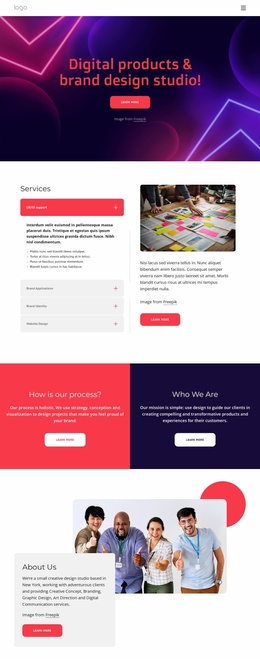
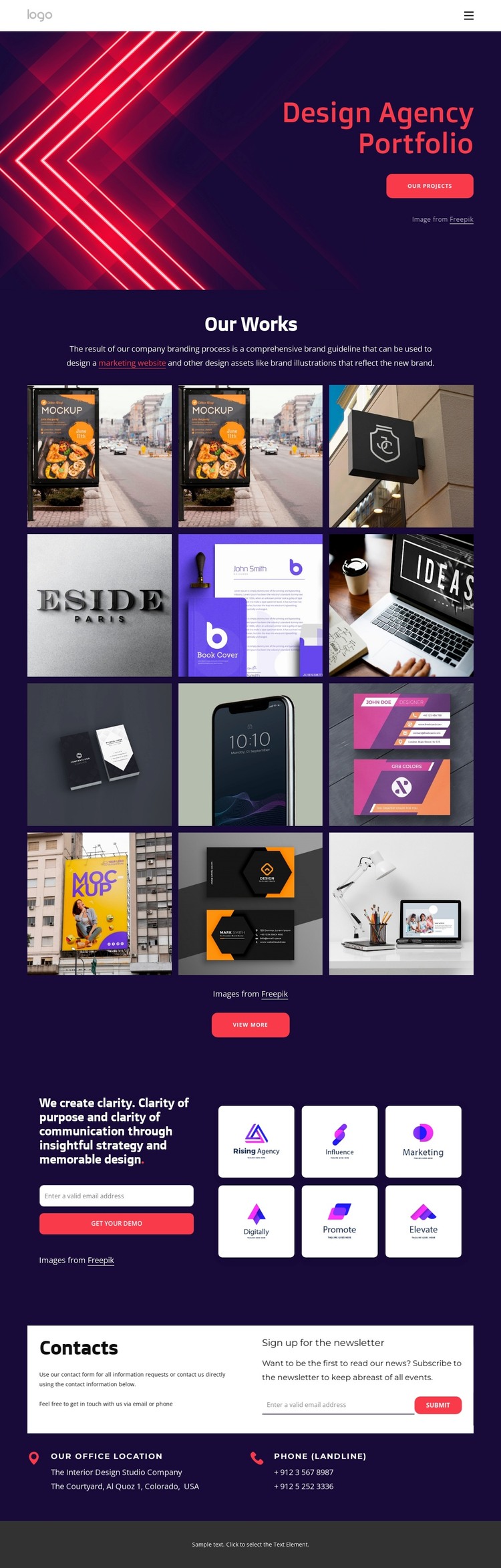
The twelve-image Our Works section provides a clear home for permanent portfolio content, with the View more action indicating how visitors can continue from selected work to additional project material. That page-oriented structure is supported by the hero, which introduces the Design Agency Portfolio and its Our Projects route, and by the compact navigation containing Home and About Us. Together, these areas give the theme a recognizable framework for presenting agency information.
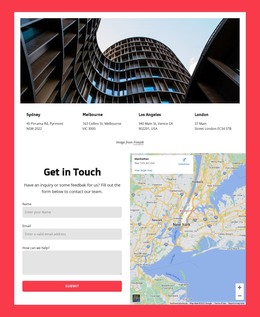
The strategy section can carry another kind of content: the statement about clarity, communication, insightful strategy, and memorable design explains the agency’s approach, while the adjacent email capture creates a place for project inquiries. Six logo tiles form a separate repeated visual group that can be replaced with verified client or brand material. The contact section adds a newsletter signup and direct office-location and phone blocks, creating permanent communication content alongside the portfolio.
A WordPress Theme interpretation is therefore strongest when it treats the design as a visual system for page content that may grow over time. The dark purple and pink palette, bold typography, rounded buttons, and image-led gallery can remain consistent around portfolio updates, agency information, and editorial additions. The sample address, phone numbers, logo labels, and demo wording should be replaced with verified content; the underlying structure, rather than those placeholder values, is what makes the design suitable for a managed agency site.
Customize with Nicepage
Open this ready-made template in the WordPress Website Builder and customize it visually in the Nicepage editor. Replace demo content, edit page sections, and adapt the design to your project without rebuilding the template from scratch.
Manage and Edit This Theme in WordPress
Customize and Install the WordPress Theme
Start with this ready-made theme instead of building the WordPress design from scratch. Customize its layout, content, typography, images, sections, and other design elements visually in Nicepage editor, then export and install the WordPress Theme, Plugin, and Pages on your WordPress site. The Nicepage WordPress Plugin lets you continue working with the site after installation.
Edit the Theme Directly in WordPress
After installation, you can edit the WordPress Theme directly in WordPress with the Nicepage WordPress Plugin. Use Site Style to customize site Colors, Fonts, Header, Footer, Blog, and Post Page Templates while working within your WordPress website.
Edit WordPress Pages Visually
Use the Nicepage WordPress Plugin to edit page content directly from the WordPress admin area. Open a WordPress Page with Nicepage and visually change its text, images, sections, and other page elements while continuing to manage the Page through WordPress.
WordPress Content and Theme Integration
Use the customized theme with WordPress Pages, Posts, Blog and Post Templates, menus, widgets, and other CMS-managed content. Shared theme elements such as Colors, Fonts, Header, Footer, Blog, and Post Page Templates can be managed as part of the overall site design, while WordPress provides the CMS environment for managing site content.
This workflow combines a ready-made WordPress Theme with visual customization, direct theme editing in WordPress, and continued content management through the Nicepage WordPress Plugin.