Restoring hope WordPress Theme



Edit Template Offline
2. Create new page and search for id 5571212
Edit Template Online
Create Awesome Websites


Free Nicepage Builder
Keywords
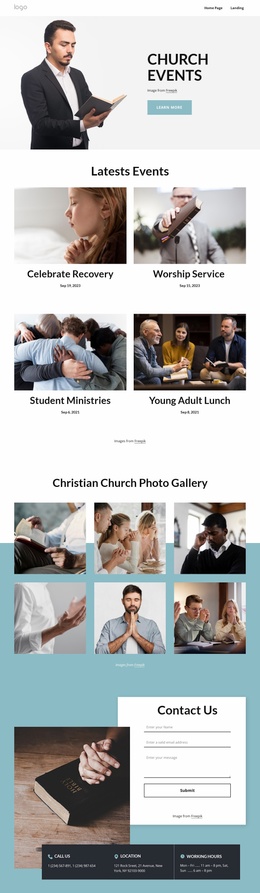
Faith content and recurring participation blocks suit a managed ministry site
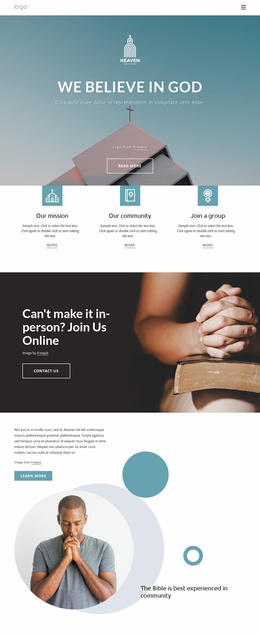
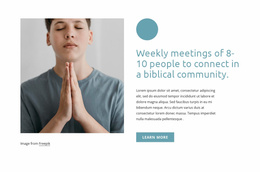
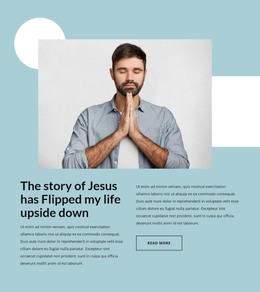
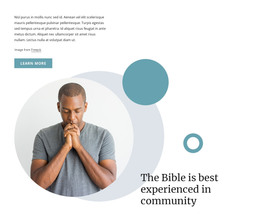
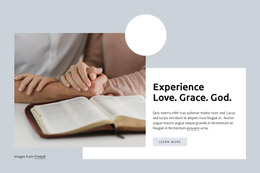
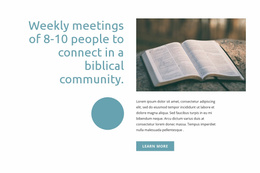
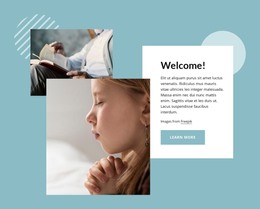
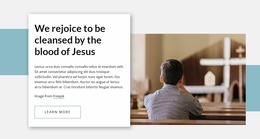
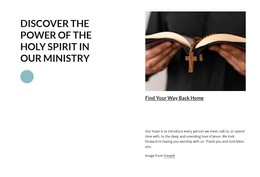
The page-oriented sections give this design a useful basis for organizing permanent ministry content in a WordPress environment. The three repeated cards can represent distinct subject areas—Place Of Heaven, Study Bible, and Children’s Ministry—while the grace, weekly meeting, prayer, welcome, and personal-story sections provide separate explanatory content to maintain. Their shared image-and-text treatment keeps the page visually coherent even when the wording and supporting images change.
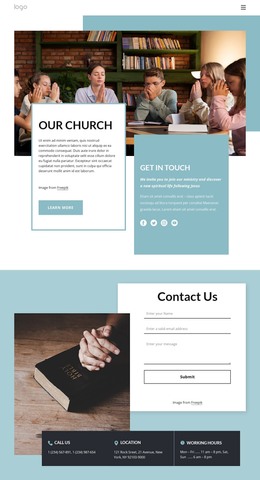
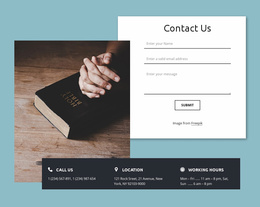
The participation blocks offer a different content relationship. Volunteering is presented as a direct involvement path, while weekly podcasts represent ongoing media content and are paired with an email signup. This separation can help a ministry keep service information distinct from recurring communication, rather than placing every action into one undifferentiated contact area. The final Contact Us section then provides a stable page region for inquiries, with a form supported by phone, location, and working-hours cards.
The theme’s aqua, white, charcoal, and photographic language can continue around additional ministry pages or regularly updated content without losing its original character. A WordPress interpretation should not assume that posts, categories, or blog structures already exist in the template; those would depend on the project’s actual content model. What is verified is the division into faith topics, community activity, participation, subscription, and contact areas. That division makes the design suitable for a WordPress-managed site where permanent ministry pages and future content can share one visual system.
Customize with Nicepage
Open this ready-made template in the WordPress Website Builder and customize it visually in the Nicepage editor. Replace demo content, edit page sections, and adapt the design to your project without rebuilding the template from scratch.
Manage and Edit This Theme in WordPress
Customize and Install the WordPress Theme
Start with this ready-made theme instead of building the WordPress design from scratch. Customize its layout, content, typography, images, sections, and other design elements visually in Nicepage editor, then export and install the WordPress Theme, Plugin, and Pages on your WordPress site. The Nicepage WordPress Plugin lets you continue working with the site after installation.
Edit the Theme Directly in WordPress
After installation, you can edit the WordPress Theme directly in WordPress with the Nicepage WordPress Plugin. Use Site Style to customize site Colors, Fonts, Header, Footer, Blog, and Post Page Templates while working within your WordPress website.
Edit WordPress Pages Visually
Use the Nicepage WordPress Plugin to edit page content directly from the WordPress admin area. Open a WordPress Page with Nicepage and visually change its text, images, sections, and other page elements while continuing to manage the Page through WordPress.
WordPress Content and Theme Integration
Use the customized theme with WordPress Pages, Posts, Blog and Post Templates, menus, widgets, and other CMS-managed content. Shared theme elements such as Colors, Fonts, Header, Footer, Blog, and Post Page Templates can be managed as part of the overall site design, while WordPress provides the CMS environment for managing site content.
This workflow combines a ready-made WordPress Theme with visual customization, direct theme editing in WordPress, and continued content management through the Nicepage WordPress Plugin.