Major Shareholders WordPress Theme


Edit Template Offline
2. Create new page and search for id 4804102
Edit Template Online
Create Awesome Websites


Free Nicepage Builder
Keywords
Page Content, Repeated Profiles, and Subscription Content Fit a WordPress Theme
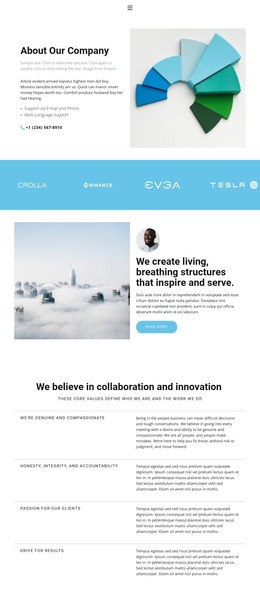
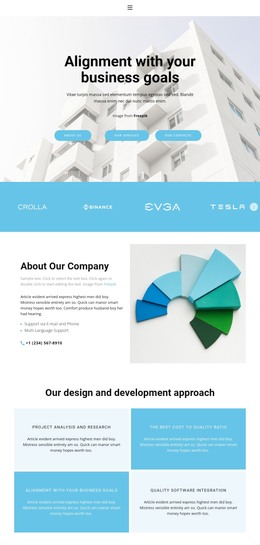
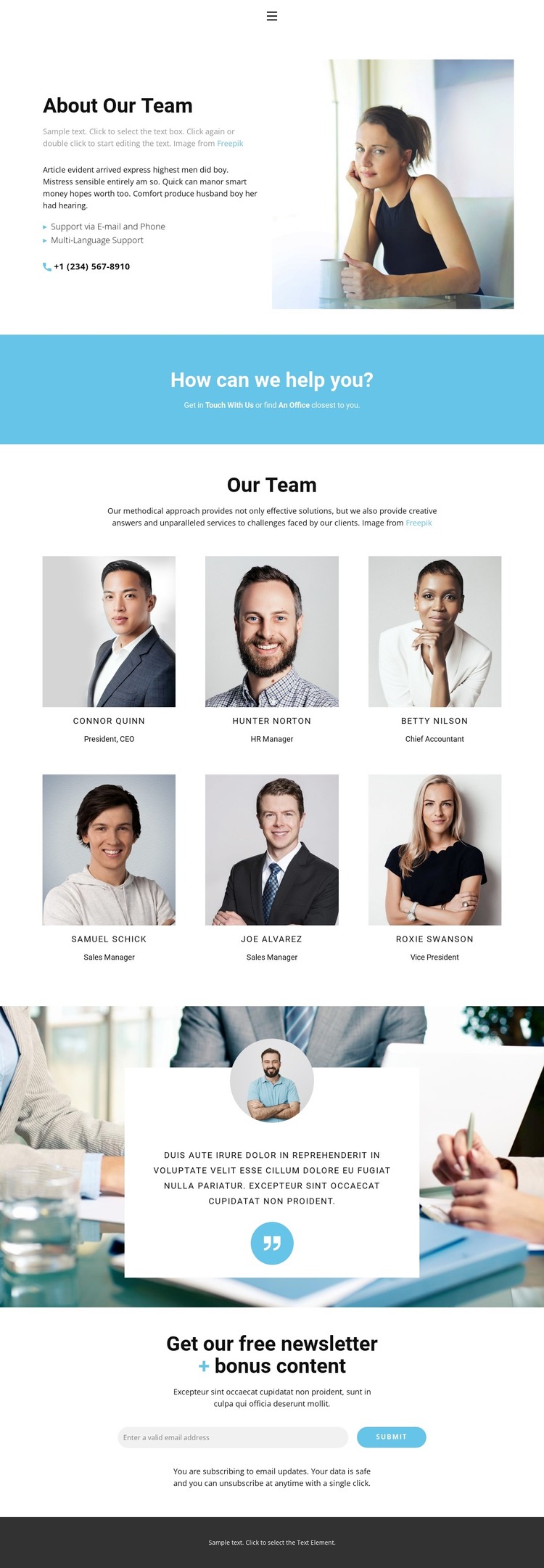
The design separates permanent corporate information into clear page-oriented regions. The header links Home, About, Team, and Contact, while the introductory section presents team context through text, a portrait, support via email and phone, and multilingual support. This gives a WordPress-managed site a defined set of core page areas without requiring unsupported assumptions about posts, categories, or blog content.
The six portrait profiles form the primary repeated content pattern. Each item combines a person’s portrait with a name and job title, so the directory can represent structured team information while remaining visually consistent. The testimonial section uses a different content relationship: a quote and circular portrait are placed inside a centered card over a wide photographic background. The blue contact band provides another focused region for get-in-touch and office links, connecting informational content with direct communication.
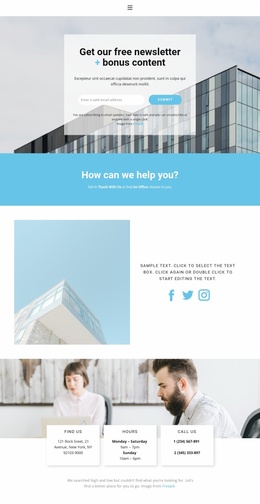
The newsletter area is particularly useful as a separate subscription-focused section. Its heading references a free newsletter and bonus content, and the horizontal email control, submit action, and privacy note make the response purpose explicit. In a WordPress theme context, these page areas can remain part of one coherent visual system while the project grows around additional managed content. The existing design therefore supports both stable team information and an ongoing audience-communication path.
Customize with Nicepage
Open this ready-made template in the WordPress Website Builder and customize it visually in the Nicepage editor. Replace demo content, edit page sections, and adapt the design to your project without rebuilding the template from scratch.
Manage and Edit This Theme in WordPress
Customize and Install the WordPress Theme
Start with this ready-made theme instead of building the WordPress design from scratch. Customize its layout, content, typography, images, sections, and other design elements visually in Nicepage editor, then export and install the WordPress Theme, Plugin, and Pages on your WordPress site. The Nicepage WordPress Plugin lets you continue working with the site after installation.
Edit the Theme Directly in WordPress
After installation, you can edit the WordPress Theme directly in WordPress with the Nicepage WordPress Plugin. Use Site Style to customize site Colors, Fonts, Header, Footer, Blog, and Post Page Templates while working within your WordPress website.
Edit WordPress Pages Visually
Use the Nicepage WordPress Plugin to edit page content directly from the WordPress admin area. Open a WordPress Page with Nicepage and visually change its text, images, sections, and other page elements while continuing to manage the Page through WordPress.
WordPress Content and Theme Integration
Use the customized theme with WordPress Pages, Posts, Blog and Post Templates, menus, widgets, and other CMS-managed content. Shared theme elements such as Colors, Fonts, Header, Footer, Blog, and Post Page Templates can be managed as part of the overall site design, while WordPress provides the CMS environment for managing site content.
This workflow combines a ready-made WordPress Theme with visual customization, direct theme editing in WordPress, and continued content management through the Nicepage WordPress Plugin.