HR support and service WordPress Theme



Edit Template Offline
2. Create new page and search for id 6405746
Edit Template Online
Create Awesome Websites


Free Nicepage Builder
Keywords
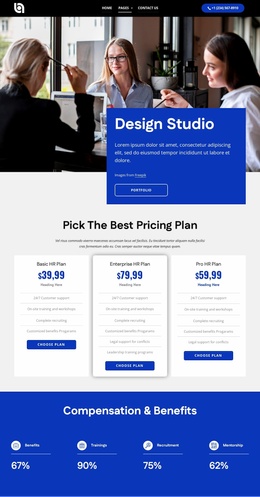
Service Pages and People Content Fit a WordPress-Oriented Structure
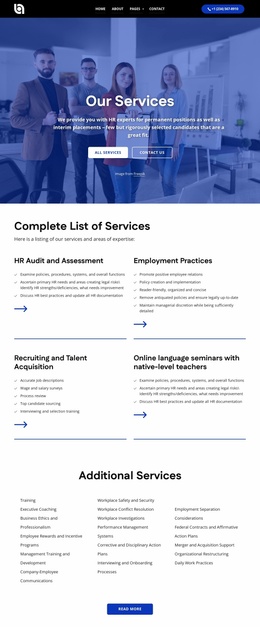
The page contains several kinds of content that can translate naturally into a WordPress-managed HR site. The six service cards provide a strong page-oriented starting point for Recruitment, Career Opportunities, Employee Support, Easy Communication, Comprehensive Resources, and Team Retreats. The management-support split section can introduce the overall offer before visitors move into those more focused areas, creating a relationship between broad page content and specific service content.
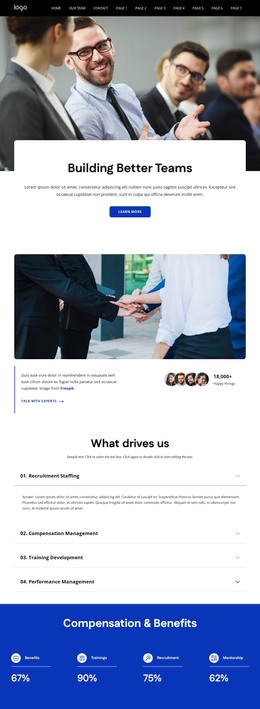
People and proof are equally important in this design. The four testimonial cards pair quotations with portraits, the six-person team gallery presents roles and social icons, and the mission accordion groups Recruitment Staffing, Compensation Management, Training Development, and Performance Management. The percentage row adds compact labels for Benefits, Trainings, Recruitment, and Mentorship, while the partner-logo section supplies another recurring content area. These are verified design regions, not claims that WordPress Posts, categories, or blog structures already exist in the template.
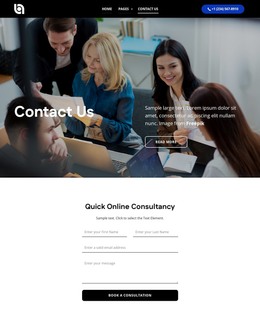
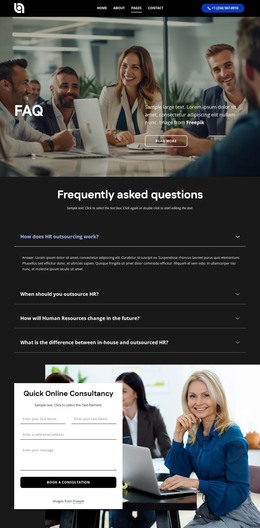
The consultation form, navigation, contact channels, quick links, help and support, and social footer provide shared site content around the page-oriented material. In a WordPress project, the WordPress Plugin can be an optional bridge for editing supported page content, but it is not necessary to explain the template’s main value. The stronger interpretation is a reusable visual system for permanent HR pages, people-focused information, proof content, and consultation communication.
Customize with Nicepage
Open this ready-made template in the WordPress Website Builder and customize it visually in the Nicepage editor. Replace demo content, edit page sections, and adapt the design to your project without rebuilding the template from scratch.
Manage and Edit This Theme in WordPress
Customize and Install the WordPress Theme
Start with this ready-made theme instead of building the WordPress design from scratch. Customize its layout, content, typography, images, sections, and other design elements visually in Nicepage editor, then export and install the WordPress Theme, Plugin, and Pages on your WordPress site. The Nicepage WordPress Plugin lets you continue working with the site after installation.
Edit the Theme Directly in WordPress
After installation, you can edit the WordPress Theme directly in WordPress with the Nicepage WordPress Plugin. Use Site Style to customize site Colors, Fonts, Header, Footer, Blog, and Post Page Templates while working within your WordPress website.
Edit WordPress Pages Visually
Use the Nicepage WordPress Plugin to edit page content directly from the WordPress admin area. Open a WordPress Page with Nicepage and visually change its text, images, sections, and other page elements while continuing to manage the Page through WordPress.
WordPress Content and Theme Integration
Use the customized theme with WordPress Pages, Posts, Blog and Post Templates, menus, widgets, and other CMS-managed content. Shared theme elements such as Colors, Fonts, Header, Footer, Blog, and Post Page Templates can be managed as part of the overall site design, while WordPress provides the CMS environment for managing site content.
This workflow combines a ready-made WordPress Theme with visual customization, direct theme editing in WordPress, and continued content management through the Nicepage WordPress Plugin.