Time to meet our amazing team WordPress Theme


Edit Template Offline
2. Create new page and search for id 6044016
Edit Template Online
Create Awesome Websites


Free Nicepage Builder
Keywords
Team Profiles and Service Content Suit Managed Pages
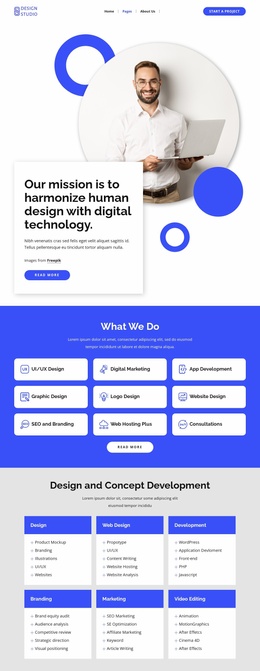
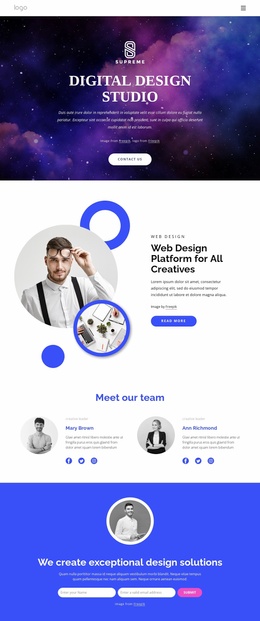
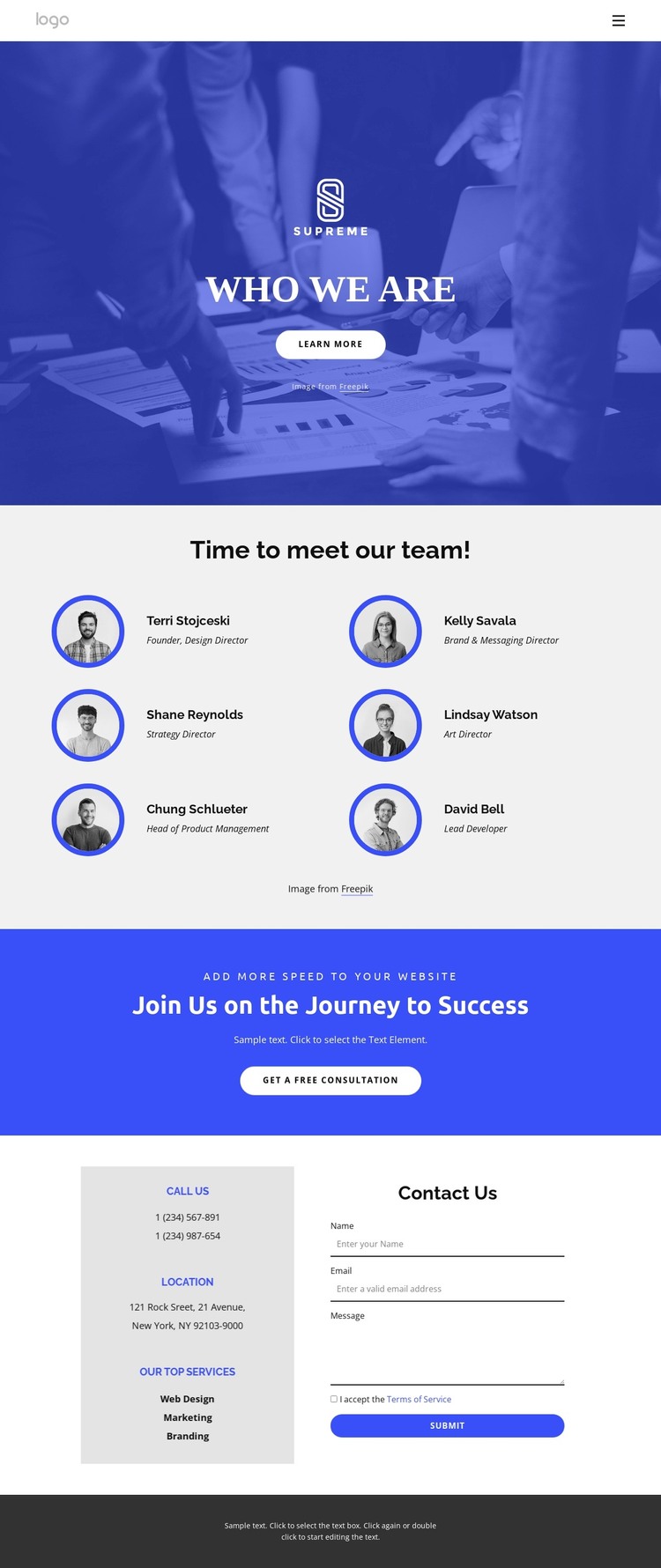
The six profile entries create a strong permanent page-content area for a WordPress-managed site. Circular portraits, names, and role labels give the organization a clear people section, while the Who We Are hero provides introductory context before visitors reach the team. The service labels add a second content layer: Web Design, Marketing, Branding, Digital Design, Product Design, and Development can be presented as page information alongside the profiles without changing the design’s central focus.
The lower half of the layout is suited to content that needs to remain connected to the same visual system. The blue consultation band communicates an invitation to discuss a project, and the two-column contact area places contact details beside an inquiry form. Those regions can support permanent contact and consultation content, while the footer gathers Quick Links, service references, contact information, and an email subscription area into a shared site element. The sample names and contact values should be replaced with actual site content.
This arrangement is useful for a WordPress project because it distinguishes stable organizational information from possible future updates without claiming that posts or blog content already exist. Team profiles and service descriptions can remain part of the page-oriented content, while the navigation and repeated footer regions provide continuity around them. The result is a theme direction for an agency site whose managed content centers on people, capabilities, and project inquiries.
Customize with Nicepage
Open this ready-made template in the WordPress Website Builder and customize it visually in the Nicepage editor. Replace demo content, edit page sections, and adapt the design to your project without rebuilding the template from scratch.
Manage and Edit This Theme in WordPress
Customize and Install the WordPress Theme
Start with this ready-made theme instead of building the WordPress design from scratch. Customize its layout, content, typography, images, sections, and other design elements visually in Nicepage editor, then export and install the WordPress Theme, Plugin, and Pages on your WordPress site. The Nicepage WordPress Plugin lets you continue working with the site after installation.
Edit the Theme Directly in WordPress
After installation, you can edit the WordPress Theme directly in WordPress with the Nicepage WordPress Plugin. Use Site Style to customize site Colors, Fonts, Header, Footer, Blog, and Post Page Templates while working within your WordPress website.
Edit WordPress Pages Visually
Use the Nicepage WordPress Plugin to edit page content directly from the WordPress admin area. Open a WordPress Page with Nicepage and visually change its text, images, sections, and other page elements while continuing to manage the Page through WordPress.
WordPress Content and Theme Integration
Use the customized theme with WordPress Pages, Posts, Blog and Post Templates, menus, widgets, and other CMS-managed content. Shared theme elements such as Colors, Fonts, Header, Footer, Blog, and Post Page Templates can be managed as part of the overall site design, while WordPress provides the CMS environment for managing site content.
This workflow combines a ready-made WordPress Theme with visual customization, direct theme editing in WordPress, and continued content management through the Nicepage WordPress Plugin.