Clear Space Experts WordPress Theme


Edit Template Offline
2. Create new page and search for id 6400936
Edit Template Online
Create Awesome Websites


Free Nicepage Builder
Keywords
Service and Mission Content Create a WordPress Theme Structure
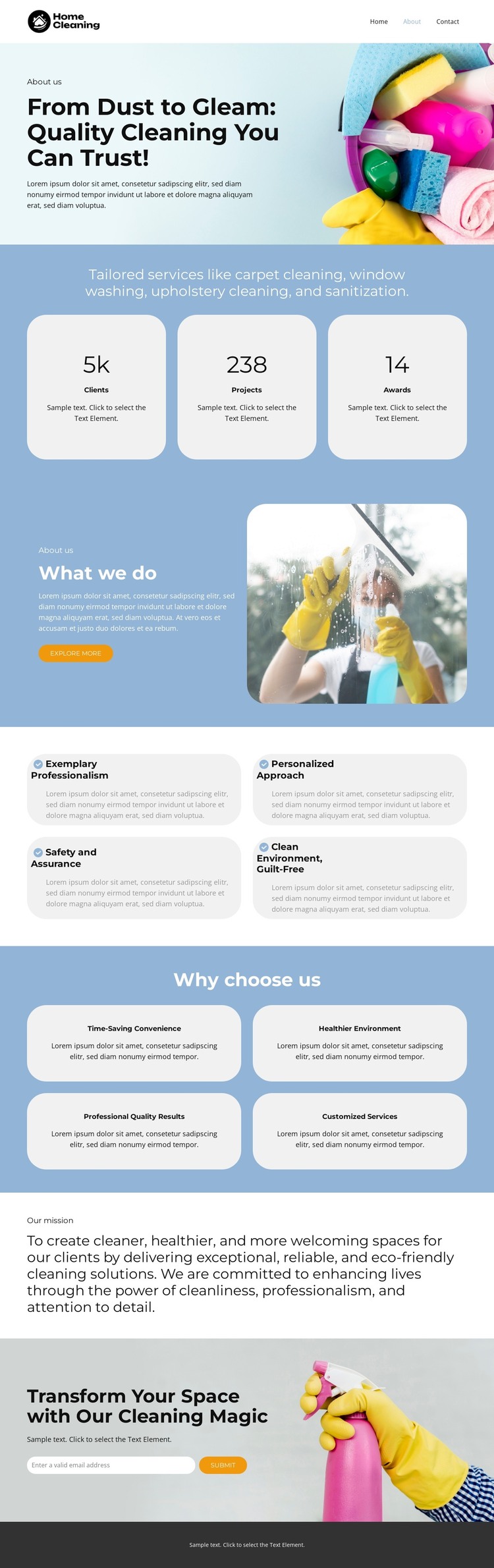
The page separates permanent informational content into recognizable areas that suit a WordPress-managed theme interpretation. The hero can represent the main company introduction, while the service summary gives the site four concrete subject areas: carpet cleaning, window washing, upholstery cleaning, and sanitization. The split “What we do” section adds a fuller explanation beside a cleaning image and includes an Explore more button, making it distinct from the shorter service listing. These relationships leave room for page-oriented company content without treating the sample paragraphs as verified business copy.
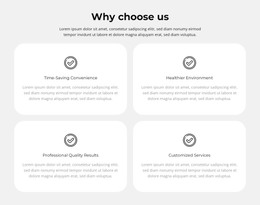
The repeated cards provide a second content pattern. Four cards describe service qualities such as professionalism, personalization, safety, and a clean environment, while another four present benefits including convenience, healthier surroundings, professional results, and customized services. Those recurring items can be interpreted as reusable content blocks within the same visual language, alongside the separate mission statement. At the bottom, the cleaning-themed call to action and email submission form create a direct contact area rather than an editorial section. Navigation, mobile navigation, the rounded card treatment, and dark footer complete the shared presentation. The design therefore offers clear page content and recurring sections for a WordPress theme, while any future articles, pages, or updated service information would need to be supplied by the project rather than assumed to exist in this template.
Customize with Nicepage
Open this ready-made template in the WordPress Website Builder and customize it visually in the Nicepage editor. Replace demo content, edit page sections, and adapt the design to your project without rebuilding the template from scratch.
Manage and Edit This Theme in WordPress
Customize and Install the WordPress Theme
Start with this ready-made theme instead of building the WordPress design from scratch. Customize its layout, content, typography, images, sections, and other design elements visually in Nicepage editor, then export and install the WordPress Theme, Plugin, and Pages on your WordPress site. The Nicepage WordPress Plugin lets you continue working with the site after installation.
Edit the Theme Directly in WordPress
After installation, you can edit the WordPress Theme directly in WordPress with the Nicepage WordPress Plugin. Use Site Style to customize site Colors, Fonts, Header, Footer, Blog, and Post Page Templates while working within your WordPress website.
Edit WordPress Pages Visually
Use the Nicepage WordPress Plugin to edit page content directly from the WordPress admin area. Open a WordPress Page with Nicepage and visually change its text, images, sections, and other page elements while continuing to manage the Page through WordPress.
WordPress Content and Theme Integration
Use the customized theme with WordPress Pages, Posts, Blog and Post Templates, menus, widgets, and other CMS-managed content. Shared theme elements such as Colors, Fonts, Header, Footer, Blog, and Post Page Templates can be managed as part of the overall site design, while WordPress provides the CMS environment for managing site content.
This workflow combines a ready-made WordPress Theme with visual customization, direct theme editing in WordPress, and continued content management through the Nicepage WordPress Plugin.