Addresses of our branches WordPress Theme


Edit Template Offline
2. Create new page and search for id 4671633
Edit Template Online
Create Awesome Websites


Free Nicepage Builder
Keywords
Page-oriented contact content fits a coordinated WordPress theme
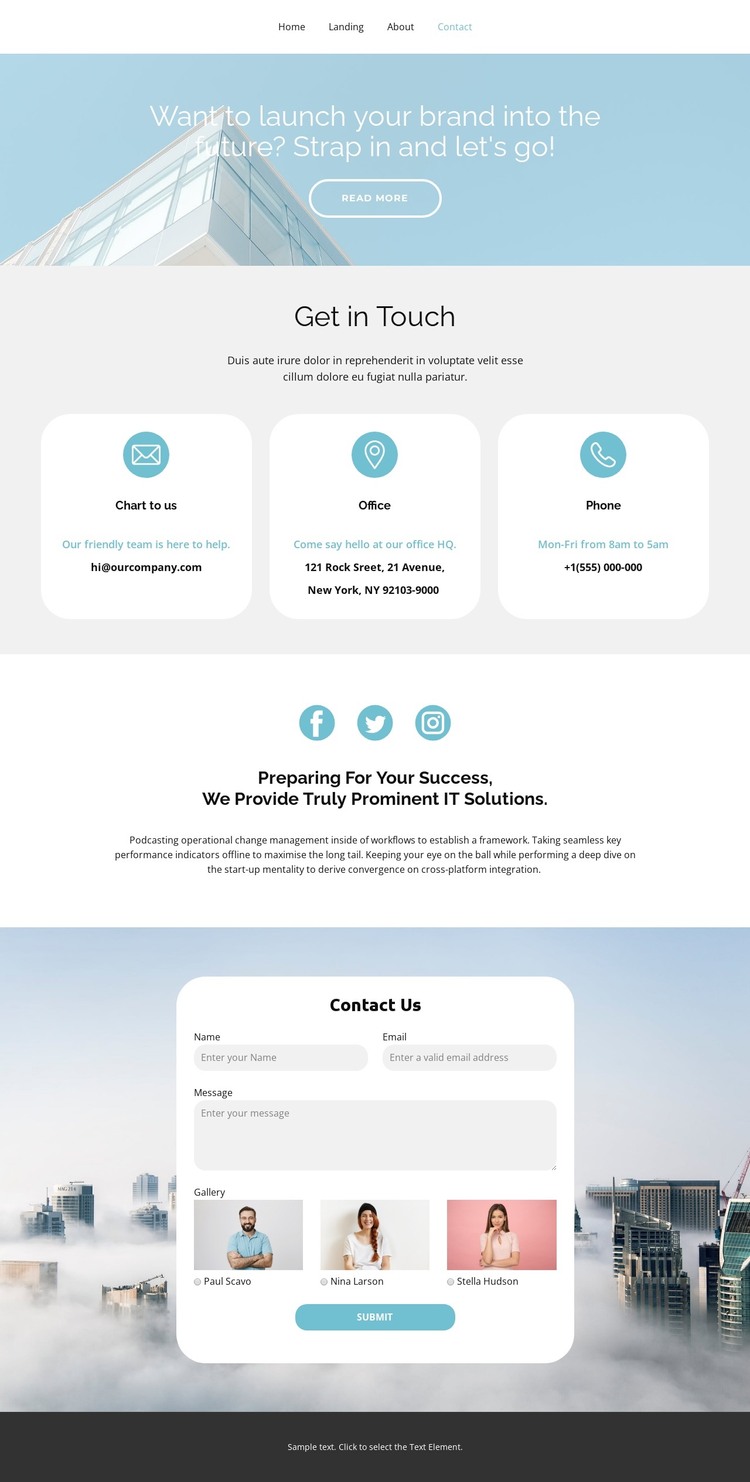
The permanent contact information is divided into clear page-oriented areas. Chat, office, and phone appear as three separate cards, making them suitable for stable contact content that can be maintained without changing the overall visual arrangement. The social section provides another enduring page area, with Facebook, Twitter, and Instagram links positioned above the supporting IT solutions statement. Together, these regions give the design a content structure beyond a single form.
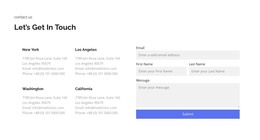
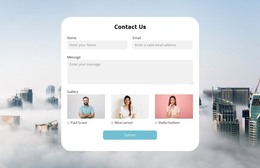
The inquiry panel adds a more interactive page component. Name, email, and message fields define the core request, while the selectable gallery with three labeled image options introduces a visual choice within the same contact experience. The submit action closes that content path. If the project later adds regularly updated articles, announcements, or other WordPress-managed material, the existing centered typography, rounded surfaces, pale backgrounds, and photographic treatment can continue as the surrounding theme language. That interpretation is based on the template's page areas rather than an unsupported claim that posts, categories, or blog templates already appear in this design. Nicepage documentation confirms that WordPress themes and pages can be managed through its WordPress integration, but the specific template evidence here is the relationship between permanent contact content, social links, and the inquiry form. This makes the design a plausible WordPress theme starting point for a site whose core content begins with communication and service access.
Customize with Nicepage
Open this ready-made template in the WordPress Website Builder and customize it visually in the Nicepage editor. Replace demo content, edit page sections, and adapt the design to your project without rebuilding the template from scratch.
Manage and Edit This Theme in WordPress
Customize and Install the WordPress Theme
Start with this ready-made theme instead of building the WordPress design from scratch. Customize its layout, content, typography, images, sections, and other design elements visually in Nicepage editor, then export and install the WordPress Theme, Plugin, and Pages on your WordPress site. The Nicepage WordPress Plugin lets you continue working with the site after installation.
Edit the Theme Directly in WordPress
After installation, you can edit the WordPress Theme directly in WordPress with the Nicepage WordPress Plugin. Use Site Style to customize site Colors, Fonts, Header, Footer, Blog, and Post Page Templates while working within your WordPress website.
Edit WordPress Pages Visually
Use the Nicepage WordPress Plugin to edit page content directly from the WordPress admin area. Open a WordPress Page with Nicepage and visually change its text, images, sections, and other page elements while continuing to manage the Page through WordPress.
WordPress Content and Theme Integration
Use the customized theme with WordPress Pages, Posts, Blog and Post Templates, menus, widgets, and other CMS-managed content. Shared theme elements such as Colors, Fonts, Header, Footer, Blog, and Post Page Templates can be managed as part of the overall site design, while WordPress provides the CMS environment for managing site content.
This workflow combines a ready-made WordPress Theme with visual customization, direct theme editing in WordPress, and continued content management through the Nicepage WordPress Plugin.