Client success stories WordPress Theme


Edit Template Offline
2. Create new page and search for id 6224867
Edit Template Online
Create Awesome Websites


Free Nicepage Builder
Keywords
Recurring service and project content fits a WordPress theme structure
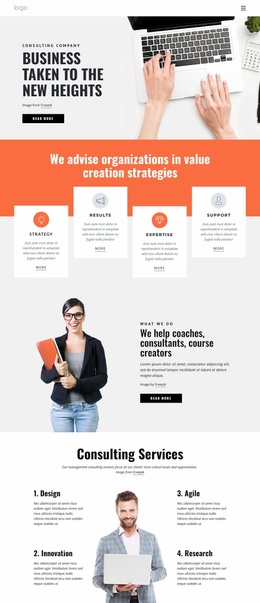
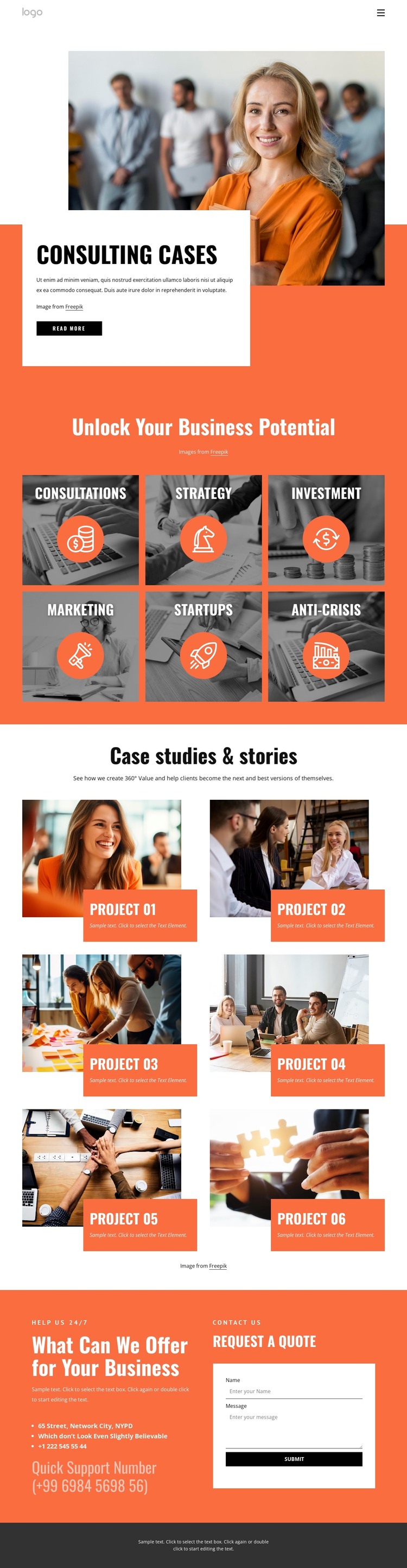
The six service categories give the design a stable set of page-oriented content areas. Consultations, Strategy, Investment, Marketing, Startups, and Anti-Crisis can remain grouped within the visual system while their descriptions and supporting material are maintained as the consulting offer develops. The header’s Home, About Us, and Portfolio links provide a useful navigation frame for those areas without requiring an unsupported claim that specific WordPress pages already exist.
The six case study cards offer a different content relationship. They are repeated image-led items under Case studies & stories, so they can represent project-focused material that changes independently from the service categories. Keeping the two groups distinct helps a WordPress project separate permanent consulting information from a growing collection of portfolio stories. The opening Read more action can also point visitors toward fuller material when the final content structure calls for it.
The quote request form and neighboring support information provide the page’s direct inquiry area. They can remain part of the contact-oriented content while the broader theme continues to carry the coral-orange, white, and charcoal visual direction. The design therefore suits a WordPress interpretation through its reusable service, portfolio, navigation, and contact regions, not merely because a CMS name has been attached to the template.
Customize with Nicepage
Open this ready-made template in the WordPress Website Builder and customize it visually in the Nicepage editor. Replace demo content, edit page sections, and adapt the design to your project without rebuilding the template from scratch.
Manage and Edit This Theme in WordPress
Customize and Install the WordPress Theme
Start with this ready-made theme instead of building the WordPress design from scratch. Customize its layout, content, typography, images, sections, and other design elements visually in Nicepage editor, then export and install the WordPress Theme, Plugin, and Pages on your WordPress site. The Nicepage WordPress Plugin lets you continue working with the site after installation.
Edit the Theme Directly in WordPress
After installation, you can edit the WordPress Theme directly in WordPress with the Nicepage WordPress Plugin. Use Site Style to customize site Colors, Fonts, Header, Footer, Blog, and Post Page Templates while working within your WordPress website.
Edit WordPress Pages Visually
Use the Nicepage WordPress Plugin to edit page content directly from the WordPress admin area. Open a WordPress Page with Nicepage and visually change its text, images, sections, and other page elements while continuing to manage the Page through WordPress.
WordPress Content and Theme Integration
Use the customized theme with WordPress Pages, Posts, Blog and Post Templates, menus, widgets, and other CMS-managed content. Shared theme elements such as Colors, Fonts, Header, Footer, Blog, and Post Page Templates can be managed as part of the overall site design, while WordPress provides the CMS environment for managing site content.
This workflow combines a ready-made WordPress Theme with visual customization, direct theme editing in WordPress, and continued content management through the Nicepage WordPress Plugin.