Travel news WordPress Theme


Repeated Travel Posts Form Stable WordPress Page Content
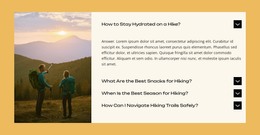
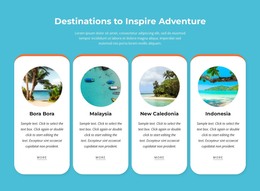
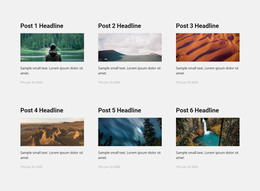
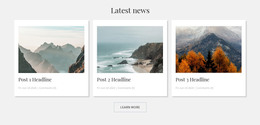
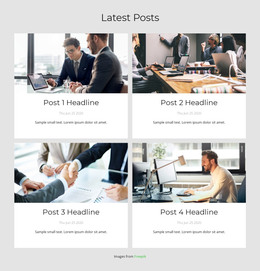
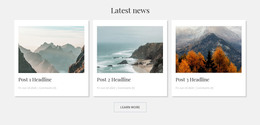
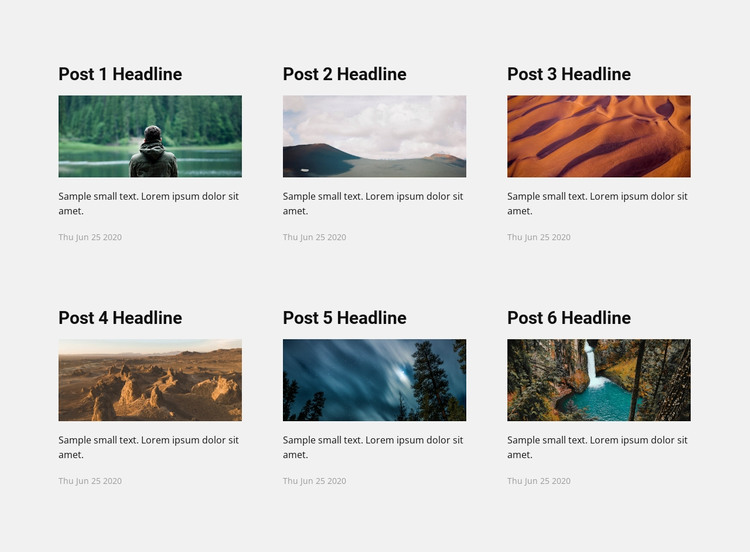
The six cards read as a publishable article-listing region because each one presents the same useful content relationship: a linked post title, a landscape image, a short excerpt, and a date. The three-column-by-two-row layout makes several stories visible together, while the repeated structure gives a WordPress-managed page a stable visual area for travel or outdoor content. The section can remain focused on article discovery as the wider site handles other page and editorial roles.
The varied photographs—forests, mountains, desert dunes, rocky terrain, and a turquoise waterfall—help distinguish the stories without changing the card pattern. Bold black titles provide clear entry points to the linked posts, while compact excerpts and dates supply context in a controlled amount of space. The light gray background and generous gaps keep the six items readable as separate content units. In a WordPress-oriented project, this block can fit a permanent travel-news or blog area, with surrounding content managed elsewhere in the site. Its role is a reusable page section for presenting posts, not a standalone WordPress Theme or a claim that a particular publishing structure already exists inside the block.
Customize with Nicepage
Open this ready-made template in the WordPress Website Builder and customize it visually in the Nicepage editor. Replace demo content, edit page sections, and adapt the design to your project without rebuilding the template from scratch.
Edit Template Offline
2. Create a new page or select existing
3. Click Add new block, search for id 87439 and click enter
Edit Template Online
Create Awesome Websites


Free Nicepage Builder
Keywords
Manage and Edit This Theme in WordPress
Customize and Install the WordPress Theme
Start with this ready-made theme instead of building the WordPress design from scratch. Customize its layout, content, typography, images, sections, and other design elements visually in Nicepage editor, then export and install the WordPress Theme, Plugin, and Pages on your WordPress site. The Nicepage WordPress Plugin lets you continue working with the site after installation.
Edit the Theme Directly in WordPress
After installation, you can edit the WordPress Theme directly in WordPress with the Nicepage WordPress Plugin. Use Site Style to customize site Colors, Fonts, Header, Footer, Blog, and Post Page Templates while working within your WordPress website.
Edit WordPress Pages Visually
Use the Nicepage WordPress Plugin to edit page content directly from the WordPress admin area. Open a WordPress Page with Nicepage and visually change its text, images, sections, and other page elements while continuing to manage the Page through WordPress.
WordPress Content and Theme Integration
Use the customized theme with WordPress Pages, Posts, Blog and Post Templates, menus, widgets, and other CMS-managed content. Shared theme elements such as Colors, Fonts, Header, Footer, Blog, and Post Page Templates can be managed as part of the overall site design, while WordPress provides the CMS environment for managing site content.
This workflow combines a ready-made WordPress Theme with visual customization, direct theme editing in WordPress, and continued content management through the Nicepage WordPress Plugin.