Greener Future WordPress Theme


Stable topic content fits a WordPress-managed page section
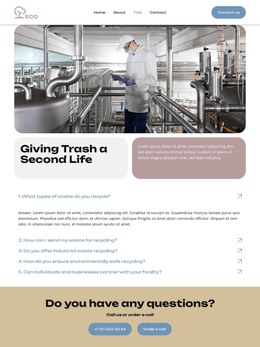
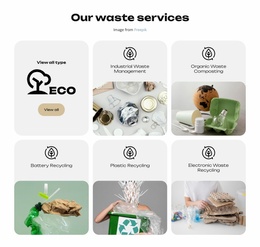
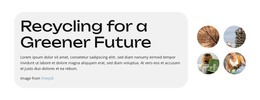
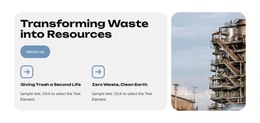
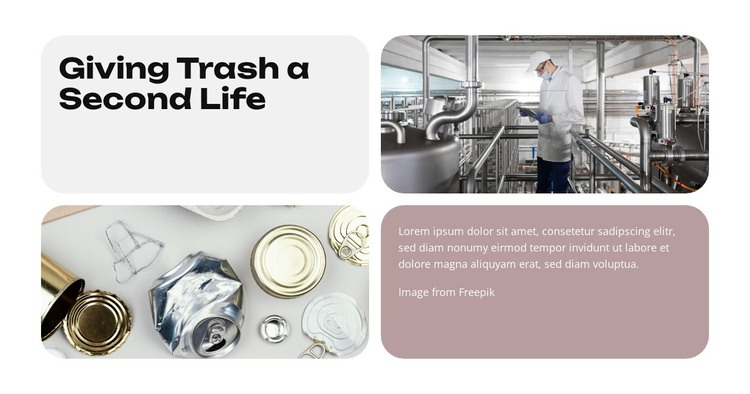
The heading and two images give this block a durable page-content role rather than a time-sensitive update. “Giving Trash a Second Life” supplies the central subject, the industrial-facility image broadens the context, and the recyclable-metal photograph gives the idea a tangible material focus. The lower-right paragraph provides space for explanation, so the section can communicate an introductory message without relying on a separate content type inside the block.
The two-by-two rounded mosaic also preserves a consistent visual pattern when the section is placed among other page content. The upper-left heading and lower-right paragraph are separated by imagery, which creates a measured reading path across the four tiles. Light-gray and muted mauve text panels distinguish written content from the photographs, while matching corners and spacing keep the section visually coherent. Its static interaction means the complete arrangement is available to visitors at once.
In a WordPress-managed project, this block can serve as a stable section on a page about sustainability, recycling, or waste management. The surrounding site can manage other pages and publishable content while this layout retains its focused introductory role. The section should not be treated as a complete WordPress Theme; its contribution is the reusable content and presentation pattern contained in these four tiles. That limited scope makes it suitable for combining with other page sections without losing its visual identity.
Customize with Nicepage
Open this ready-made template in the WordPress Website Builder and customize it visually in the Nicepage editor. Replace demo content, edit page sections, and adapt the design to your project without rebuilding the template from scratch.
Edit Template Offline
2. Create a new page or select existing
3. Click Add new block, search for id 6455363 and click enter
Edit Template Online
Create Awesome Websites


Free Nicepage Builder
Keywords
Manage and Edit This Theme in WordPress
Customize and Install the WordPress Theme
Start with this ready-made theme instead of building the WordPress design from scratch. Customize its layout, content, typography, images, sections, and other design elements visually in Nicepage editor, then export and install the WordPress Theme, Plugin, and Pages on your WordPress site. The Nicepage WordPress Plugin lets you continue working with the site after installation.
Edit the Theme Directly in WordPress
After installation, you can edit the WordPress Theme directly in WordPress with the Nicepage WordPress Plugin. Use Site Style to customize site Colors, Fonts, Header, Footer, Blog, and Post Page Templates while working within your WordPress website.
Edit WordPress Pages Visually
Use the Nicepage WordPress Plugin to edit page content directly from the WordPress admin area. Open a WordPress Page with Nicepage and visually change its text, images, sections, and other page elements while continuing to manage the Page through WordPress.
WordPress Content and Theme Integration
Use the customized theme with WordPress Pages, Posts, Blog and Post Templates, menus, widgets, and other CMS-managed content. Shared theme elements such as Colors, Fonts, Header, Footer, Blog, and Post Page Templates can be managed as part of the overall site design, while WordPress provides the CMS environment for managing site content.
This workflow combines a ready-made WordPress Theme with visual customization, direct theme editing in WordPress, and continued content management through the Nicepage WordPress Plugin.