Fruit diet WordPress Theme


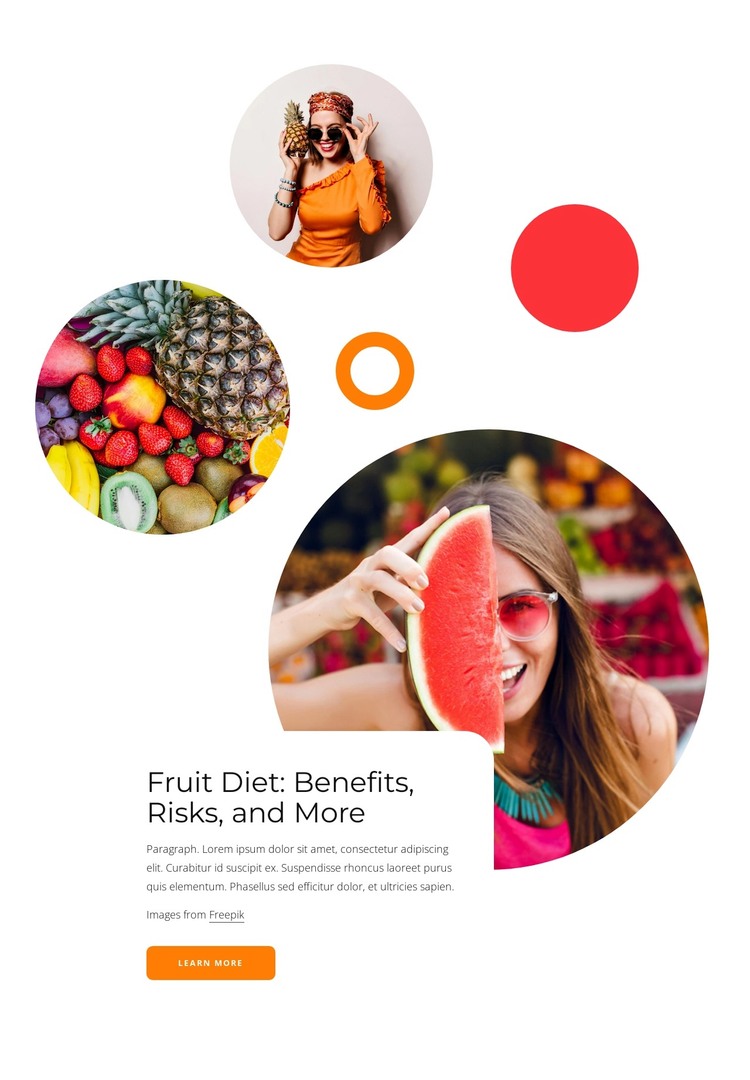
A Stable Fruit-Diet Content Area for WordPress Pages
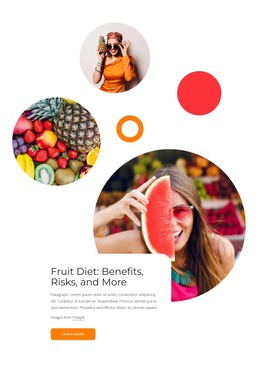
The heading and supporting copy make this block read as stable informational content rather than a time-sensitive listing. “Fruit Diet: Benefits, Risks, and More” establishes the subject, and the rounded white card keeps that message grouped with the learn more action. In a WordPress-managed project, this arrangement can function as a reusable page section while the wider site handles additional content around it.
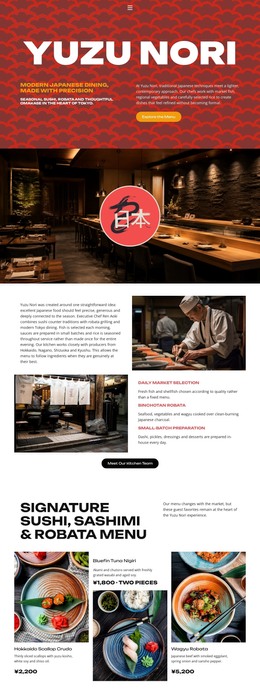
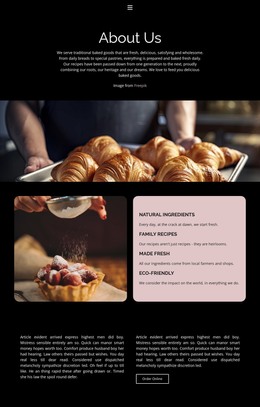
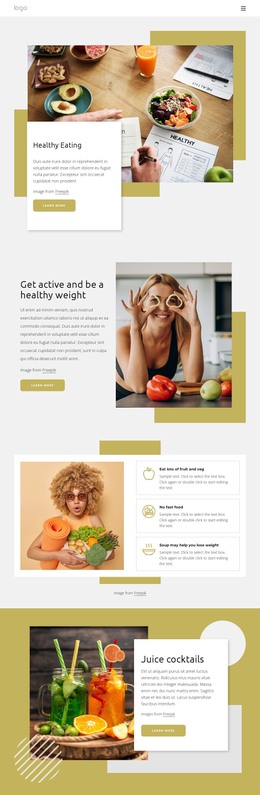
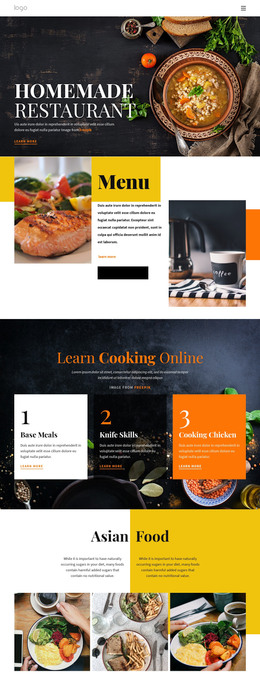
The imagery gives the content area a recognizable visual pattern. A large circular photograph of a person holding a watermelon slice provides the primary anchor, while smaller circular images show fruit including pineapple and berries. Orange and red decorative shapes continue the same visual direction and help connect the photographs to the topic. Because the images, card, heading, paragraph, and button are organized as one static composition, the section can retain its visual identity when placed alongside other page content.
The learn more button creates a natural link from the introductory topic to more detailed material, such as explanations of benefits or risks, if those destinations are supplied elsewhere in the project. The block itself remains one page-content region rather than a complete CMS structure. Its practical role is to present a concise, visually distinctive introduction that can sit within a WordPress-oriented page while other content areas provide deeper information, navigation, or supporting context.
Customize with Nicepage
Open this ready-made template in the WordPress Website Builder and customize it visually in the Nicepage editor. Replace demo content, edit page sections, and adapt the design to your project without rebuilding the template from scratch.
Edit Template Offline
2. Create a new page or select existing
3. Click Add new block, search for id 2732142 and click enter
Edit Template Online
Create Awesome Websites


Free Nicepage Builder
Keywords
Manage and Edit This Theme in WordPress
Customize and Install the WordPress Theme
Start with this ready-made theme instead of building the WordPress design from scratch. Customize its layout, content, typography, images, sections, and other design elements visually in Nicepage editor, then export and install the WordPress Theme, Plugin, and Pages on your WordPress site. The Nicepage WordPress Plugin lets you continue working with the site after installation.
Edit the Theme Directly in WordPress
After installation, you can edit the WordPress Theme directly in WordPress with the Nicepage WordPress Plugin. Use Site Style to customize site Colors, Fonts, Header, Footer, Blog, and Post Page Templates while working within your WordPress website.
Edit WordPress Pages Visually
Use the Nicepage WordPress Plugin to edit page content directly from the WordPress admin area. Open a WordPress Page with Nicepage and visually change its text, images, sections, and other page elements while continuing to manage the Page through WordPress.
WordPress Content and Theme Integration
Use the customized theme with WordPress Pages, Posts, Blog and Post Templates, menus, widgets, and other CMS-managed content. Shared theme elements such as Colors, Fonts, Header, Footer, Blog, and Post Page Templates can be managed as part of the overall site design, while WordPress provides the CMS environment for managing site content.
This workflow combines a ready-made WordPress Theme with visual customization, direct theme editing in WordPress, and continued content management through the Nicepage WordPress Plugin.